
Browser MCP
A local browser automation server and Chrome extension let AI apps such as Claude and Cursor control your browser using your existing signed-in sessions.
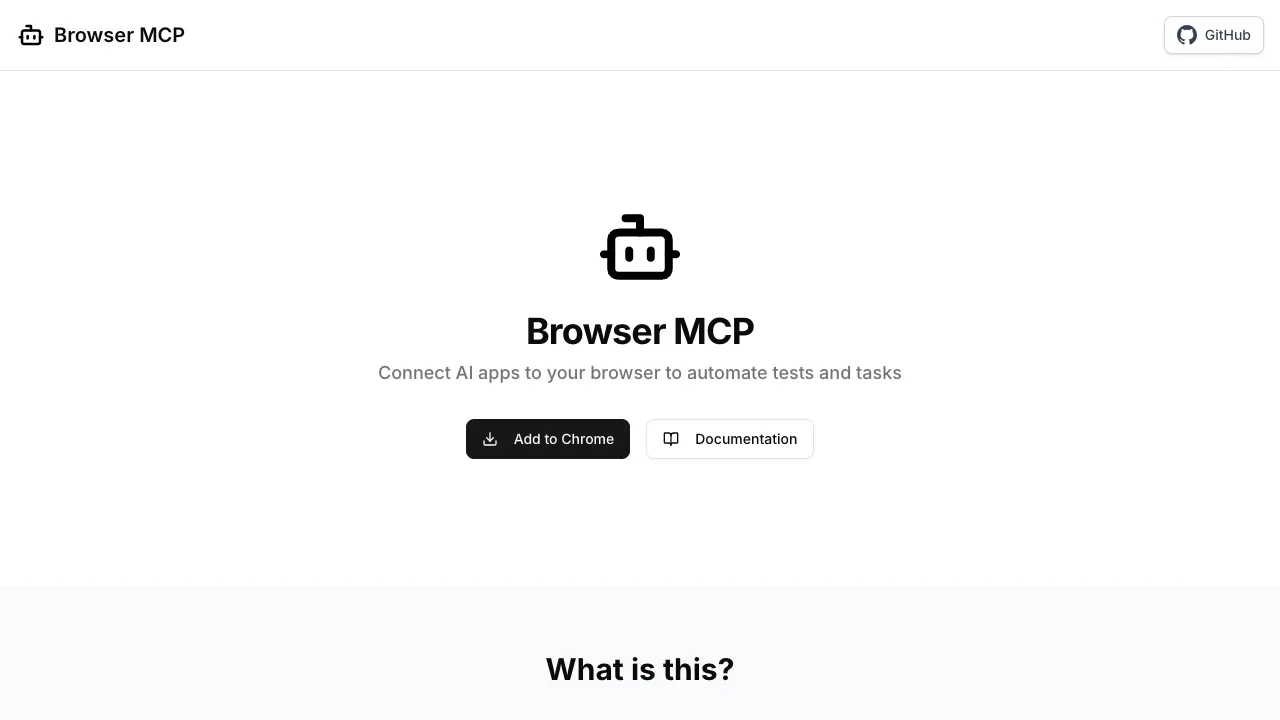
Browser MCP connects AI applications to your everyday browser so they can automate tasks in services you're already signed into. It's for people who want browser automation through their AI assistant without opening a separate browser session.
- AI app connections: An MCP server and Chrome extension let you control the browser through VS Code, Claude, Cursor, and Windsurf.
- Existing sessions: Automation uses your current browser profile, preserving access to services where you're already logged in.
- Browser identity: Using your real browser fingerprint helps avoid basic bot detection and CAPTCHA checks that can block automated browsers.
The browser automation runs locally on your machine, and Browser MCP keeps that activity on your device rather than sending it to remote automation servers. This describes the automation component, not where a connected AI application processes its requests.
The project is open source under the Apache 2.0 license and builds on the Playwright MCP server, adapted to use your existing browser. The repository can't be built independently because it depends on shared utilities and types from its development monorepo.
 Logotyper


