
Claude Command Center
A local coding agent dashboard for macOS, Linux and Windows that tracks terminal sessions and coordinates Claude Code, Codex and other agents.
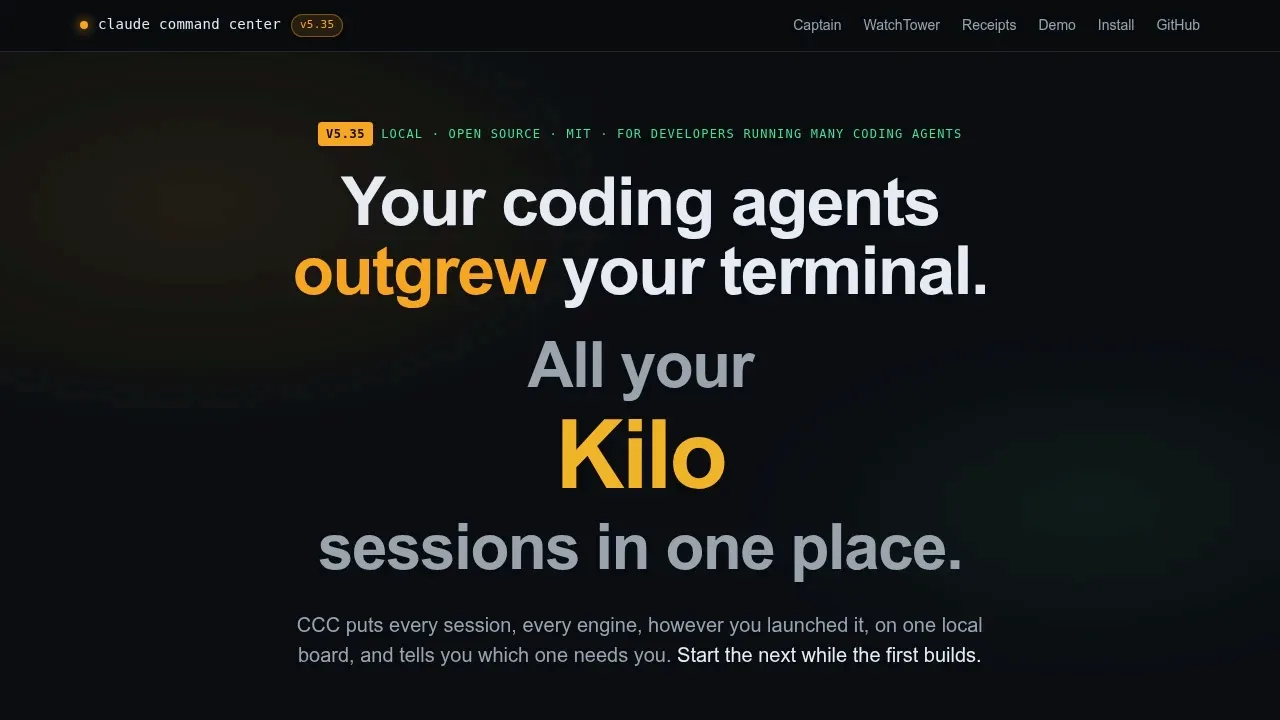
Claude Command Center helps developers keep track of coding agents working across multiple projects. It finds sessions launched in a terminal as well as through the dashboard, and agents keep running when you close it.
- Session monitoring: Track Claude Code, Codex, Cursor, Antigravity, Kilo Code, Kimi Code, OpenCode and Devin, with the fullest support for Claude Code and controls that vary by engine.
- Attention alerts: See questions awaiting your reply, context warnings and Claude and Codex usage limits, with desktop notifications on macOS.
- Workspace views: Organize sessions in kanban columns, a project tree or a zoomable canvas, compare conversations side by side and search Claude Code and Codex history.
- Agent coordination: Send browser follow-ups to supported engines, let agents exchange messages in group chats and assign persistent queue tickets to workers for fixing and verification.
- Repository workflows: Give parallel tasks separate git worktrees and turn GitHub issues into sessions through the gh CLI; optional Vercel monitoring requires the Vercel CLI and starts repair sessions for failed production deployments.
The dashboard runs locally on macOS, headless Linux and Windows. It requires no CCC account and is free to use at work, with source available. Browser access defaults to the local machine; optional access from a phone or another computer uses a trusted private network.
Engine support has limits: Kilo Code can't resume sessions, Cursor IDE synchronization covers metadata only, and Devin cloud sessions are read-only. Model providers can process data outside your machine. The optional keyless provider logs prompts for training and requires consent before activation.


