
Cloud CLI
A self-hosted web UI lets you manage Claude Code, OpenCode, Cursor CLI and Codex sessions from desktop or mobile, with file editing and Git controls.
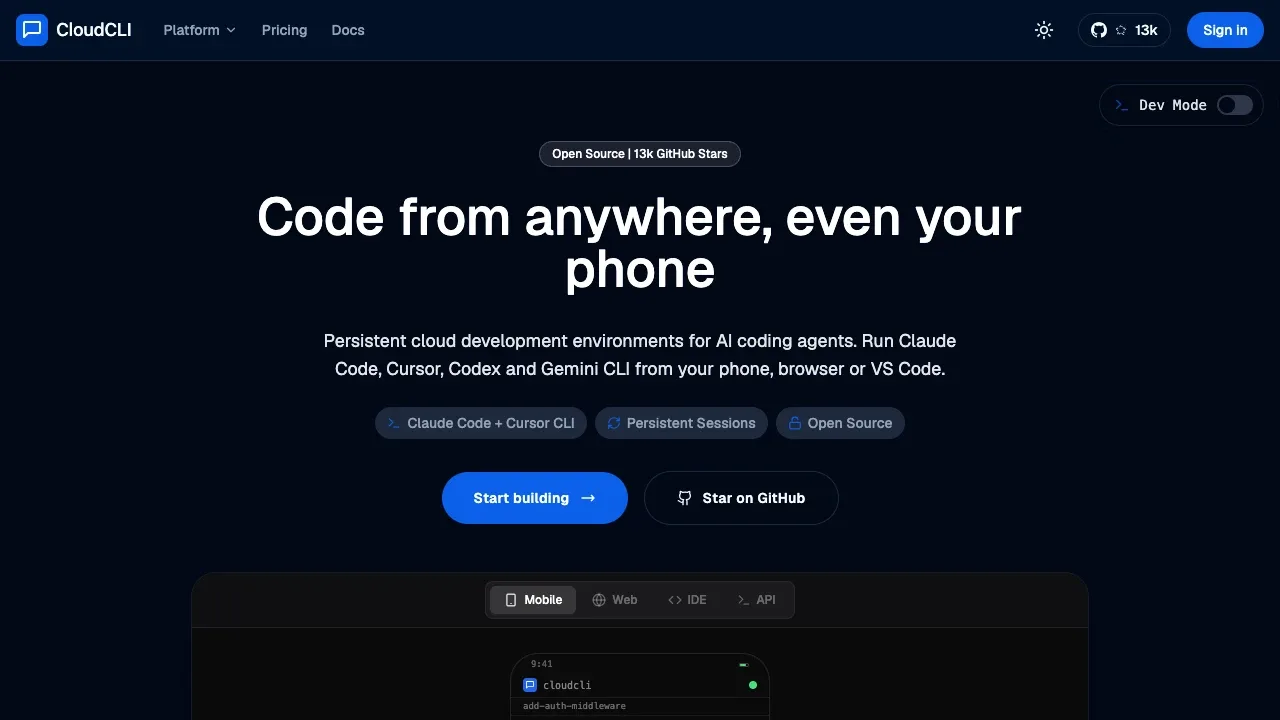
Cloud CLI is a browser interface for developers who want to work with coding agents and manage projects from a computer or phone. It connects to Claude Code, OpenCode, Cursor CLI and Codex, so you can access agent sessions beyond the terminal.
- Chat and sessions: Chat with agents, resume conversations, review history and manage multiple sessions, with automatic discovery of existing local sessions.
- Files, Git and terminal: Browse and edit project files with syntax highlighting, stage and commit changes, switch branches and use an integrated shell terminal.
- Browser tasks: Open browser sessions for web research, testing and tasks carried out by an agent.
- Claude Code settings: Manage MCP servers and tool permissions through the UI, which shares Claude Code's native configuration and sessions.
- Plugins and planning: Add custom tabs and integrations, use plugins for scheduled agent prompts or task queues, and connect TaskMaster AI for task planning and project workflow automation.
The self-hosted UI is free and open source under AGPL-3.0. It runs on your machine or server and supports desktop, tablet and mobile browsers. An optional desktop companion is available for macOS and Windows. Your self-hosted machine must stay on for access; mobile browsers can connect over your network.
CloudCLI Cloud is a separate hosted development environment with team sharing and agents that keep running when your computer is off. Authenticate the coding agents you connect; Cloud CLI supplies the interface and environment. Claude Code tools are disabled by default until you enable them.
 Logotyper


