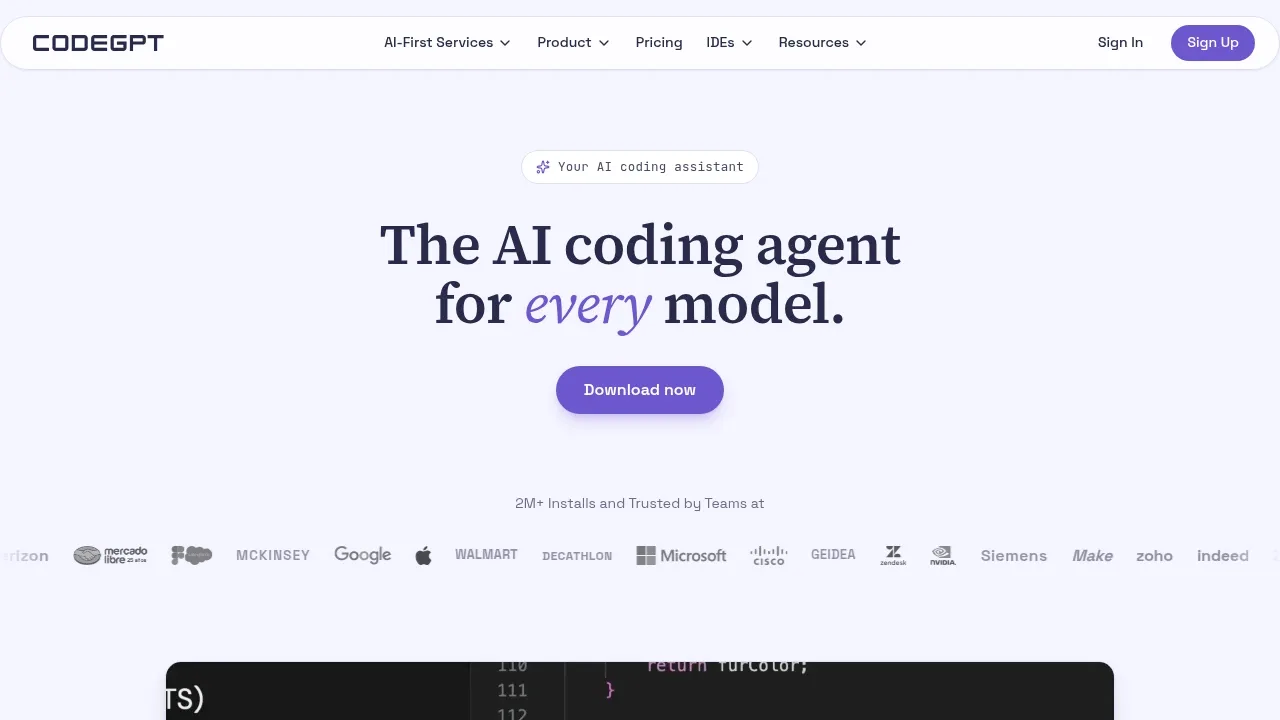
CodeGPT is an AI coding assistant for VS Code, JetBrains and Visual Studio that lets developers choose between models running locally through Ollama or LM Studio and cloud models such as Claude, GPT, Gemini and Grok. It's for people who want help writing and debugging code inside their editor while keeping control over which model handles each task.
The agent reads your codebase before proposing a plan, which you can edit before it writes code. It supports code generation, refactoring and debugging, and shows the files it reads and the edits it suggests. You approve its actions. It can also run terminal commands, with approval required before commands make changes.
Model choice is central to the product. You can switch models between tasks without moving your code or connect cloud services with your own API keys. Local models run on your hardware; choosing a cloud model sends code to that service. CodeGPT states that your code stays under your control unless you choose cloud AI.
For work that needs context beyond the repository, MCP connections let the assistant access APIs, documentation and databases. Project rules guide it toward your coding standards, while a live context display shows how much context it uses. Team features include centralized billing and an admin dashboard with usage statistics.
Claim this page with an email at codegpt.co. CodeGPT gets the verified badge, and you can upgrade the listing to be featured on localhosted. Proud to be listed? Put our badge on your site.
Want more people to find CodeGPT?Promote it
Something wrong or outdated on this page?
69.6KUpdated 2 hours agoApache-2.0
macOS · Windows · VS Code · JetBrains#Code execution#Git integration#Human approval
Cline is an AI coding agent for developers who want help understanding a codebase and changing it. Its shared agent core is open source under Apache 2.0. You can use it in VS Code, JetBrains IDEs, or a terminal. A native desktop app runs on macOS and Windows. No editor is required for desktop sessions. The JetBrains plugin itself is not open source.
36.1KUpdated 2 months agoApache-2.0
VS Code · JetBrains#Code execution#Human approval#MCP
28.2KUpdated 1 day agoApache-2.0
macOS · Windows · Linux · Web · VS Code · JetBrains#Code execution#Git integration#MCP
27.5KUpdated 36 minutes agoMIT
VS Code · JetBrains#Code execution#Git integration#MCP
3.5KUpdated 4 months agoBSD-3-Clause
VS Code · JetBrains#Code execution#Persistent memory#RAG
29.9KUpdated 1 day ago
Docker · JetBrains#Code execution#MCP#Persistent memory
Continue is an open-source coding agent available as a CLI, VS Code extension and JetBrains plugin. Continue was acquired by Cursor, and the project is no longer actively maintained. Its repository is read-only, and its software uses the Apache 2.0 license.
Qwen Code is an Apache 2.0 licensed AI coding agent for developers who want help working through a codebase, changing code and checking the result. It runs on macOS, Windows and Linux, with a terminal interface and a desktop app. It builds on Google Gemini CLI and has developed into an agent that can use Qwen models alongside other model providers.
Kilo Code is an AI coding agent for developers who want help writing and understanding code in their editor or terminal. It runs in VS Code, JetBrains IDEs and the CLI, with cloud agents available for remote work. The project is open source under the MIT license and can be self-hosted.
Refact is a self-hosted AI coding assistant for developers who want an agent to work across their repository and development tools. The original project is archived and no longer maintained; ongoing development has moved to JegernOUTT/refact. The original code uses the BSD-3-Clause license.
Serena is a locally run MCP toolkit that gives AI coding agents access to code structure: functions, classes and the references between them. It's for developers who want their agent to find and change specific parts of a codebase without reading whole files or relying on text matching. It requires an LLM client and works with Claude Code, Codex, OpenCode, Cursor and OpenWebUI.