
Gemini CLI
An open-source terminal AI agent edits code, runs shell commands and searches the web using Google's cloud Gemini models.
Alternative to:


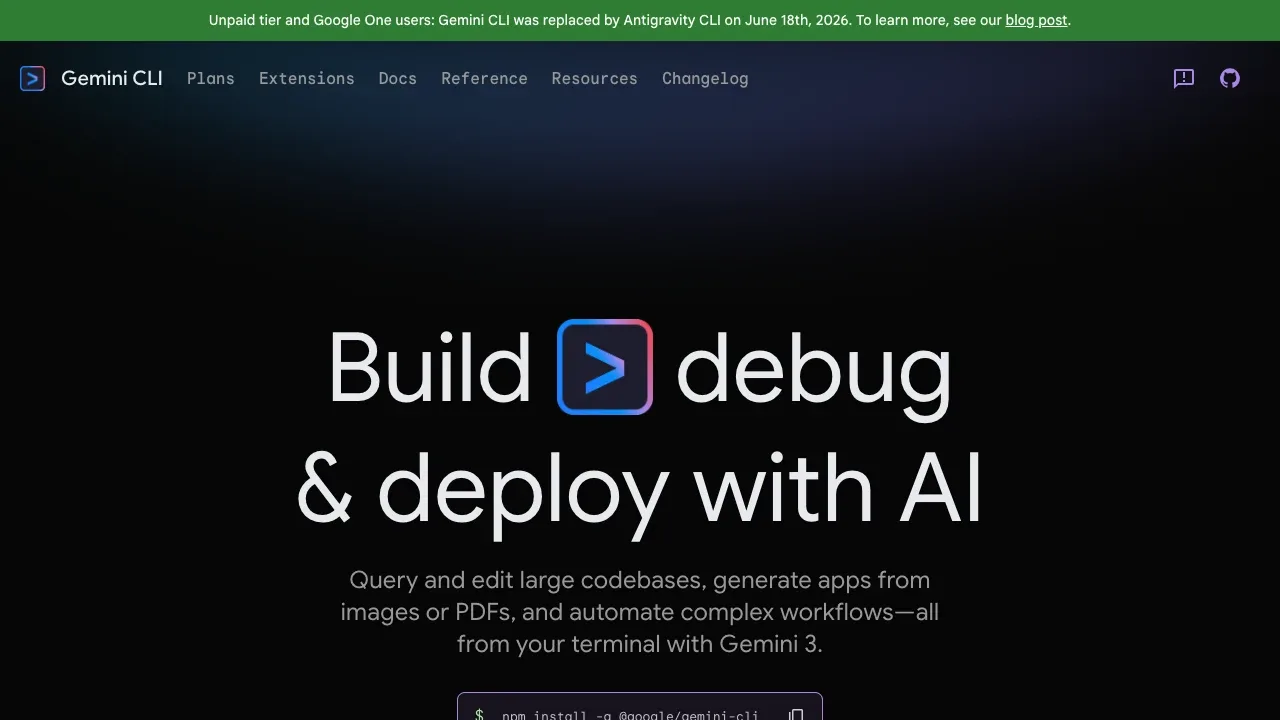
Gemini CLI is a coding assistant for developers who want to work with an AI agent in their terminal. It can inspect a codebase and act on files and shell commands, with Gemini handling the model responses in Google's cloud.
- Code editing and debugging: Ask questions about large codebases, make edits, troubleshoot errors or generate apps from PDFs, images and sketches.
- Web research: Use built-in Google Search and web fetching to bring current information into a task.
- Automation: Run tasks through scripts, or use the Gemini CLI GitHub Action for pull request reviews, issue triage and assistance in issues and pull requests.
- Connected tools: Add capabilities through MCP servers, including media generation with Imagen, Veo or Lyria, and work with the VS Code companion.
- Project context and saved sessions: Give the agent project-specific guidance through GEMINI.md files and save conversations to resume later.
The client runs locally, with macOS, Linux and Windows installation options, and is open source under Apache License 2.0. Model requests go to Google's cloud services, so it needs an internet connection and Google account authentication, a Gemini API key or Vertex AI access. It supports Gemini models, including Gemini 3; it doesn't run them offline on your hardware.
 Logotyper


