
Codex CLI
An open source coding assistant for local repositories on macOS, Windows, and Linux, with code editing, review, and scriptable tasks.
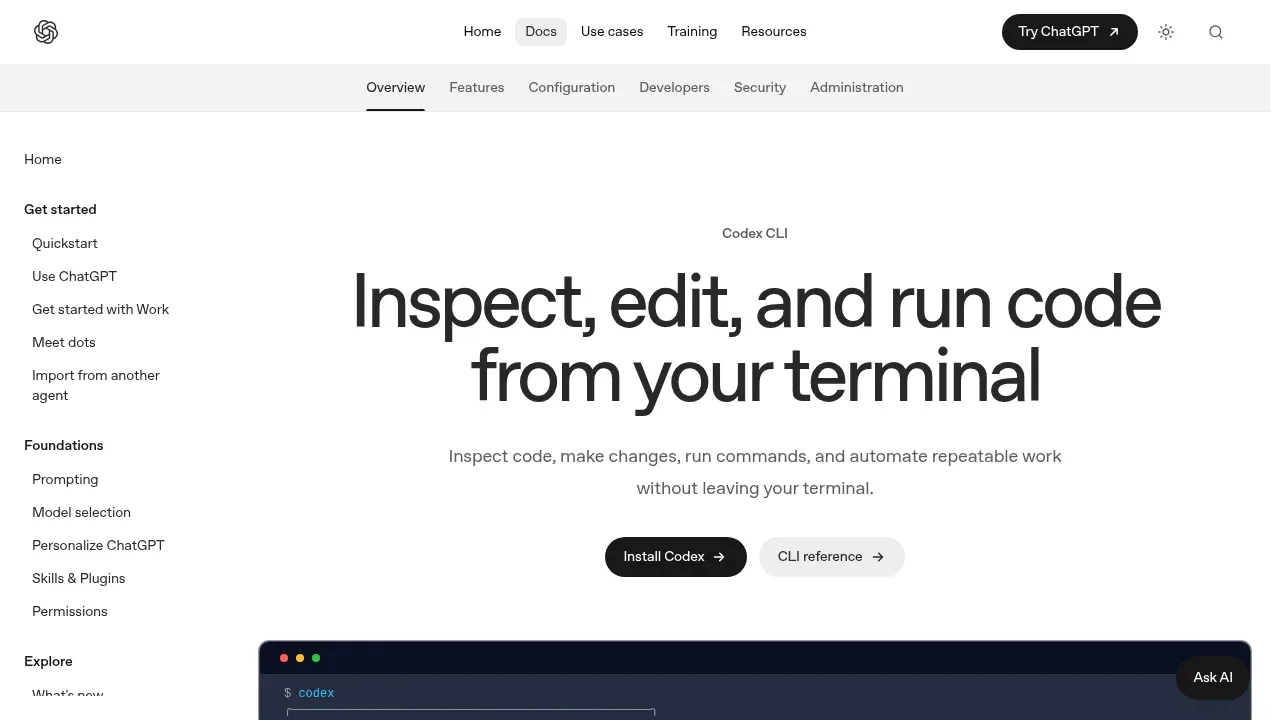
Codex CLI is an open source coding assistant that runs on your computer and works with local repositories. It's for developers who want to explore code, make changes, and use their existing development tools from the terminal. It runs on macOS, Windows, and Linux under the Apache 2.0 license.
The agent can inspect files, edit code, and run commands. You choose its permissions and can see commands and diffs as a task progresses. A separate review mode checks uncommitted changes, a commit, or changes against a base branch without editing the working tree. You can steer an active task and return to a saved session later.
Codex CLI also fits repeatable work: its noninteractive mode can run tasks from scripts and CI. It accepts images, including screenshots and diagrams, as context for a task. Skills provide reusable instructions, while plugins and MCP servers connect it to other tools and data. Web search is available when a task needs current information.
The CLI runs locally, but getting started involves signing in through ChatGPT or another available method. You can choose the model and reasoning effort for a session. Codex cloud is a separate option for submitting work to a configured environment and applying the result to your local repository.


