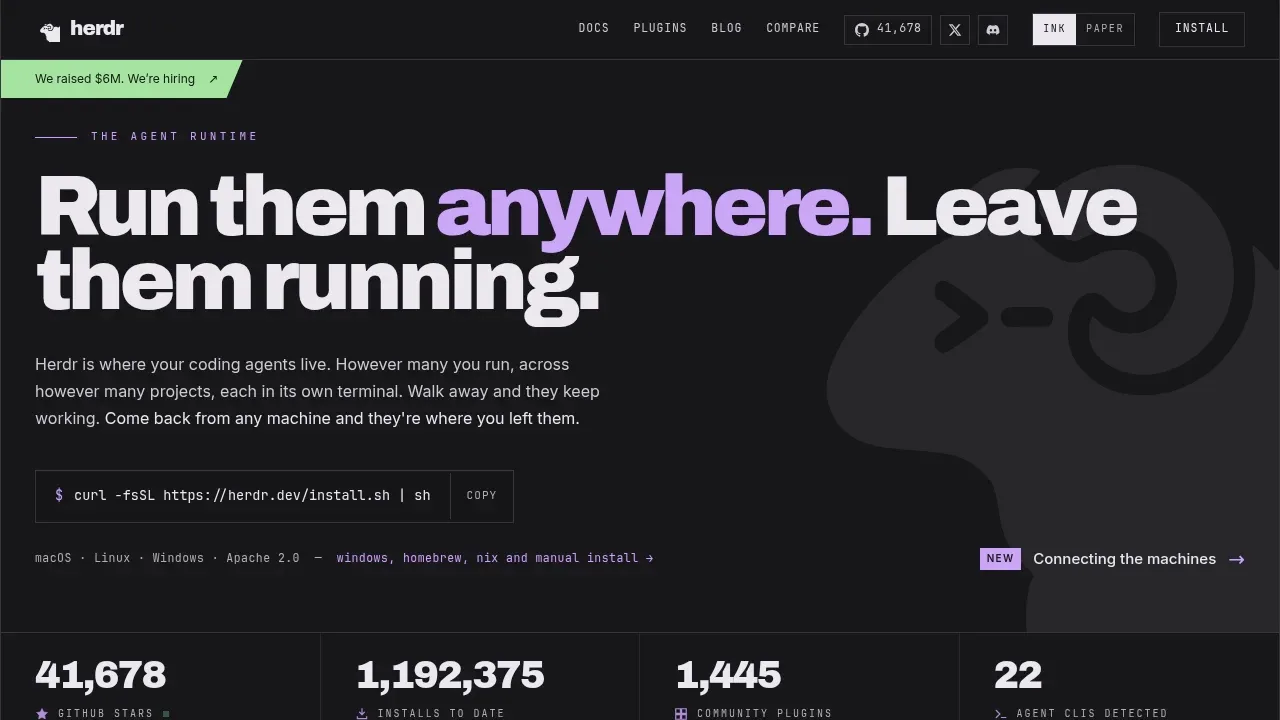
Herdr keeps coding agents in persistent terminals on your laptop, desktop or rented server. It's for developers managing several agents or projects who want to disconnect and return to the same work later. A background server holds the terminals independently of the client, so closing the client or losing an SSH connection doesn't stop the work on the host.
It works with the agent CLIs you already use, including Claude Code, Codex, Cursor, opencode and Grok. Herdr manages their terminals rather than replacing the agents. Each pane shows whether an agent is working, blocked or idle, so you can see which one needs an answer without checking every session.
Local workspaces and remote machines connected over SSH appear together in one terminal interface. Each remote machine reconnects independently. After a server or machine restart, Herdr restores the saved layout and can resume supported agent sessions; the original processes don't survive the restart.
Agents can also control Herdr through its CLI and socket API. They can create panes, start other agents, send prompts and wait for another agent to reach a blocked state. Plugins extend panes and workflows, while keyboard shortcuts and mouse controls support splitting and arranging the workspace.
Herdr is open source under Apache 2.0 and runs on macOS, Linux and Windows. Its Rust binary runs inside your existing terminal without Electron.
Claim this page with an email at herdr.dev. Herdr gets the verified badge, and you can upgrade the listing to be featured on localhosted. Proud to be listed? Put our badge on your site.
Want more people to find Herdr?Promote it
Something wrong or outdated on this page?
148.8KUpdated 13 hours ago
macOS · Windows · Linux#Code execution#Git integration#Human approval
Claude Code is an AI coding agent for developers who want to delegate work across a repository, from bug fixes to longer refactors and migrations. It runs locally on macOS, Linux, and Windows, but sends requests to cloud model APIs. It is proprietary software and requires authentication to a supported model service.
127.4KUpdated 13 hours agoApache-2.0
macOS · Windows · Linux#Code execution#Git integration#Human approval
3.3KUpdated 19 hours agoMIT
macOS · Windows · Linux · Web#Code execution#Git integration#Multi-agent workflows
106Updated 2 weeks ago
macOS · Windows · Linux · Web#Agent Skills#Code execution#Git integration
Albert coordinates Claude Code agents for developers who want to hand off a coding goal across several tasks. Its harness and dashboard run locally on Windows, macOS or Linux, and it requires an installed, signed-in Claude Code account. It assigns work to Haiku, Sonnet or Opus according to the task and continues until the goal is complete or it reaches a requested review checkpoint.
42Updated 2 days ago
macOS · Windows · Linux · Docker#Agent Skills#Code execution#Distributed execution
41KUpdated 13 hours agoMIT
macOS · Windows · Linux · Android · Docker · Web#Agent Skills#Code execution#Human approval
Codex CLI is an open source coding assistant that runs on your computer and works with local repositories. It's for developers who want to explore code, make changes, and use their existing development tools from the terminal. It runs on macOS, Windows, and Linux under the Apache 2.0 license.
Agent of Empires is a self-hosted session manager for developers running several AI coding agents at once. It runs on Linux and macOS, with Windows support through WSL2, and lets you monitor parallel work from a terminal interface or a browser on your phone.
Code Buddy is an AI coding assistant for developers who want a terminal agent running on their own machine, with a choice of local or cloud models. It reads repositories, edits code and runs commands on Linux, macOS and Windows. Ollama keeps model inference local without an API key or account; cloud providers send model requests off the machine. Routing includes automatic provider failover.
Codewhale is a coding agent that runs on your computer and works with a model you choose. It's for developers who want help understanding a project, fixing bugs or automating repeated work, with control over the agent's access to files and commands. The open-source project uses the MIT license and is written in Rust.