
LocalText2Voice
Open-source text-to-speech desktop app for Windows and Linux with offline narration, voice cloning and optional cloud speech APIs.
Alternative to:


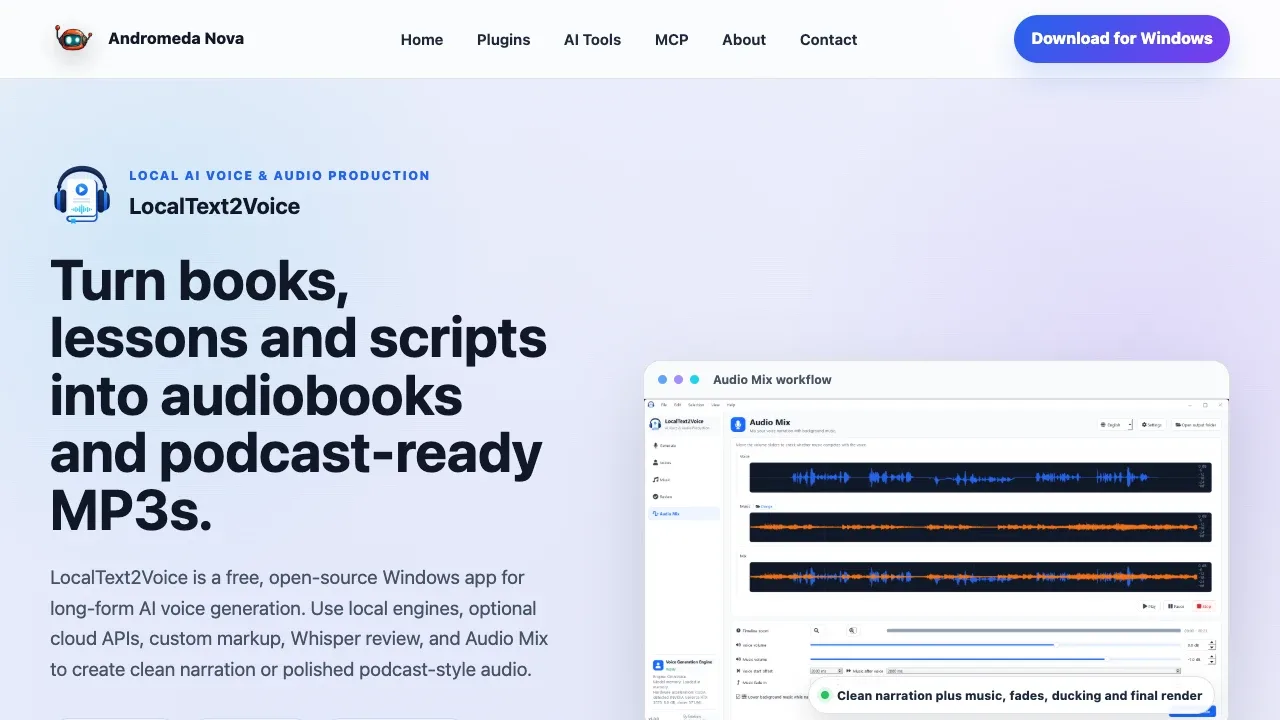
LocalText2Voice is an MIT-licensed desktop app for people producing audiobooks, lessons and podcasts from long texts. Its local speech engines work offline after model downloads, keeping your text and generated audio on your computer. It runs on Windows and Linux; macOS isn't officially supported.
The app handles chapters and editable narration segments, so you can correct a passage without regenerating the whole book. It imports TXT, Markdown, DOCX and DRM-free EPUB files, preserves book metadata and cover art, and exports structured M4B audiobooks as well as MP3, FLAC and other audio formats. Narration controls cover voice changes, pauses, speed and volume.
Piper and Kokoro suit computers without a powerful GPU. Chatterbox and Qwen3 TTS support local voice cloning, while IndexTTS provides cloning and emotion controls. Most engines can use the CPU, though generation may be much slower; GPU acceleration focuses on NVIDIA CUDA. The optional OmniVoice and F5-TTS Russian models have non-commercial license restrictions separate from the app's MIT license. IndexTTS models also carry their own upstream terms.
Cloud speech is optional. OpenAI TTS, ElevenLabs, Google Gemini TTS and Azure Speech process narration remotely, and custom HTTP connections support private speech servers.
For quality checks, optional Faster Whisper compares generated speech with the source text and flags segments for review or retry. You can edit, regenerate or trim individual segments, export timed subtitles, and mix narration with background music, volume fades and ducking.
A local MCP interface exposes narration and storyboard workflow controls for compatible clients.


