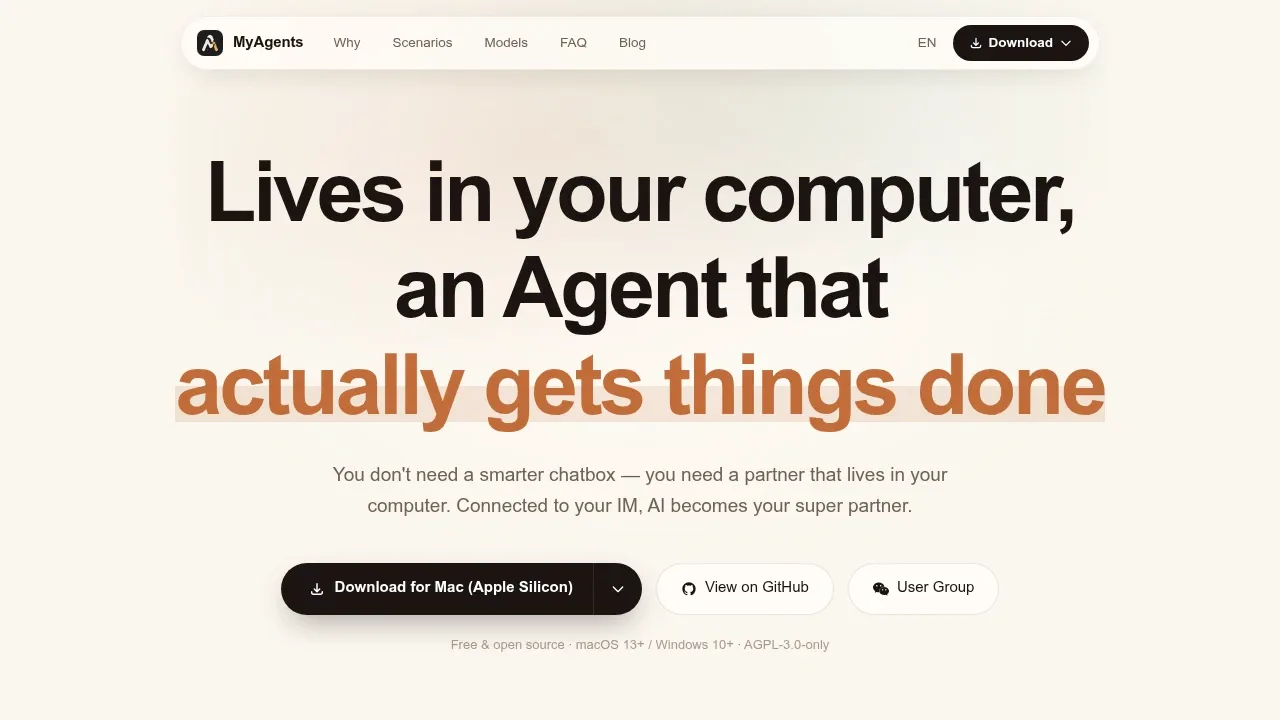
MyAgents is a desktop AI agent workspace for people who want AI to act on their files and handle ongoing tasks through a graphical interface. It runs on macOS 13 or later and Windows 10 or later, with Apple Silicon and Intel support on Mac. The app is open source under AGPL-3.0.
Each agent works in a real project folder, with access to files, a terminal and an embedded browser. Separate tabs run independent agents in parallel. Project memory carries context between conversations, while local search covers chat history and workspace files. This suits coding, document work and recurring jobs that need access to your computer.
The task center holds ideas and executable tasks, with one-time or recurring schedules, status tracking and execution logs. Agents can produce daily briefings, monitor changes or handle GitHub issues. Skills provide reusable workflows, sub-agents divide work, and MCP connects external tools and data sources.
Feishu, DingTalk and Telegram bots let you contact the agent in private or group chats, send files and images, and direct your home computer remotely.
MyAgents uses the Claude Agent SDK and supports providers including Anthropic, Google Gemini, DeepSeek and OpenRouter with your own API key. The desktop app stores conversations, tasks, settings and generated artifacts locally by default; model requests go to the provider you choose. Custom agents can have separate models, tools and permissions for each workspace.
Claim this page with an email at myagents.io. MyAgents gets the verified badge, and you can upgrade the listing to be featured on localhosted. Proud to be listed? Put our badge on your site.
Want more people to find MyAgents?Promote it
Something wrong or outdated on this page?
2.2KUpdated 2 days agoMIT
macOS · Windows · Linux · Docker · Web#Agent Skills#Code execution#Git integration
LiveAgent is a desktop AI agent for people who want an assistant that can work on files and run commands on their own computer. It runs on macOS, Windows and Linux, and the desktop app doesn't require a separate server. It's open source under the MIT license.
169Updated 3 months agoMIT
macOS · Windows#Agent Skills#Code execution#Git integration
326Updated 6 months agoMIT
macOS · Windows · Linux · Docker#Code execution#Guardrails#Hybrid search
6.5KUpdated 1 week ago
macOS · Windows · Linux#Agent Skills#Code execution#Git integration
CodePilot brings Claude Code, Codex and its built-in agent into a desktop workspace for coding, project work and everyday tasks. It runs on macOS, Windows and Linux, and suits people who want local models and cloud services available in the same app.
467Updated 11 hours agoMIT
macOS · Windows#Agent Skills#Code execution#Human approval
1.7KUpdated 3 days ago
macOS · Windows · Linux · iOS · Android · Web#Agent Skills#Code execution#Human approval
Halo puts Claude Code and Codex in a visual desktop app for people who want AI agents to work with files, write code and handle recurring tasks. It runs on macOS, including Intel and Apple Silicon, Windows and Linux. The desktop app doesn't require a separate backend server. Model access uses Anthropic, OpenAI, DeepSeek or compatible APIs, so running the app locally doesn't make those services offline.
Selene is an MIT-licensed desktop app for macOS and Windows that combines AI agents with coding, browser tasks and personal assistants. It supports fully offline use with local models, plus connections to WhatsApp, Telegram, Slack and Discord for interacting with agents through messaging apps.
Clawlet is a self-hosted personal AI agent for people who want an assistant on their own machine or server, with searchable memory across conversations. Written in Go, it ships as a standalone binary with no separate runtime dependency. It supports macOS on Apple Silicon and Docker deployment, and it's open source under the MIT license.
CoWork OS is a local-first AI agent desktop for developers and people who work with documents, research and email. It brings agent tasks, files, terminals and browser work into one workspace, with visible actions and approval controls. The app is open source under the MIT license, and runs on macOS and Windows.