
n8n-MCP
An MCP server connects AI assistants to n8n to build, validate and debug workflows, with a free MIT-licensed self-hosted option.
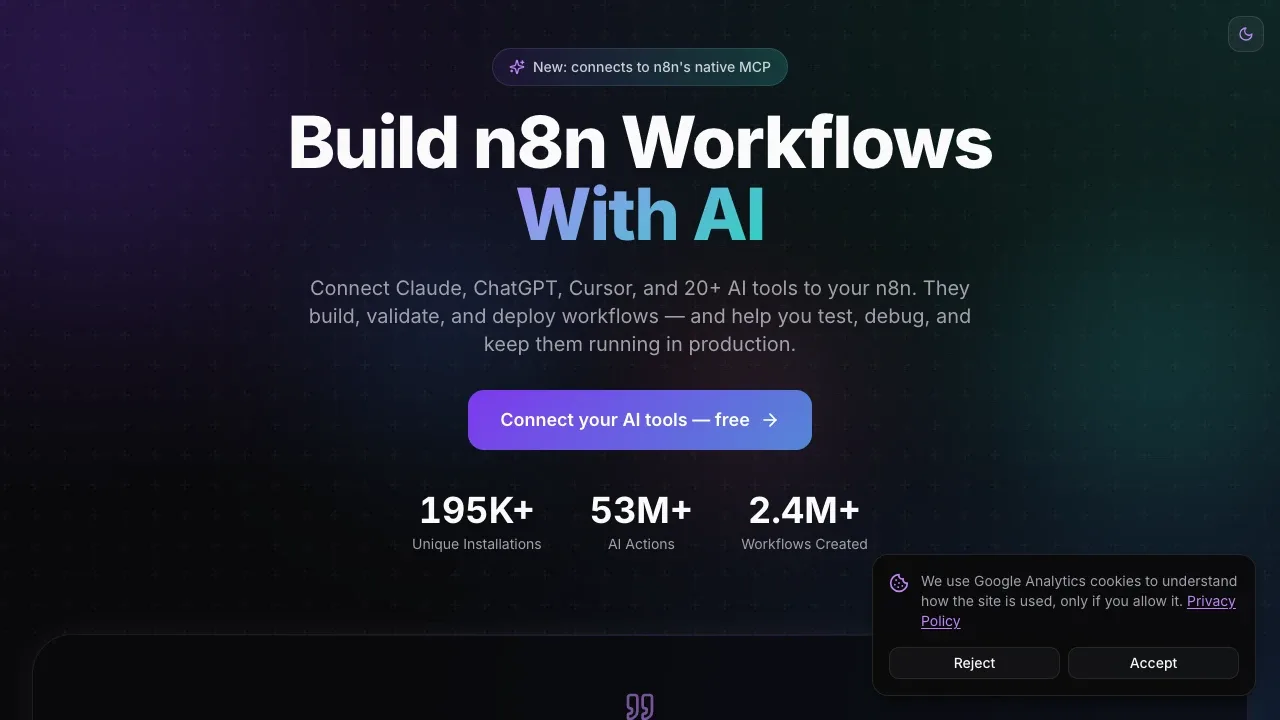
n8n-MCP connects AI assistants to n8n so automation builders can create and maintain workflows through tools such as Claude, ChatGPT and Cursor. It's a connector for an assistant you already use, rather than a standalone AI agent.
- Workflow creation and editing: Your assistant can read existing workflows, make targeted changes and deploy them directly to your n8n instance.
- Node and template search: Give your assistant access to node documentation, configuration schemas, community integrations and workflow templates so it can work with concrete examples.
- Validation and debugging: Check node settings and workflow structure, test workflows, inspect execution logs and apply automatic fixes for detected errors.
- Version recovery: Restore workflows from snapshots or n8n's native version history when a change needs reversing.
- Live instance context: With n8n's native MCP connection enabled, your assistant can look up actual dropdown values, work with n8n Agents and test workflows using pinned data.
The free, open-source server uses the MIT license and runs on your own machine or server, including through Docker. Self-hosting doesn't require an n8n-MCP account and can reach localhost n8n instances that the hosted service can't access. A managed hosted service is also available, with OAuth connections and support for multiple n8n instances.
Self-hosting keeps the connector on your infrastructure. The connected AI assistant can read the workflow and execution information you give it access to; running the connector locally doesn't make that assistant local. Native MCP capabilities require an additional connection to n8n's instance-level MCP server.
 Logotyper


