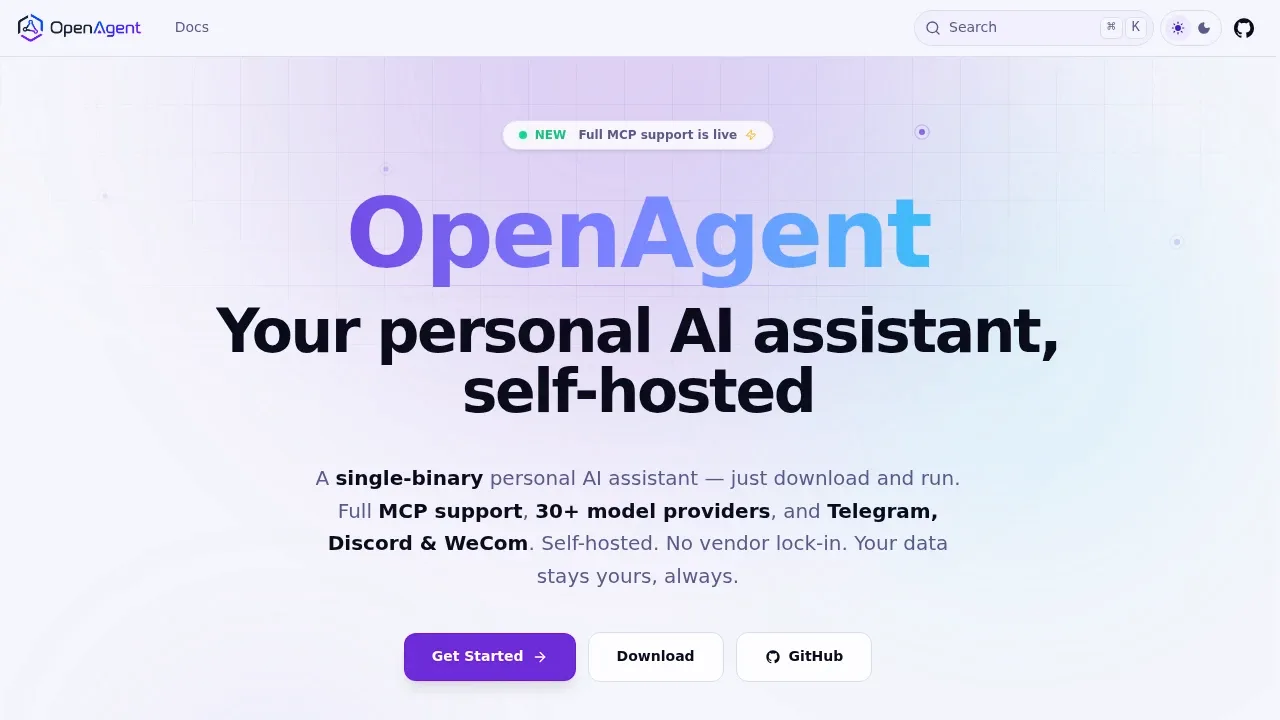
OpenAgent is a self-hosted personal AI assistant that combines document search with agents that can act on your behalf. It's for people who want an assistant on their own computer or server, and teams building agents around their documents and workflows. It runs natively on Windows, macOS and Linux as a single executable. It's free and open source under Apache 2.0.
You can use local models through Ollama or connect cloud providers such as OpenAI, Claude, Gemini and DeepSeek. The platform supports air-gapped deployments, with local models and local embeddings available. Self-hosting keeps the platform in your infrastructure; cloud model connections send requests to the selected provider.
Agents can use MCP-compatible tools, operate a browser, search the web and execute code or shell commands. They can also read and write Word, Excel and PowerPoint files. Persistent memory supports tasks across multiple steps, while visible tool calls let you inspect what an agent requested and what came back.
The knowledge base searches uploaded PDFs, documents and spreadsheets for relevant passages to use in responses. You can keep separate knowledge stores for different chats or applications. A visual workflow editor supports branching and parallel tasks, and recurring schedules can trigger workflows or agent jobs.
The same agent can connect to Telegram, Discord and WeCom. Custom plugins extend tools, model providers and workflows. For shared deployments, OpenAgent includes Casdoor sign-on, role-based access controls, isolated workspaces and audit logs.
Claim this page with an email at openagentai.org. OpenAgent gets the verified badge, and you can upgrade the listing to be featured on localhosted. Proud to be listed? Put our badge on your site.
Want more people to find OpenAgent?Promote it
Something wrong or outdated on this page?
886Updated 2 weeks agoMIT
macOS · Windows · Linux · Docker · Web#Agent Skills#Code execution#Guardrails
PocketPaw is a self-hosted AI agent for people who want a personal assistant that can work with files, write code and use a browser on their own computer or server. It runs on macOS, Windows and Linux, with a web dashboard and access through messaging apps. It is open source under the MIT license.
nurgo-software.comAI Workflow Automation
Windows#Code execution#Multi-agent workflows#Multimodal input
enconvo.comAI Workflow Automation
macOS · iOS#LM Studio integration#MCP#MLX
66.6KUpdated 2 hours agoMIT
macOS · Windows · Linux · Android · Docker · Web#LM Studio integration#MCP#Multimodal input
52.3KUpdated 56 minutes agoAGPL-3.0
macOS · Windows · Linux#LM Studio integration#MCP#Multilingual
18.3KUpdated 24 hours agoMIT
macOS · Windows · Linux · Docker · Web#Human approval#Hybrid search#llama.cpp backend
BrainSoup is a proprietary native Windows app for people who want custom AI agents to handle work on their desktop. You can give agents distinct roles and access to different data, then have them collaborate in shared chat rooms. Natural-language conversations guide their tasks and automations.
Enconvo is a native AI assistant and agent for Mac that can use your screen and selected text as context, then work inside your apps. It's for people who want help with writing, research and everyday tasks alongside the app they're using. A sidebar keeps the agent beside the current app, while text selection tools give quick access to editing and translation.
AnythingLLM is an open source AI assistant for people who want to chat with their documents and use AI agents on their own hardware. The desktop app runs on Windows, macOS and Linux, while a Docker deployment supports multiple users on a self-hosted server. No account is required for the desktop app.
Cherry Studio is a free, open source desktop app for people who use several AI models and want their conversations in one place. It runs on Windows, macOS and Linux. Chats, settings and knowledge base files are stored on your device.
DocsGPT is an MIT-licensed, open-source platform for teams that want AI search, assistants and agents over their own documents. It can run on your servers with local models, including fully air-gapped deployments where documents and questions stay inside your network. Answers include the source title and page number so readers can check the evidence.