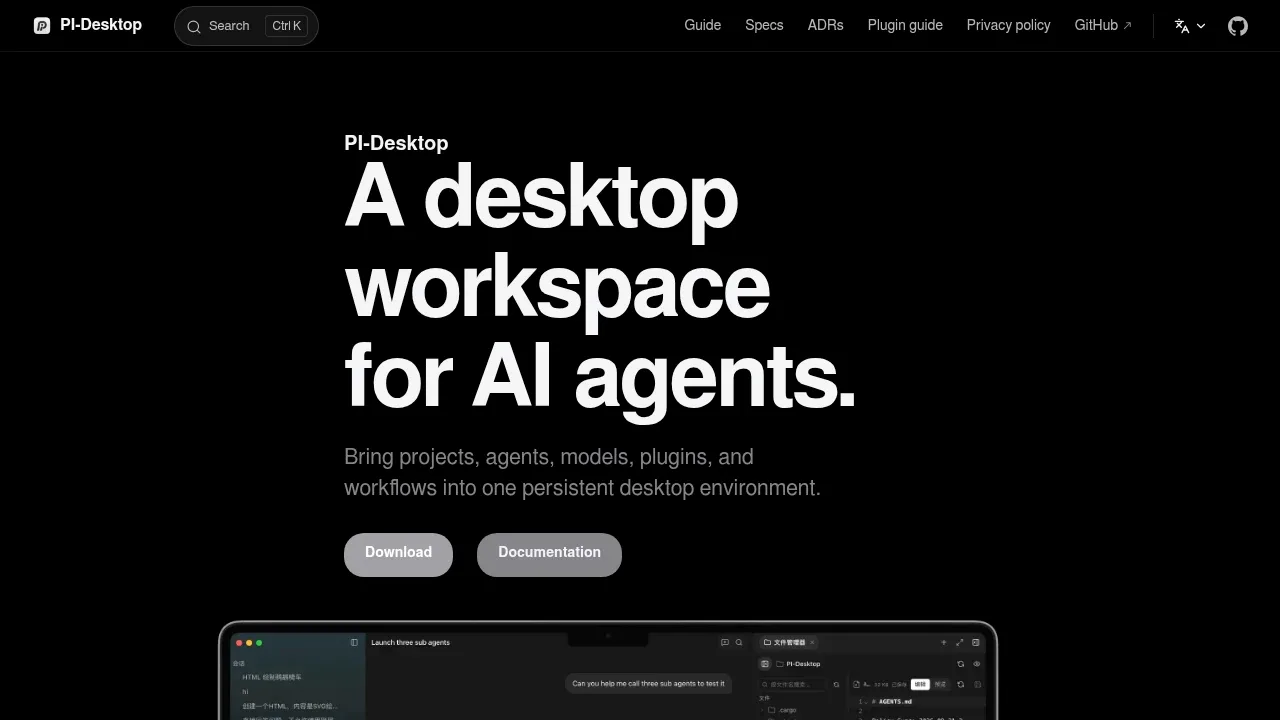
Pi Desktop is an open source desktop workspace for developers who want AI coding agents outside a specific editor or terminal. It keeps projects, sessions, code reviews and previews in a persistent environment on macOS, Windows and Linux. You can connect local models, cloud providers or custom gateways and switch models within a session.
The agent can read code, edit files, run commands and test its work. Plan mode lets you review an approach before execution; Goal mode gives the agent an objective and acceptance criteria for longer tasks. Privileged operations pass through a permission layer.
For parallel work, subagents handle independent tasks in their own contexts and report back to the parent. Worker Sessions handle longer assignments, with each worker available as a separate session you can inspect. Sessions also support branching, search and queued prompts, alongside diff reviews and command output.
Plugins extend both the agent and the desktop. They can add skills, agent tools, panels, floating widgets and background services, or connect local and remote MCP servers. The application combines Electron, a Rust host core and the pi Agent Harness, and uses the LGPL-3.0 license.
No account is required. Projects, sessions, settings and logs stay local by default, credentials live in the OS keychain, and Pi Desktop collects no telemetry. With a remote model, the context needed for a request goes directly to your configured provider without a mandatory Pi Desktop relay.
Claim this page with an email at pi-docs.aiuo.net. Pi Desktop gets the verified badge, and you can upgrade the listing to be featured on localhosted. Proud to be listed? Put our badge on your site.
Want more people to find Pi Desktop?Promote it
Something wrong or outdated on this page?
106Updated 2 weeks ago
macOS · Windows · Linux · Web#Agent Skills#Code execution#Git integration
Albert coordinates Claude Code agents for developers who want to hand off a coding goal across several tasks. Its harness and dashboard run locally on Windows, macOS or Linux, and it requires an installed, signed-in Claude Code account. It assigns work to Haiku, Sonnet or Opus according to the task and continues until the goal is complete or it reaches a requested review checkpoint.
914Updated 4 days agoAGPL-3.0
macOS · Windows · Linux#Agent Client Protocol#Agent Skills#Code execution
14.8KUpdated 2 hours agoMIT
macOS · Windows · Linux · Web#Agent Skills#Code execution#Git integration
34.4KUpdated 2 months agoApache-2.0
macOS · Windows · Linux · Docker · Web#Batch processing#Human approval#MCP
148.8KUpdated 16 hours ago
macOS · Windows · Linux#Code execution#Git integration#Human approval
51Updated 2 months agoMIT
macOS · Windows · Linux · Web#Agent Skills#Code execution#Git integration
AQBot brings multi-provider chat, coding agents and a local API gateway into one desktop app for people who use several AI services. It runs on macOS, Windows and Linux and is free, open source under AGPL-3.0. Application data and user files stay on your machine; chats sent to cloud providers use their APIs.
cc-haha is a desktop workspace for Claude Code and AI agents, aimed at developers who want coding tasks, change review and work across apps in one place. It runs on macOS, Windows and Linux, with Intel, AMD and ARM builds. The app is open source under the MIT license.
ChatDev is a self-hosted platform for building teams of AI agents through a visual workflow editor. It's for people who want agents to collaborate on research, data analysis or software projects without writing the orchestration code themselves. You define each agent's role and how information passes between them.
Claude Code is an AI coding agent for developers who want to delegate work across a repository, from bug fixes to longer refactors and migrations. It runs locally on macOS, Linux, and Windows, but sends requests to cloud model APIs. It is proprietary software and requires authentication to a supported model service.
Claudeck gives developers a browser interface for Claude Code that runs on their own macOS, Linux or Windows machine. It brings coding conversations, autonomous agents and repository tools into one workspace. The local server connects to Claude Code through Anthropic's SDK; Claudeck itself is open source under the MIT license.