
Purple
A local AI assistant for Linux and macOS uses Ollama to execute tasks with approval controls, persistent memory and optional Ollama Cloud models.
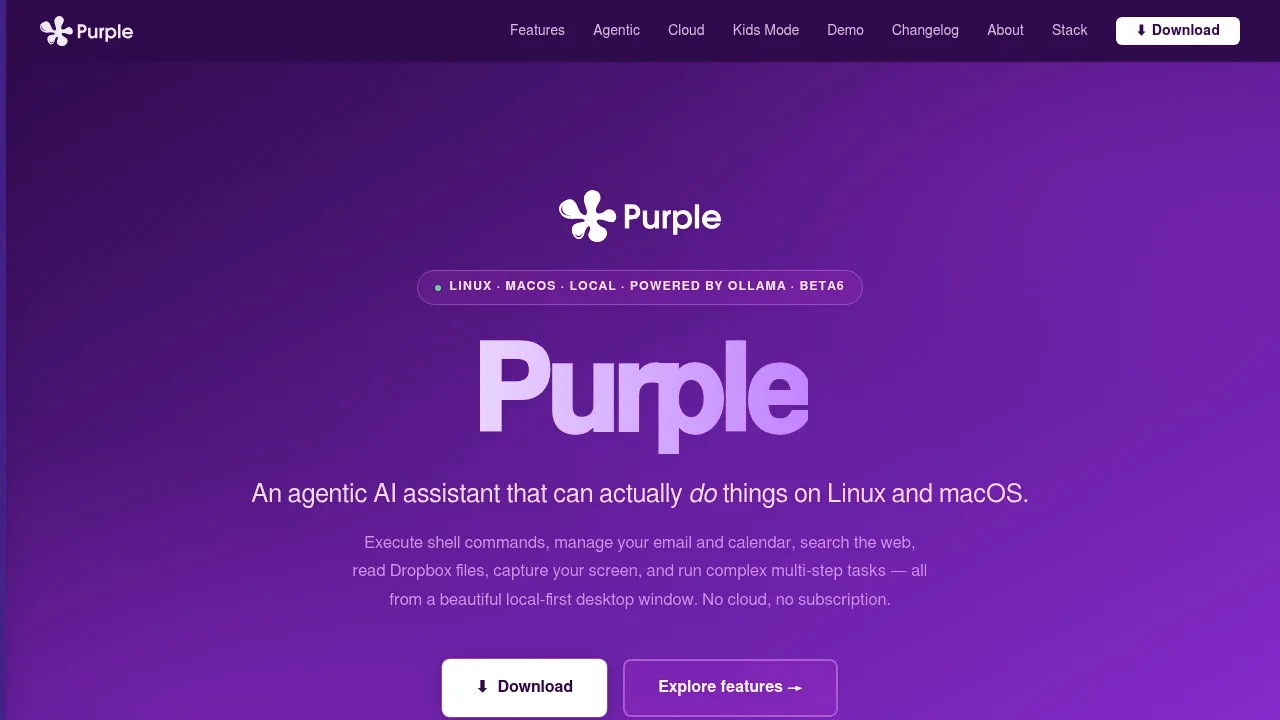
Purple is a desktop AI assistant for Linux and macOS that lets Ollama models carry out tasks on your computer. It's for people who want chat alongside shell commands, file operations and longer tasks they can review before execution.
- Plans and approvals: Review a proposed plan before work begins, track its progress, and confirm destructive commands, administrator actions and commands that send data.
- Task continuity: Saved plans can continue from unfinished steps, including after a reboot, while loop detection helps the model recover from repeated command failures.
- Connected services: Read and send email through IMAP/SMTP services such as Gmail or Fastmail, manage Google Calendar events, work with Dropbox files, and search through Brave Search or self-hosted SearXNG; these connections require network access.
- Memory and visual input: Keep personal context across chats and attach text or images, screenshots and webcam captures for compatible multimodal models.
- Custom tools: Sandboxed Lua extensions add actions, while model adapters accommodate differences in tool calling, including support for qwen2.5-coder.
Purple requires a locally running Ollama instance and works with models such as Llama 3, Gemma, Mistral and Qwen. Local models can work offline; optional Ollama Cloud models process requests through a hosted service. Conversations, integration tokens, memories and approval preferences stay in a local database, and the app doesn't collect telemetry.
The macOS app requires macOS 12 or later and runs natively on Intel and Apple Silicon. Its password-protected Kids Friendly Mode adapts responses by age and blocks write, send and administrator tools, but content filtering is best effort rather than certified parental control.
 Logotyper


