
SemanticFinder
Browser-based semantic search finds passages in text, PDFs and web pages using local models, with hybrid keyword matching and reusable indexes.
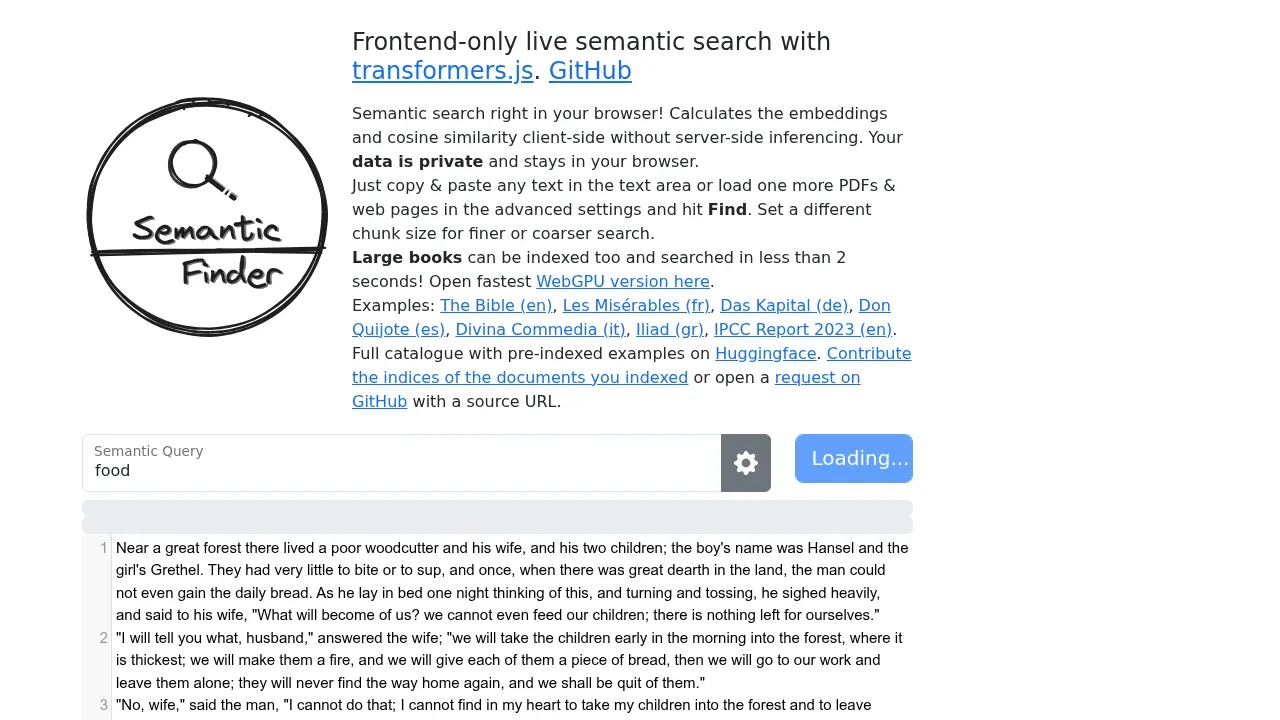
SemanticFinder helps readers and researchers find passages by meaning in long documents. It runs the search model in your browser, so you can search your own text without sending it to a model server.
- Document search: Search pasted text, one or multiple PDFs, and imported web pages, with highlighted passages and adjustable passage sizes for narrower matches or broader context.
- Hybrid matching: Combine semantic search with full-text matching, including words that results must contain or exclude.
- Reusable indexes: Save and reload document indexes or share them with others; a Hugging Face catalogue includes indexed books such as Les Misérables and Das Kapital.
- Model choice: Use transformers.js-compatible embedding models, including TaylorAI/gte-tiny, nomic-ai/nomic-embed-text-v1.5 and Xenova/multilingual-e5-small, with multilingual search available through suitable models.
The app is open source under the MIT license and can run from a self-hosted build. It supports CPU processing through WebAssembly and GPU acceleration through WebGPU with compatible models. A Chrome extension also provides access to the search tool.
Models download from Hugging Face and remain cached in the browser. Remote PDF and web page imports pass through corsproxy.io, an external service; model inference and document search calculations run locally. Initial indexing takes longer than subsequent searches, and document size is limited by what your browser can handle.


