
Transcribe Offline
An open-source desktop app transcribes audio and video offline, identifies speakers, and answers transcript questions with local GGUF models.
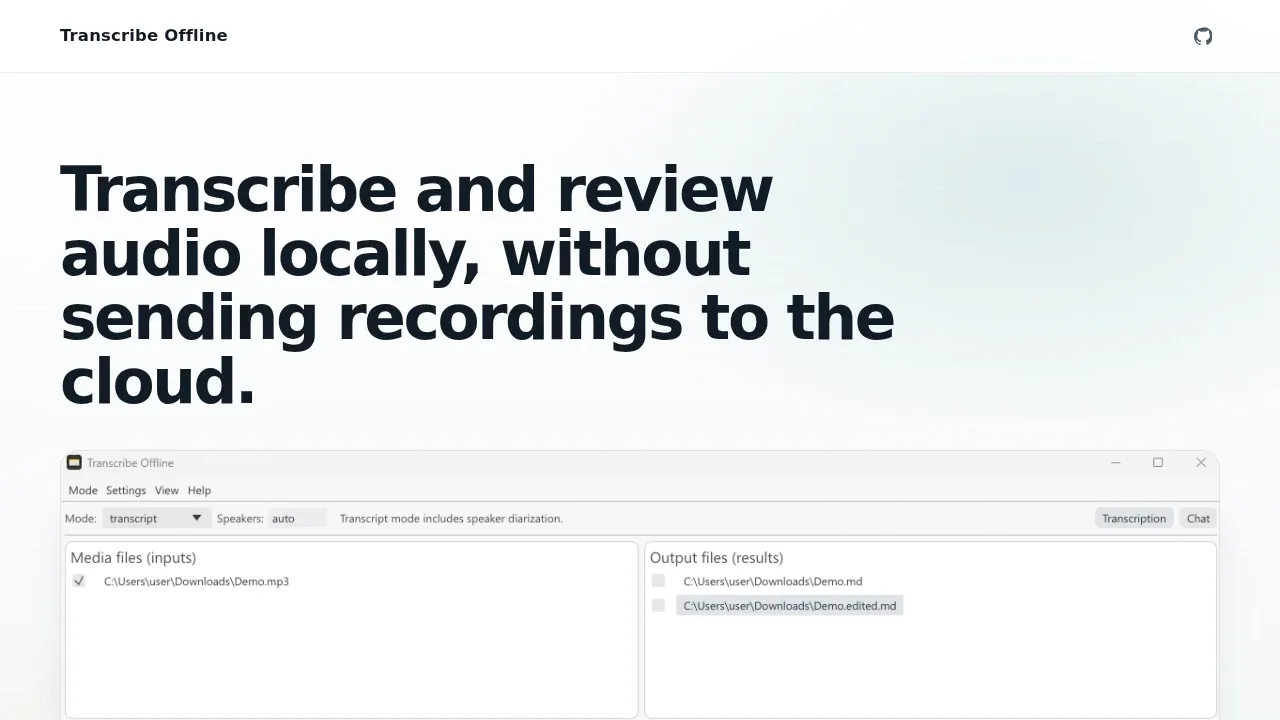
Transcribe Offline turns recordings and live speech into text for people who need to review conversations without uploading audio to a cloud service. It pairs transcript editing with audio playback in a desktop app.
- File transcription: Use Whisper models to turn audio and video files into plain text, subtitles, or transcripts with optional speaker identification.
- Live transcription: Transcribe speech as it happens with Voxtral, with optional live speaker identification through NVIDIA Sortformer.
- Transcript review: Jump from text to the corresponding audio, edit transcripts side by side, rename speakers, and export results while autosave preserves edits.
- Local transcript chat: Ask questions about a transcript using llama.cpp-compatible GGUF models running on your machine.
Transcription works fully offline, and recordings stay on your computer during processing. The app uses Openresearchtools-Engine and can run on a CPU or a selected GPU, with CUDA, Vulkan, and Metal acceleration.
The app is open source under the MIT license. Desktop builds cover Windows x64, macOS on Apple Silicon, and Linux amd64, with Debian and Ubuntu packages available. Windows and macOS downloads are unsigned, so operating system or workplace security controls may block them.


