
Braina
A desktop AI assistant for macOS and Windows that runs local LLMs, handles voice commands and transcribes audio and video files offline.
Alternative to:

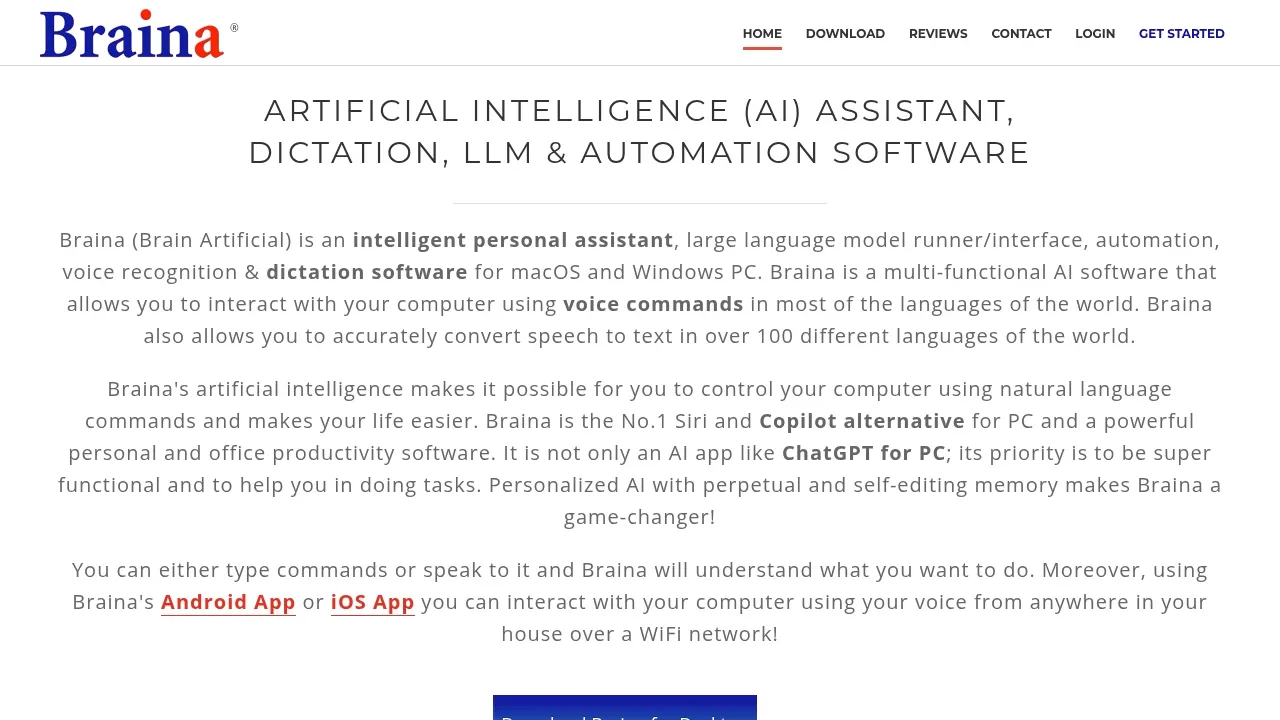
Braina combines AI chat, dictation and computer control for people who want to work through spoken or typed commands. It can run language models on your own computer and help with writing, document research and repetitive desktop tasks.
- AI chat and memory: Use local models such as Llama, Qwen, DeepSeek, Gemma and Mistral, or cloud models from OpenAI, Anthropic and Google, with spoken input and replies; persistent memory recalls relevant details from earlier conversations.
- Document questions: LocalLibrary lets you ask questions about document collections using local or cloud models, and you can also provide PDFs, images, webpages and screenshots as context.
- Dictation and writing: Enter speech as text in applications and websites, generate emails or code directly in other software, and request translations or grammar corrections.
- Desktop control: Open files and programs, control windows and media playback, set reminders, and automate repeated actions with custom voice commands and keyboard macros.
- Offline transcription: Convert audio and video files to text on your computer without an internet connection.
Braina runs on macOS and Windows and stores most data locally. Cloud model requests go to external providers. Web search works with local and cloud models to add current information and reference links, but it requires internet access.
Android and iOS companion apps let a phone or tablet act as a wireless microphone for desktop control over WiFi.


