Raycast alternatives for AI chat on your desktop
Compare Jan, LM Studio and Open WebUI for Raycast-style AI conversations. These replace chat and document work, rather than the desktop launcher.
Raycast combines a desktop launcher and utility commands with AI chat, writing commands and agents in its paid plans. It is useful when a question or text task should be close to the apps already on screen. The tools here replace that AI conversation, rather than the launcher, clipboard history or window controls.
Jan provides a separate desktop chat app with custom assistants and a choice of local or hosted models. LM Studio adds model downloads and document questions, plus an API for other apps. Open WebUI offers chat and notes in a browser workspace. These Raycast alternatives are most relevant when model choice matters more than a launcher-integrated interface.

A native Mac AI assistant automates apps and searches documents, with fully offline models through Ollama, LM Studio or MLX and optional cloud AI.
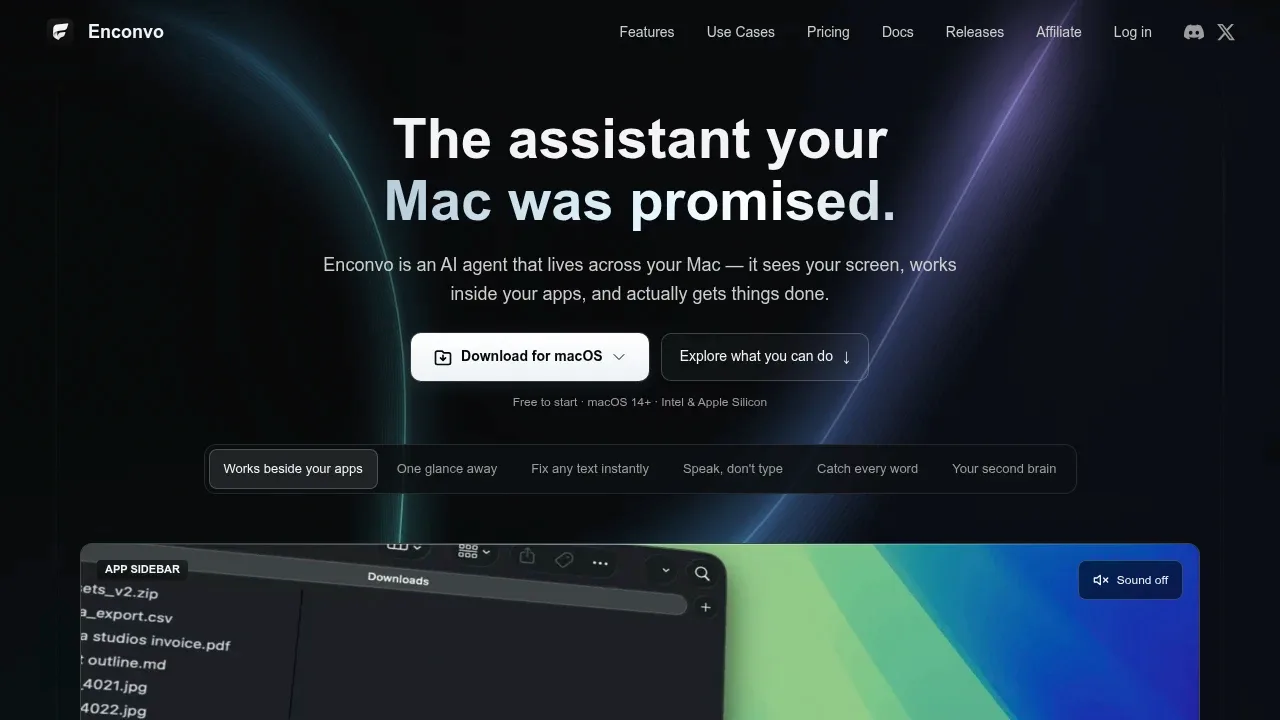

A native Mac AI client for local LLMs through Ollama and LM Studio or cloud providers, with local chat storage and optional cloud sync.
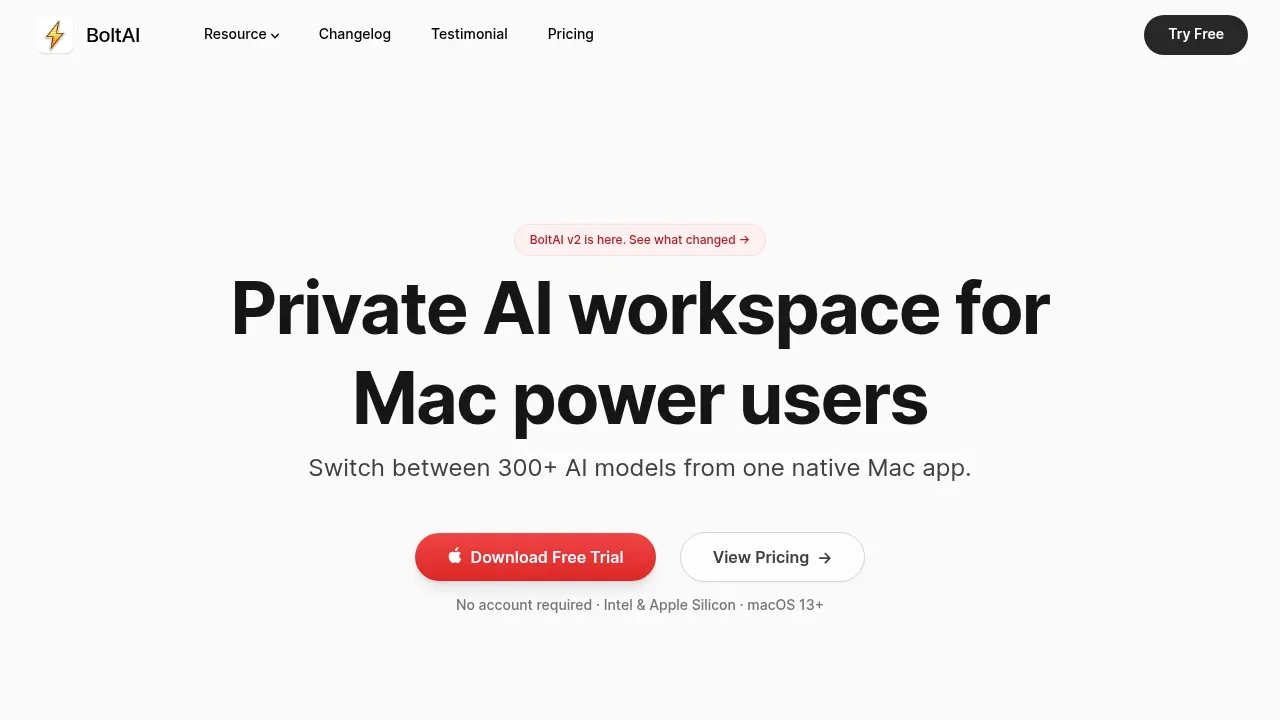
BoltAI covers Raycast’s quick-access AI workflow on a Mac. Open a chat overlay with a global shortcut, ask about a screenshot or edit text inline, with Ollama and LM Studio connections for local models.

AI writing assistant for macOS that supports local models through Apple Foundation Models, Ollama and LM Studio, plus cloud providers via your API keys.
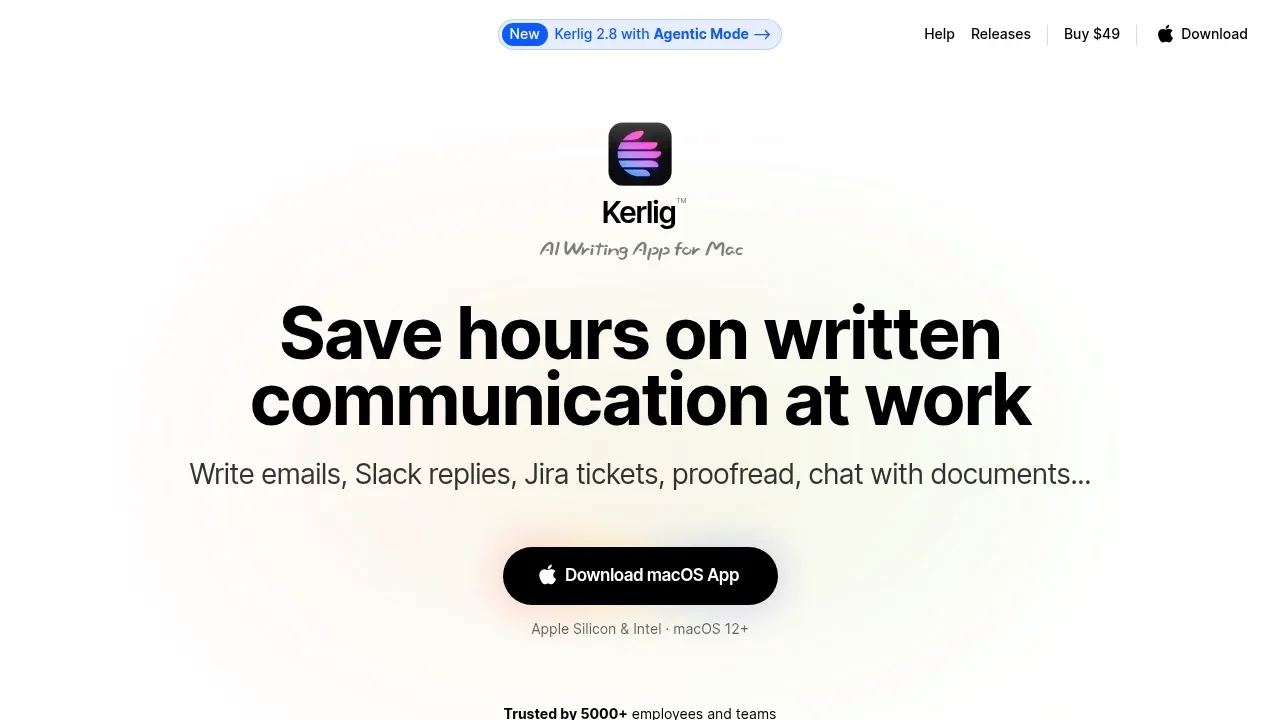
Kerlig puts spelling, rewriting, tone changes and saved actions behind global hotkeys in Mac apps. It suits the Raycast AI writing-command job, with local or cloud models, attachment context and optional app access through Agentic Mode.

A desktop AI assistant reads screen context on Windows and macOS, works with local models through Ollama, and uses MCP tools to carry out tasks.
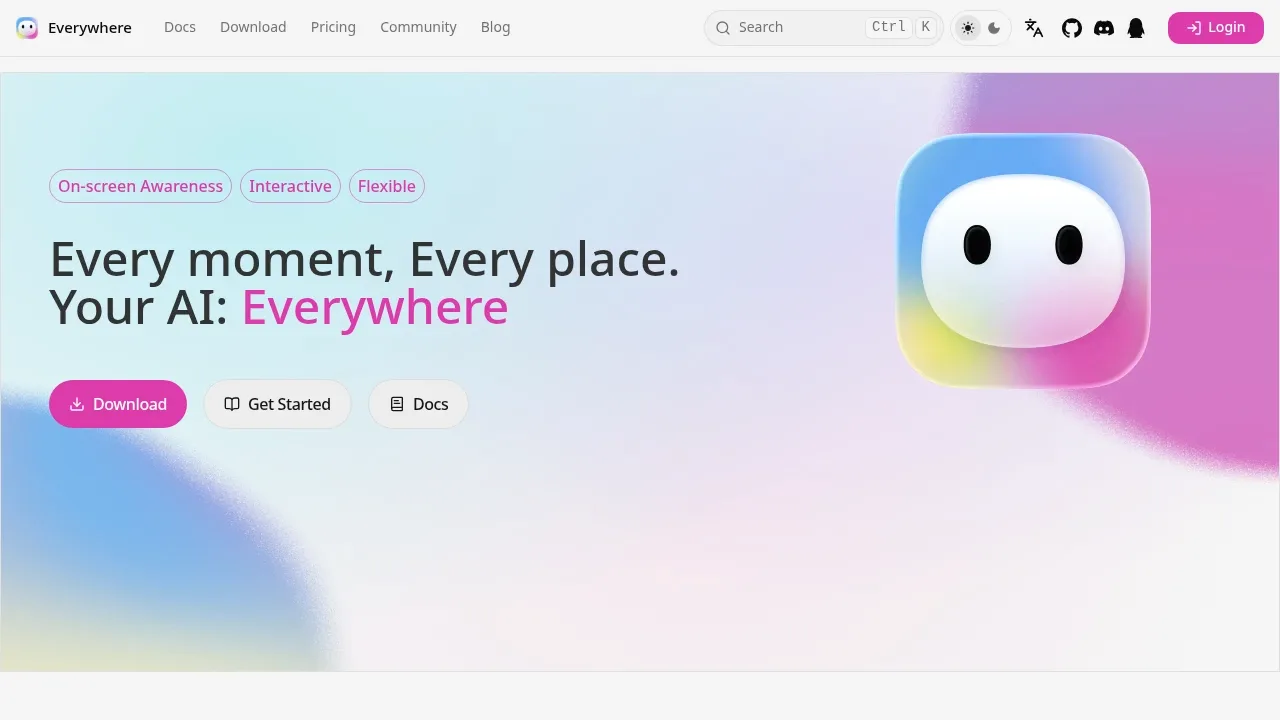

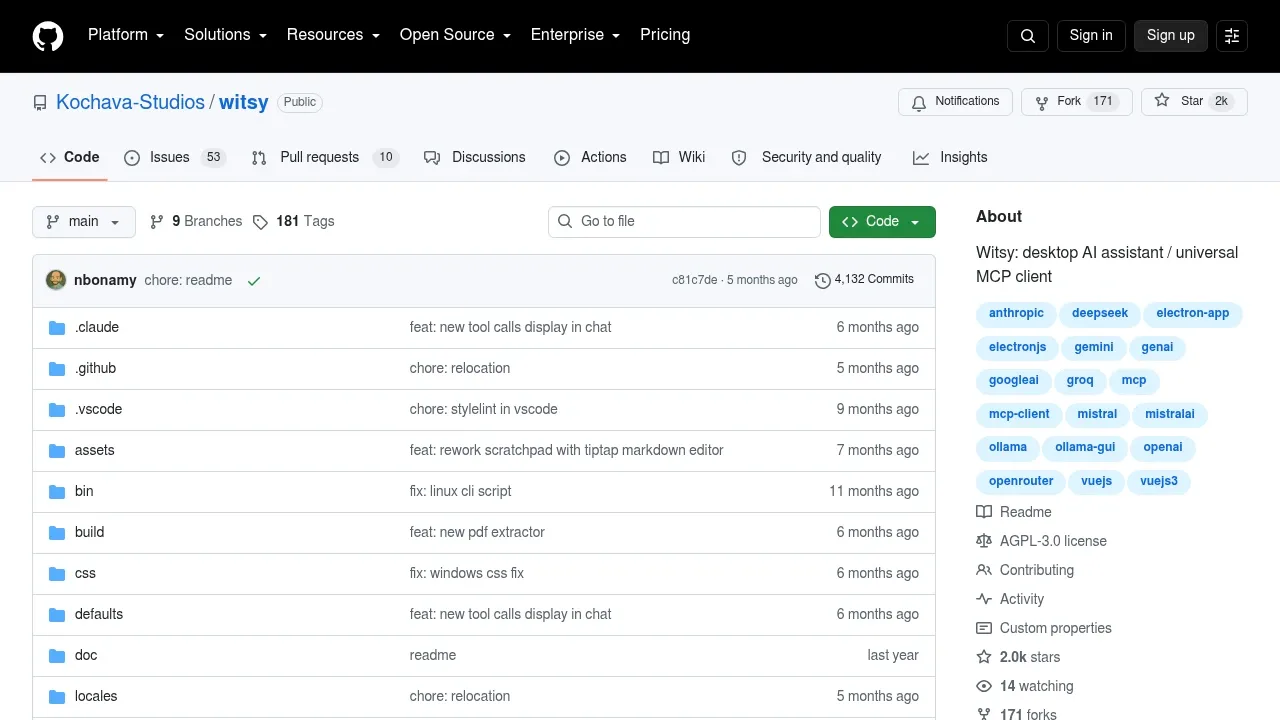
A desktop AI assistant for macOS, Windows and Linux that connects local models through Ollama or LM Studio and supports MCP tools.

A native macOS AI chat client connects to local LLMs and cloud APIs, with inline writing in other apps and chat data stored on your Mac.
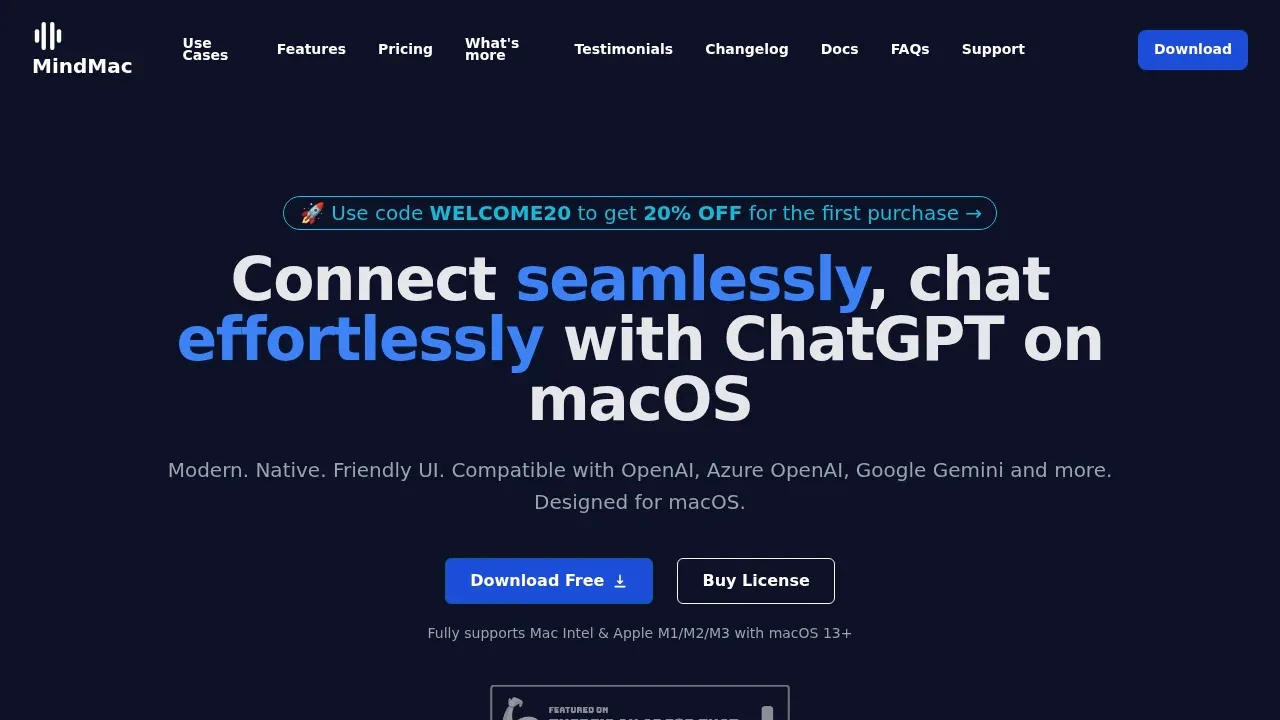
MindMac puts AI writing and questions inside other Mac apps through an inline mode and keyboard shortcuts. It suits replacing Raycast AI commands while keeping reusable prompts and a choice of model backend; it is not an app launcher.

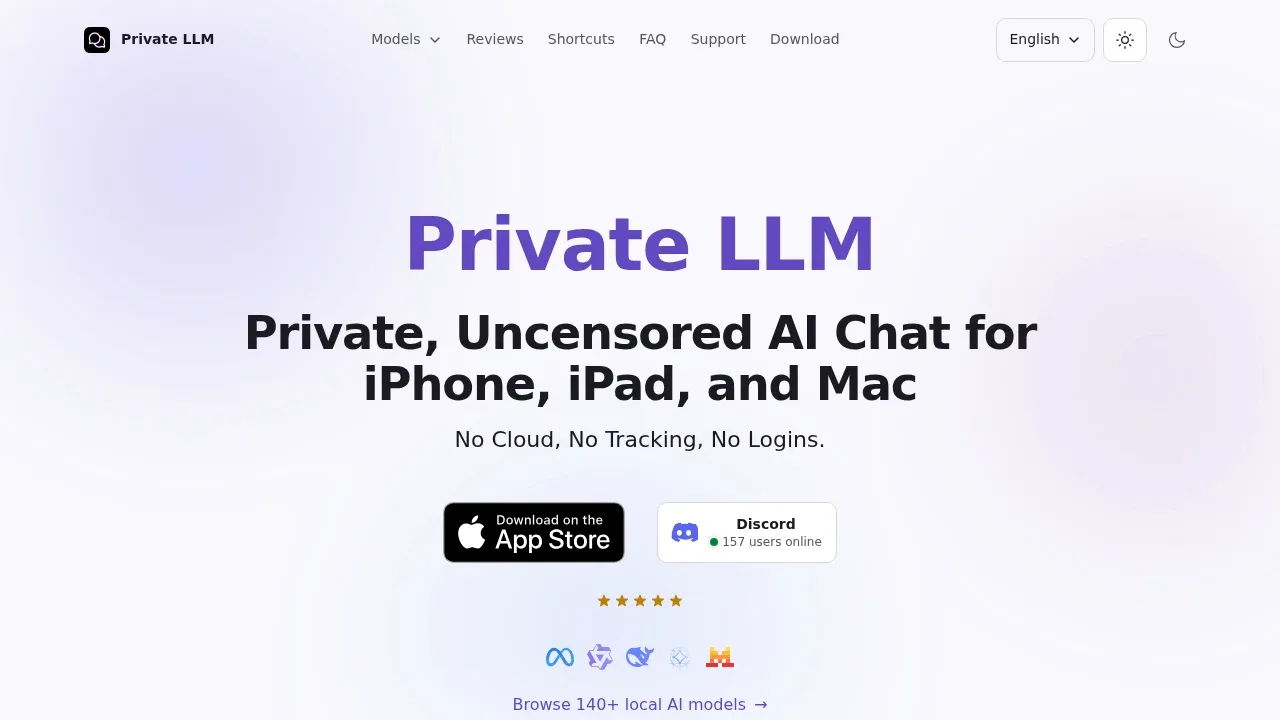
A local LLM app for iPhone, iPad and Mac that keeps chats on-device, works offline after model download and connects to Siri and Apple Shortcuts.

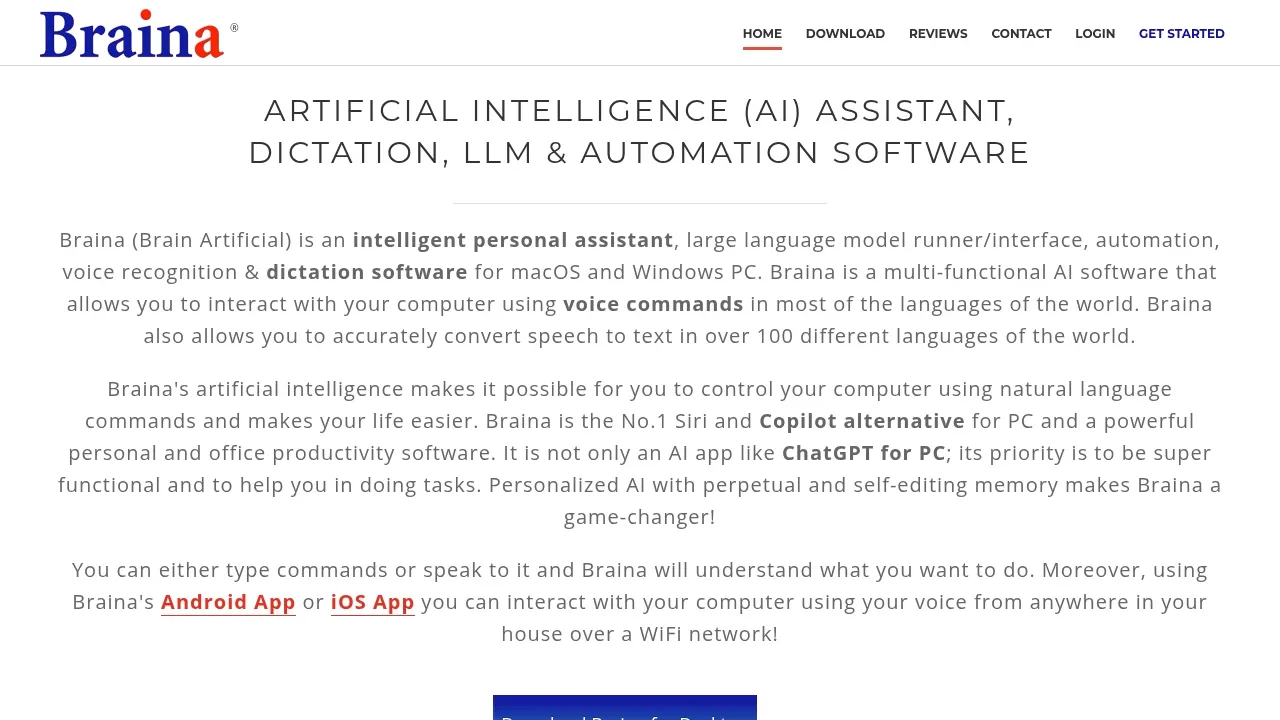
A desktop AI assistant for macOS and Windows that runs local LLMs, handles voice commands and transcribes audio and video files offline.

A macOS AI assistant connects to Ollama and cloud model APIs, compares answers side by side and stores chat history on your device.
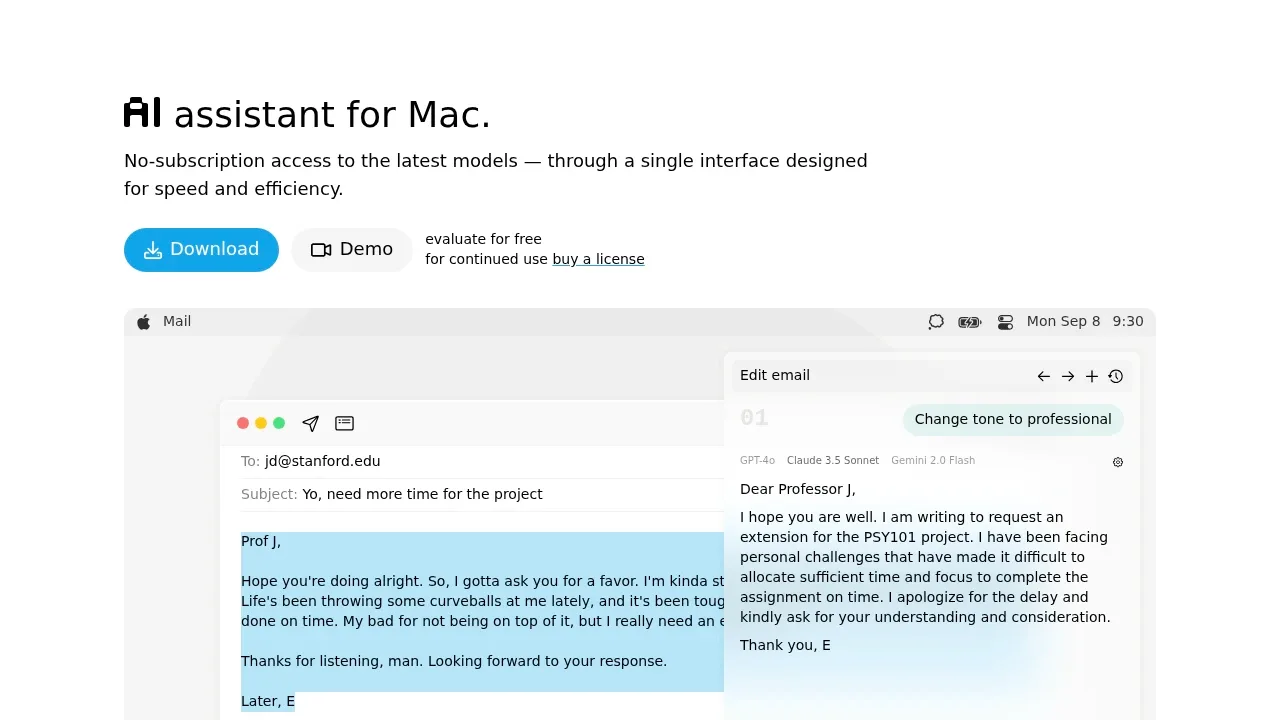
IntelliBar provides keyboard access to AI writing and chat on Mac, with a command menu and saved instructions. Its scope is the AI assistant workflow rather than Raycast's broader launcher and extensions.

An open-source AI chat app for macOS, iOS and visionOS that connects to your Ollama server and keeps conversation history on your device.

A local LLM app runs downloaded models for chat and agent tasks, with MLX and llama.cpp support and voice transcription processed on your device.

A free desktop ChatGPT alternative runs local models offline on Windows, macOS and Linux, or connects to cloud models such as GPT and Claude.

A self-hosted AI chat interface that works offline with local models and connects to Ollama, OpenAI-compatible APIs and cloud providers.
For Raycast, start with Enconvo. Other alternatives include BoltAI, Kerlig, Everywhere and Witsy.
Most are Desktop Chat Apps; others include Hotkey and Menu Bar Assistants.
People also replace
See all
ChatGPT alternatives


Grammarly alternatives


Claude alternatives
