Grammarly alternatives for proofreading and rewrites
Compare Kerlig, Lexicon and Witsy for grammar corrections and sentence rewrites, with dedicated editors or writing actions in other apps.
Grammarly checks grammar and spelling while suggesting clearer wording and a different tone. People use it to revise everyday messages as well as longer drafts, often without leaving the app where they are writing. Replacing that workflow means choosing between a dedicated proofreading editor and shortcuts that revise selected text.
Kerlig provides spelling, grammar and rewriting actions in Mac apps. Lexicon puts LanguageTool corrections beside a rich-text document and adds optional local AI edits. Witsy brings selected-text commands to several desktop platforms. A model rewrite can change more than a spelling correction, so Lexicon suits reviewing individual errors while the other apps suit broader revisions.

An offline writing assistant for Windows, macOS and Linux with local grammar checks, AI rewriting through llama.cpp or Ollama, and no account requirement.
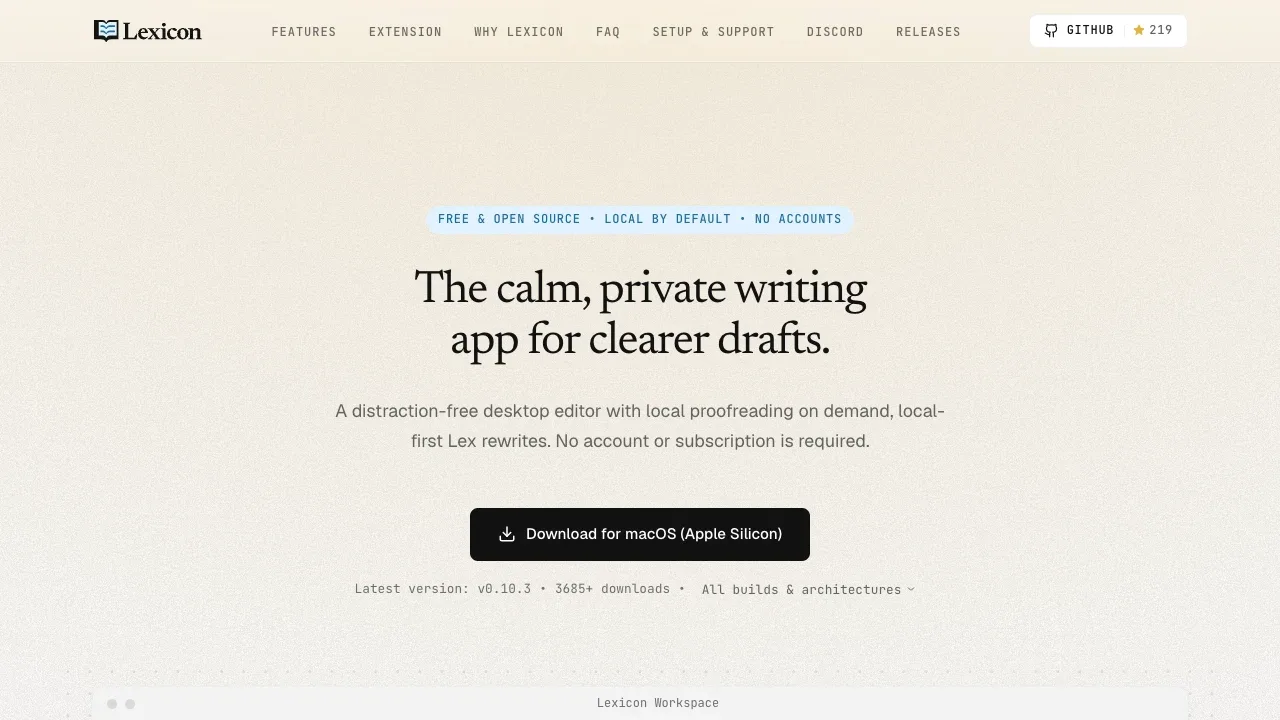
Lexicon provides a dedicated proofreading editor with LanguageTool grammar and spelling corrections, a personal dictionary and accept-or-dismiss controls. Optional local AI handles shortening and tone changes. It suits reviewing a draft closely rather than adding an assistant to every app.

AI writing assistant for macOS that supports local models through Apple Foundation Models, Ollama and LM Studio, plus cloud providers via your API keys.
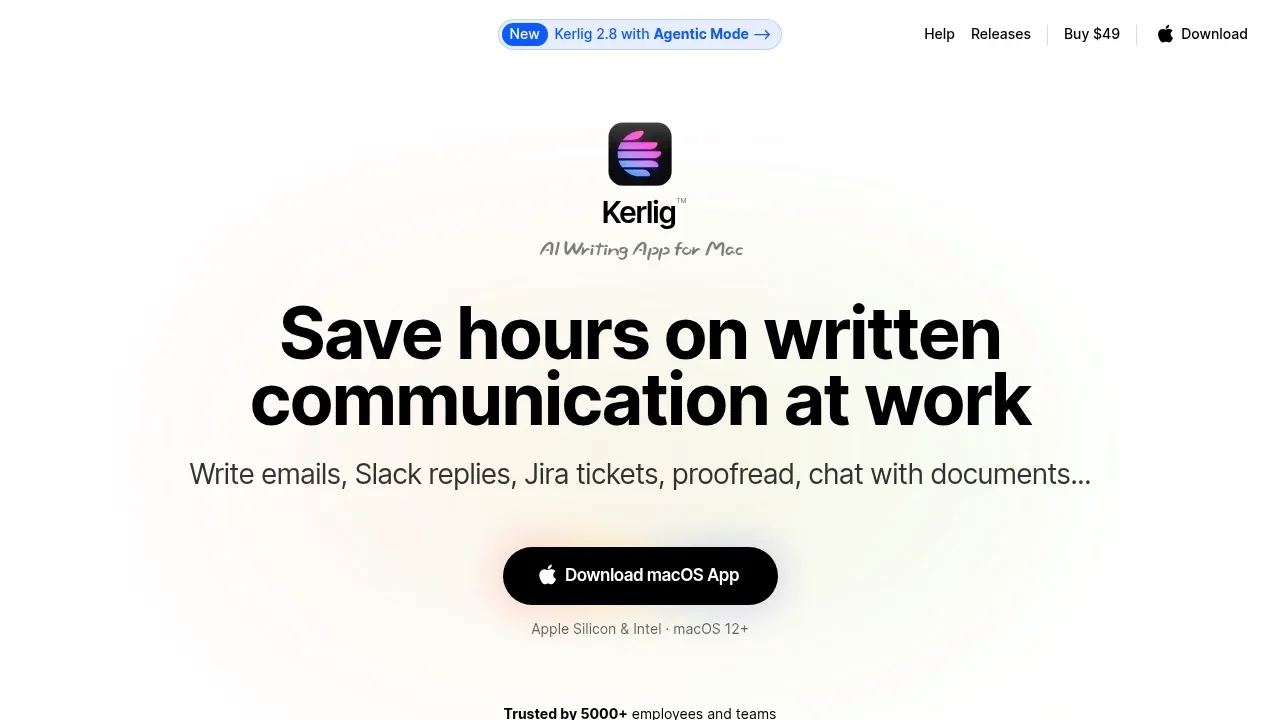
Kerlig covers spelling, grammar and sentence revision inside the Mac apps where you already write. Global hotkeys and saved actions suit recurring email or message edits; local models or your chosen cloud provider supply the writing assistance.

A desktop AI assistant for macOS, Windows and Linux that connects local models through Ollama or LM Studio and supports MCP tools.

A local LLM app for iPhone, iPad and Mac that keeps chats on-device, works offline after model download and connects to Siri and Apple Shortcuts.


An AI email assistant for Thunderbird that drafts and organizes messages using local models through Ollama or LM Studio, or cloud services.
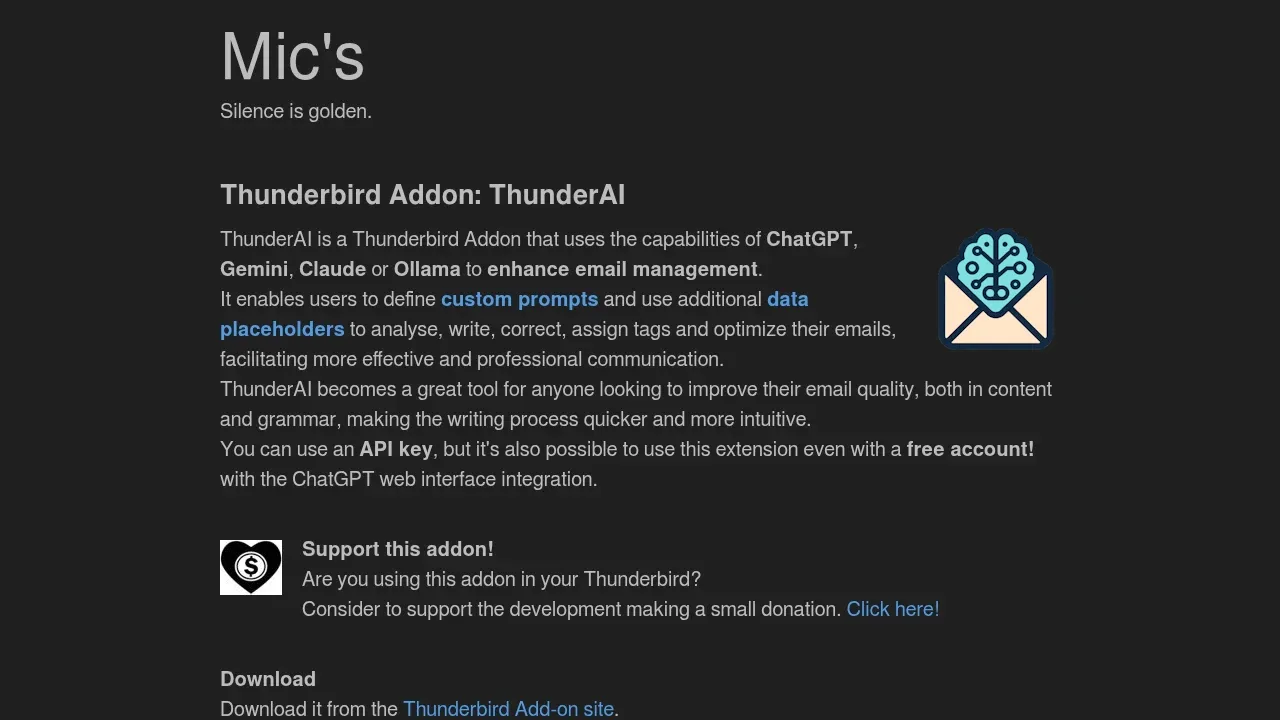
ThunderAI brings proofreading and tone changes into Thunderbird emails. A side-by-side picker lets you accept individual corrections, while rewrites preserve the message's HTML formatting. It works inside Thunderbird rather than across every writing app.

A local AI browser extension that uses Ollama to chat across tabs, analyze files and help with writing, with no account required.

NativeMind helps with browser writing through proofreading, tone changes and text rewrites. It can also draft Gmail replies using the local model connected through Ollama, alongside its webpage and document tools.

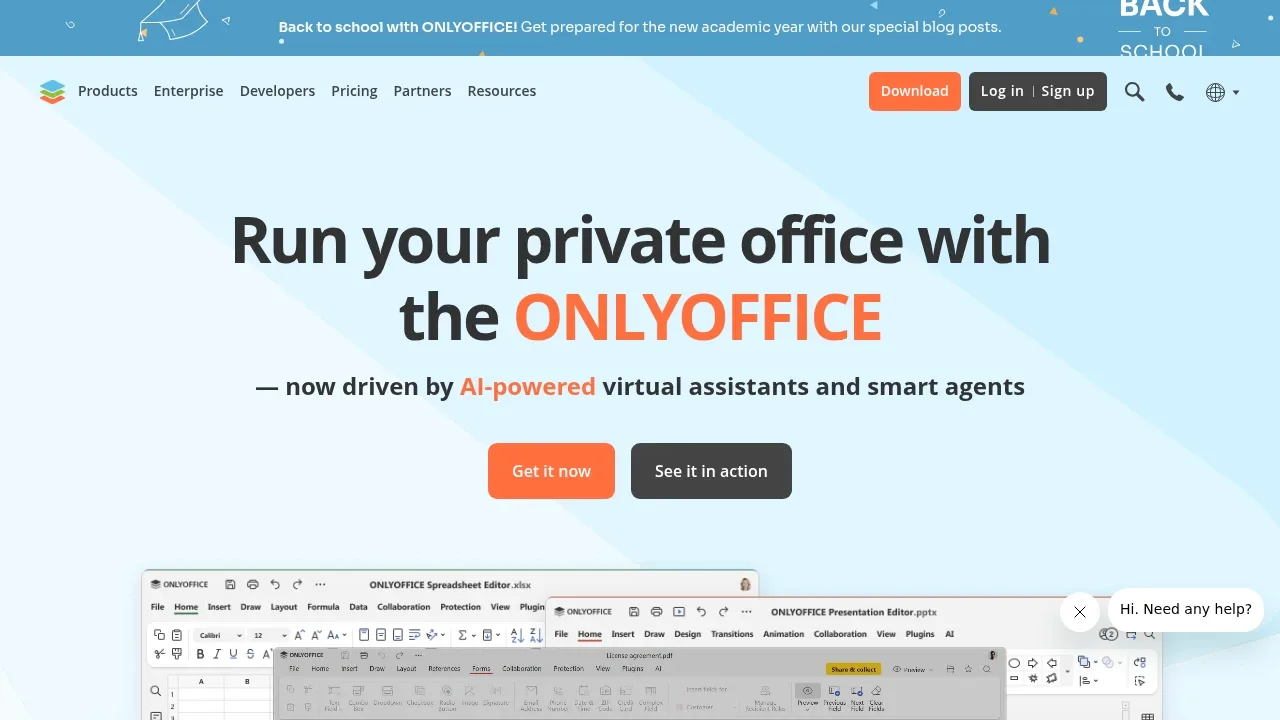
Self-hosted office suite for collaborative document editing with local AI models. Free and open source under AGPL-3.0, with Docker, Linux and Windows support.

A native Mac AI client for local LLMs through Ollama and LM Studio or cloud providers, with local chat storage and optional cloud sync.
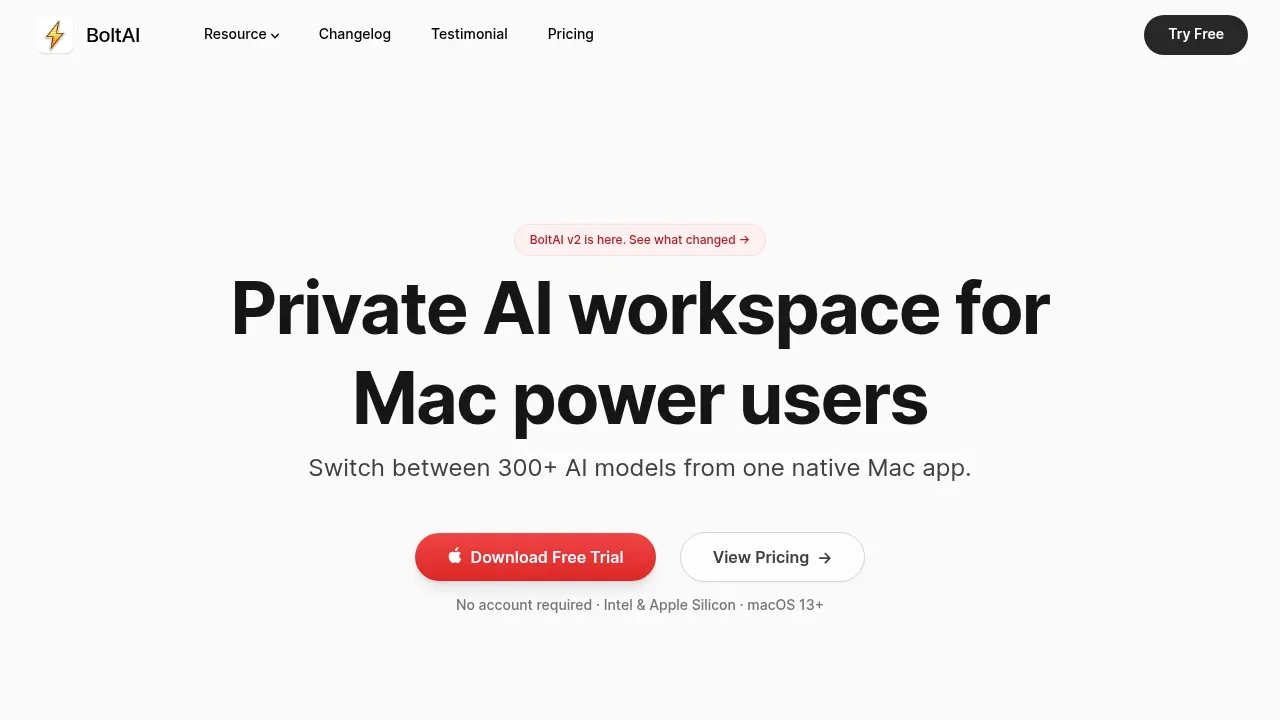
BoltAI brings inline text editing and a shortcut overlay to Mac writing tasks. Reusable prompts and model comparisons suit revisions that need context or a particular voice; it covers AI editing rather than continuous rule-based grammar alerts.
An Obsidian AI writing plugin that uses local Ollama models offline or OpenAI-compatible services, with context from linked notes and PDFs.
Obsidian Local GPT corrects spelling and grammar or continues a draft inside an Obsidian note. Selected text, linked notes and PDFs can supply context, with custom prompts for the writing actions you repeat.

A macOS AI assistant connects to Ollama and cloud model APIs, compares answers side by side and stores chat history on your device.
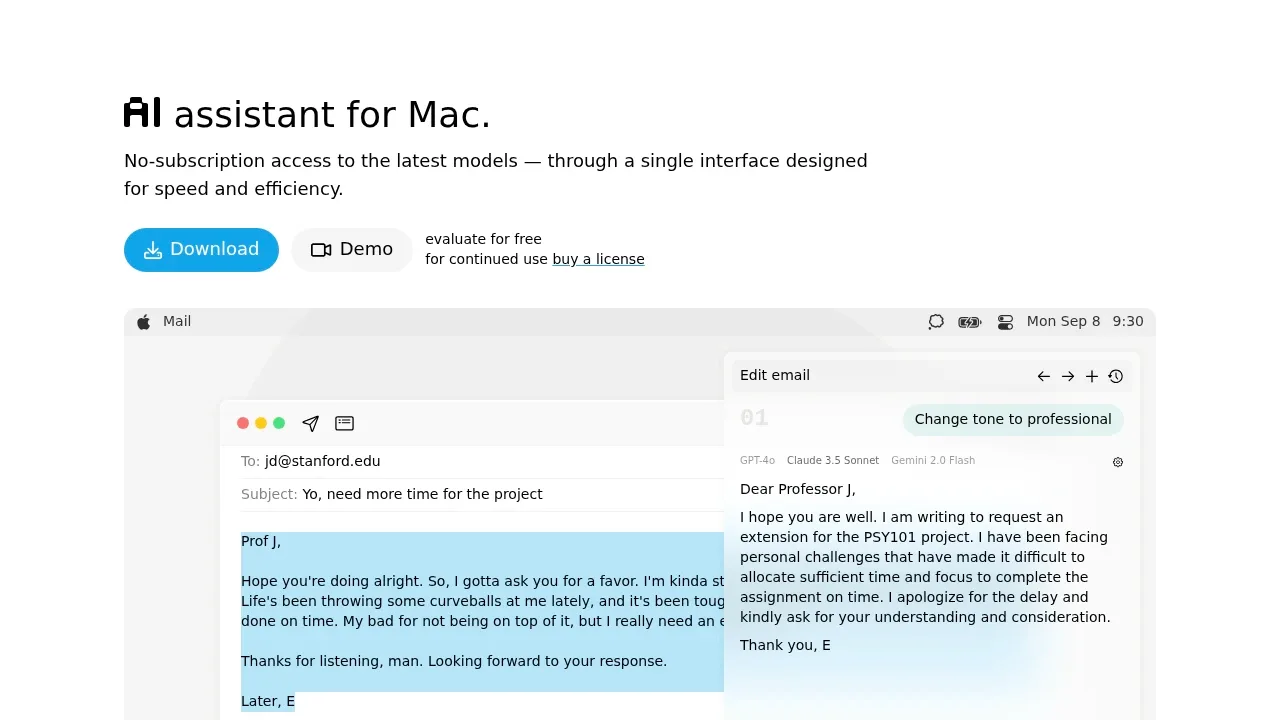
IntelliBar suits proofreading and writing edits through a Mac shortcut-driven assistant. Saved instructions let you reuse an editing request, and side-by-side model replies help you compare revisions.

A Raycast extension brings local LLM chat, writing assistance and image understanding to macOS and Windows through local or remote Ollama servers.
For Grammarly, start with Lexicon. Other alternatives include Kerlig, Witsy, Private LLM and ThunderAI.
Most are Writing and Email Assistants; others include Desktop Chat Apps.
People also replace
See all
QuillBot alternatives

Raycast alternatives


ChatGPT alternatives


