QuillBot alternatives for paraphrasing and rewriting
Compare Kerlig, Witsy and BoltAI for rewriting passages, adjusting tone and saving editing prompts in your own writing workflow.
QuillBot combines paraphrasing with grammar and other writing tools. Its rewrite workflow appeals to people who have a passage ready but want a clearer version, a different tone or a shorter draft. The alternatives here focus on editing that text, rather than reproducing every feature in the QuillBot suite.
Kerlig works on writing in Mac apps, while Witsy applies saved commands to selections across desktop applications. BoltAI adds reusable prompts and side-by-side model comparisons for revisions. Lexicon offers a document editor with proofreading and optional local rewriting. These tools give you more control over the model or editing prompt; dedicated grammar review remains a separate choice.

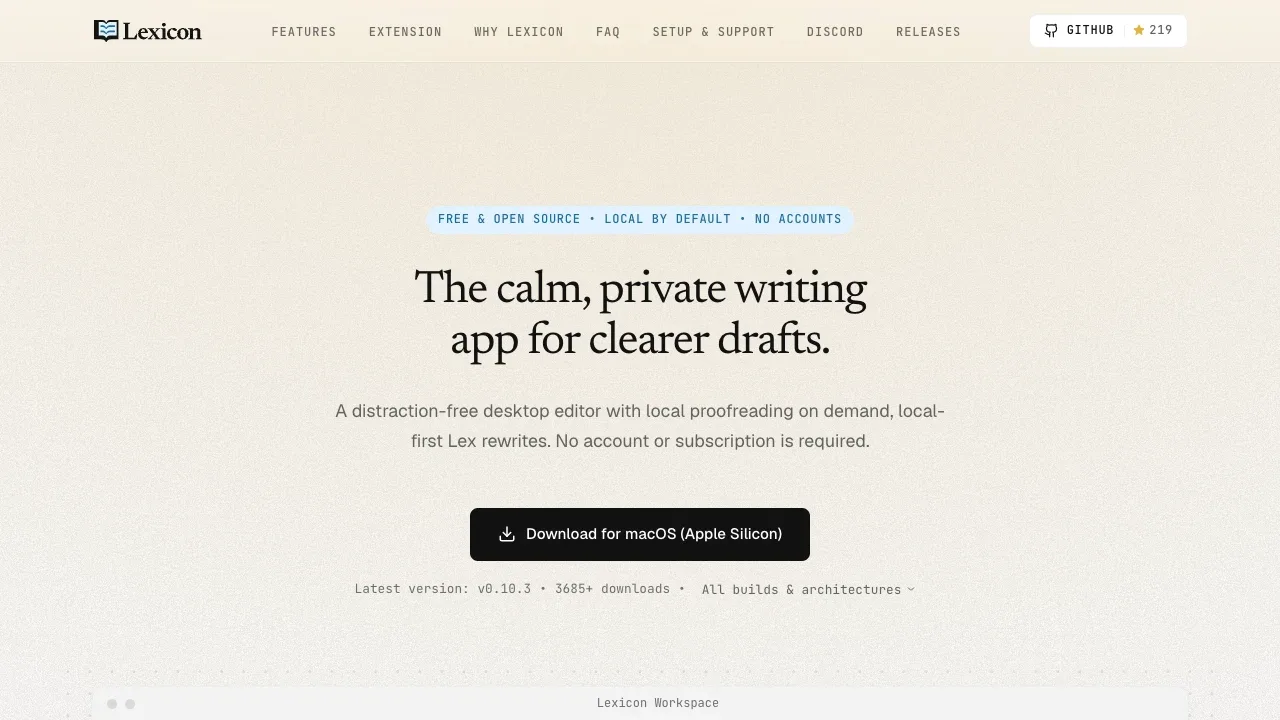
An offline writing assistant for Windows, macOS and Linux with local grammar checks, AI rewriting through llama.cpp or Ollama, and no account requirement.

AI writing assistant for macOS that supports local models through Apple Foundation Models, Ollama and LM Studio, plus cloud providers via your API keys.
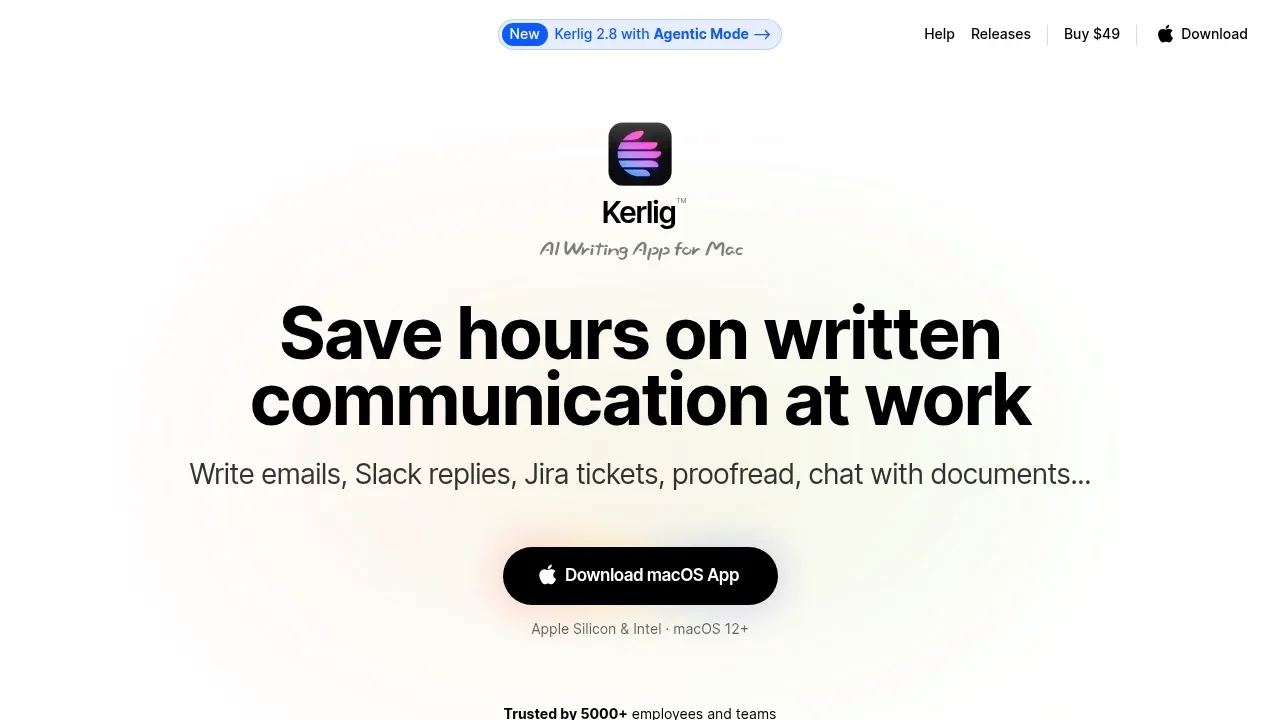
Kerlig rewrites and shortens selected writing, adjusts tone and saves custom actions for repeated edits. It suits QuillBot users who want revision shortcuts in Mac apps, with a choice of local models or provider APIs.

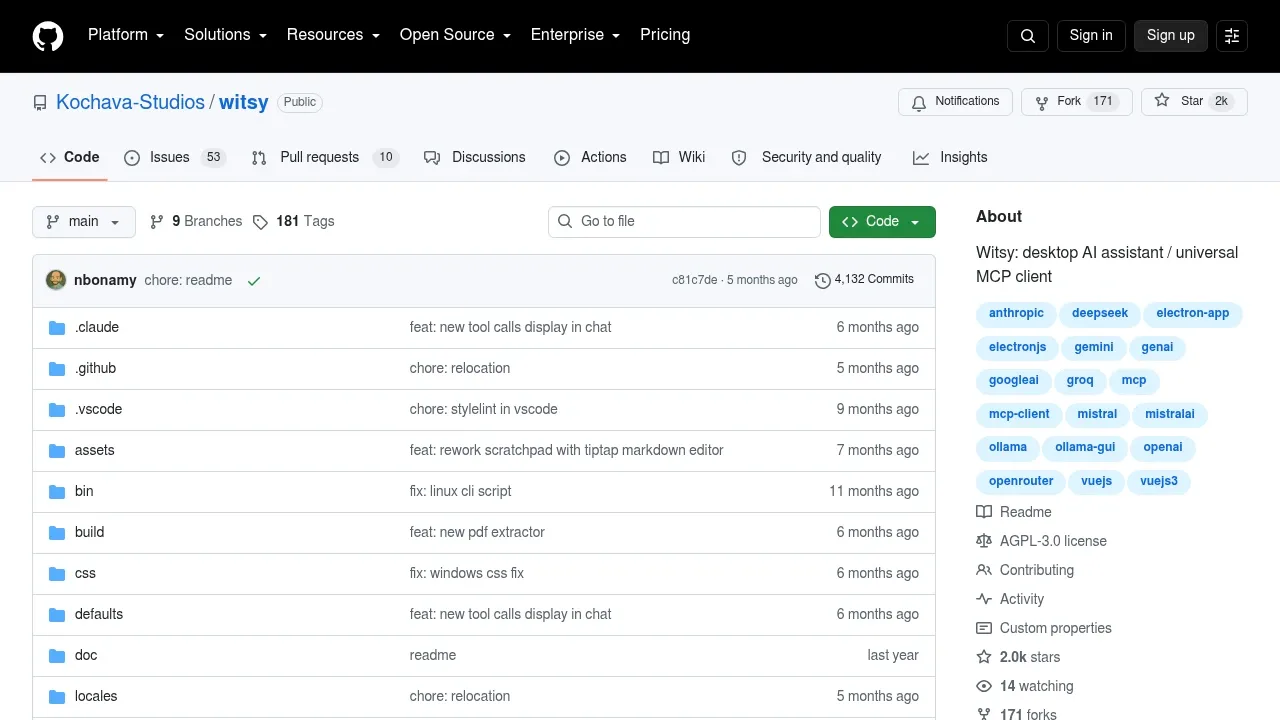
A desktop AI assistant for macOS, Windows and Linux that connects local models through Ollama or LM Studio and supports MCP tools.

A native Mac AI client for local LLMs through Ollama and LM Studio or cloud providers, with local chat storage and optional cloud sync.
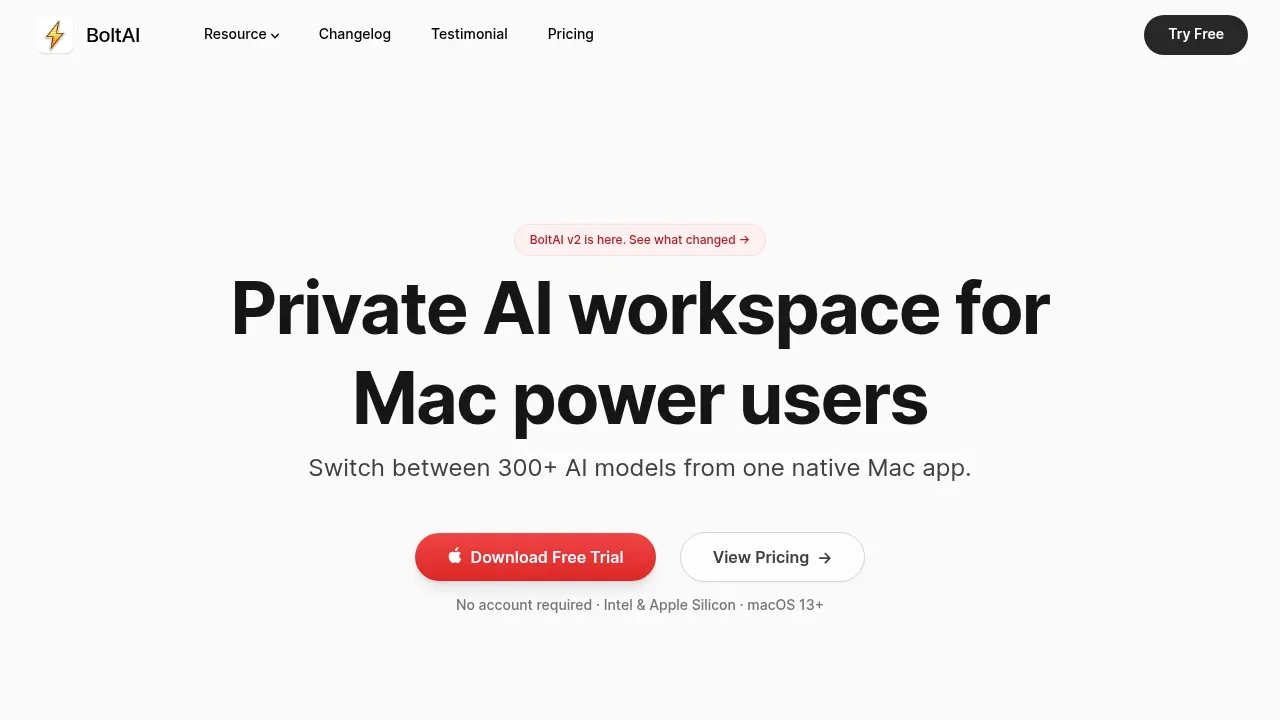
BoltAI combines inline text editing with reusable prompts, branching conversations and model comparisons. Mac writers can compare different revisions of a passage while keeping its context in a project.

Self-hosted office suite for collaborative document editing with local AI models. Free and open source under AGPL-3.0, with Docker, Linux and Windows support.
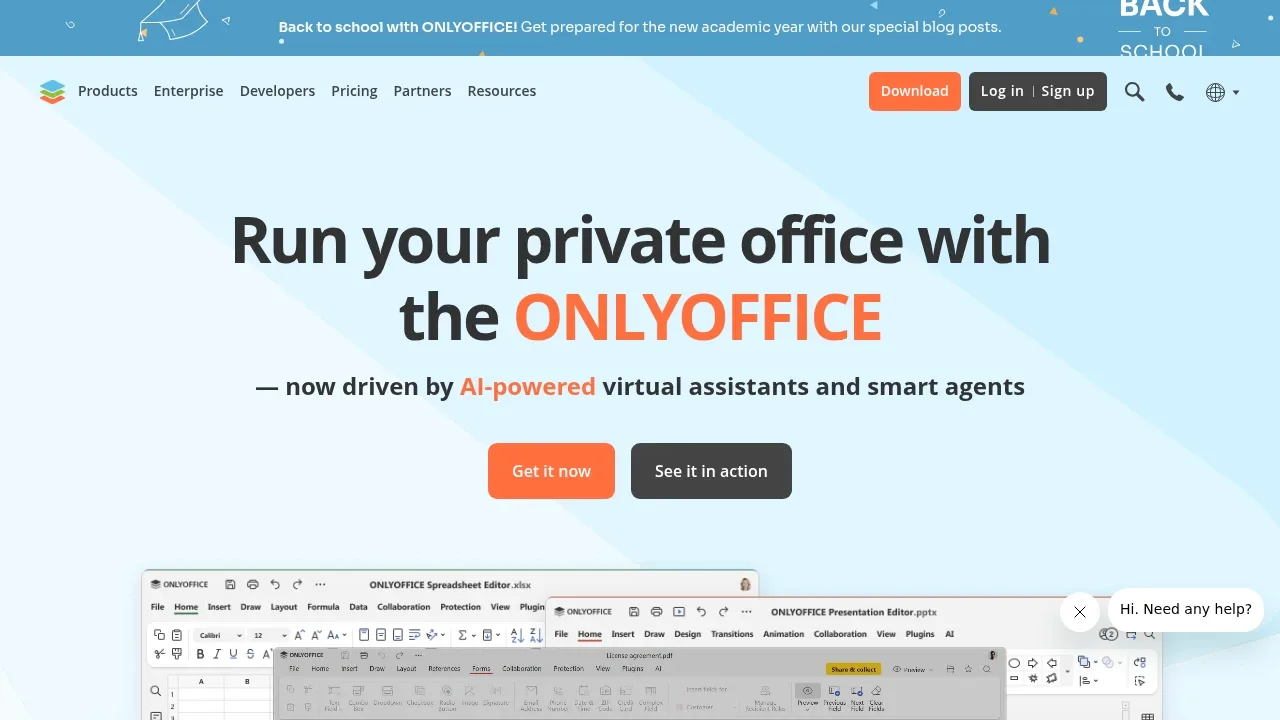

A Raycast extension brings local LLM chat, writing assistance and image understanding to macOS and Windows through local or remote Ollama servers.

An AI email assistant for Thunderbird that drafts and organizes messages using local models through Ollama or LM Studio, or cloud services.
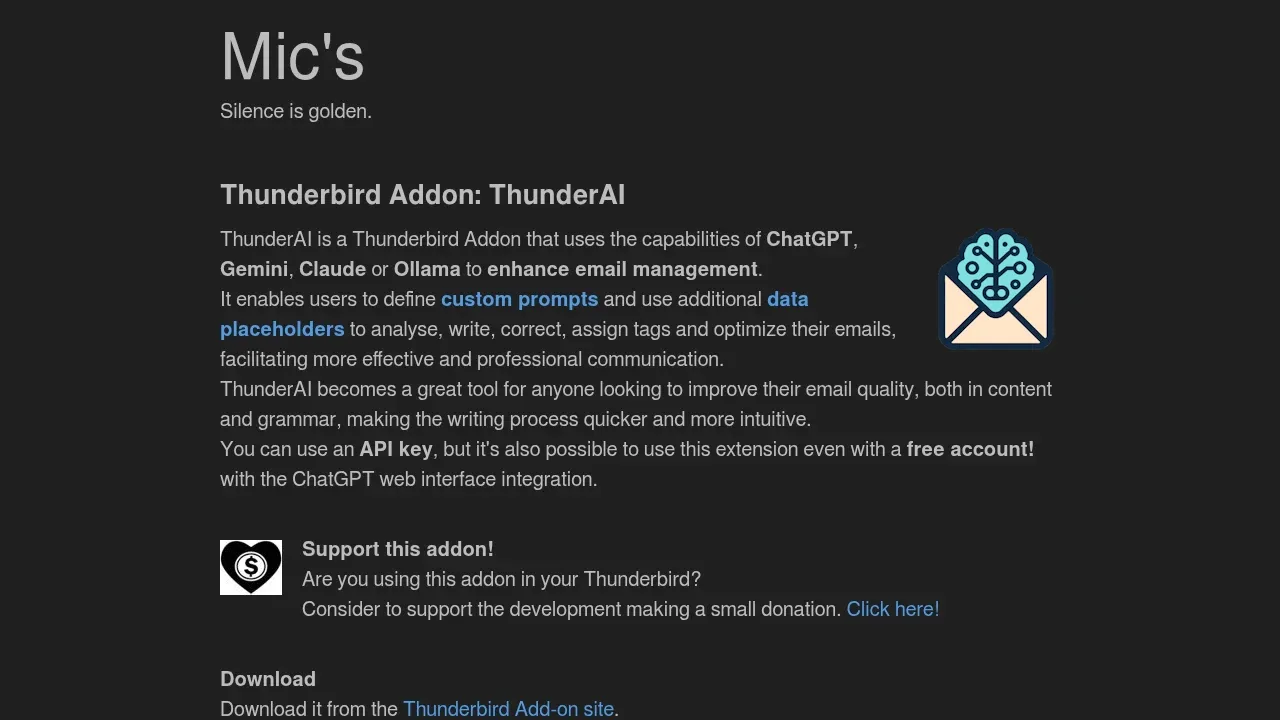
ThunderAI covers rewriting and summarizing emails inside Thunderbird. Custom prompts apply a chosen tone, preserve HTML formatting and process several messages at once, with individual corrections available for review.

A free browser AI assistant connects to self-hosted or cloud models for page summaries, selected-text tasks and branching chats, under the MIT license.
ChatGPTBox lets you send selected web-page text to a model for writing edits without opening a separate editor. Floating conversations and branching replies help you compare or refine those edits.

A native macOS AI chat client connects to local LLMs and cloud APIs, with inline writing in other apps and chat data stored on your Mac.
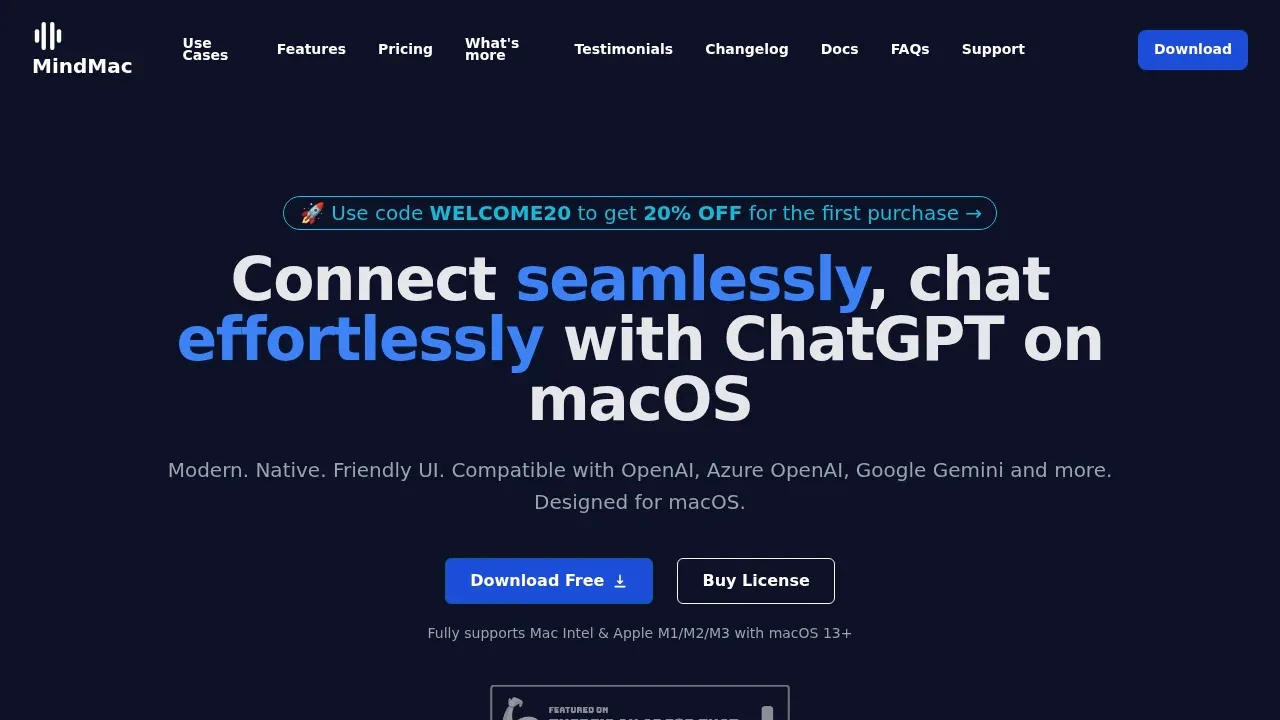
MindMac uses an inline mode to generate text inside Notes, Mail and browsers. Reusable prompt templates and control over conversation context suit writers who want custom paraphrasing instructions instead of preset rewrite modes.

A macOS AI assistant connects to Ollama and cloud model APIs, compares answers side by side and stores chat history on your device.
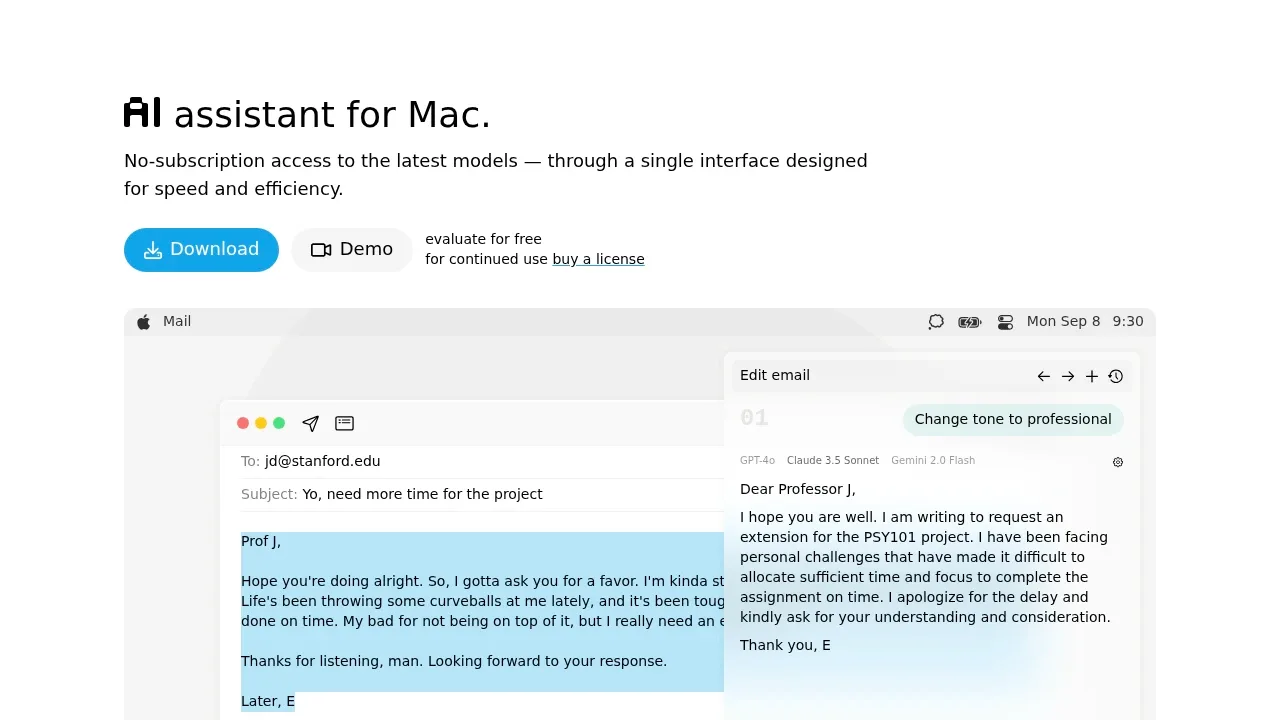
IntelliBar lets you reuse writing instructions and compare revisions from several models side by side. It suits people who want to judge alternative phrasing in a Mac app rather than accept a single rewrite.
For QuillBot, start with Lexicon. Other alternatives include Kerlig, Witsy, BoltAI and ONLYOFFICE Docs.
Most are Writing and Email Assistants; others include Desktop Chat Apps.
People also replace
See all
Grammarly alternatives

Raycast alternatives


Jasper alternatives