
DeLive
A desktop transcription app captures system audio, supports offline speech recognition with whisper.cpp, and reviews transcripts through an AI API.
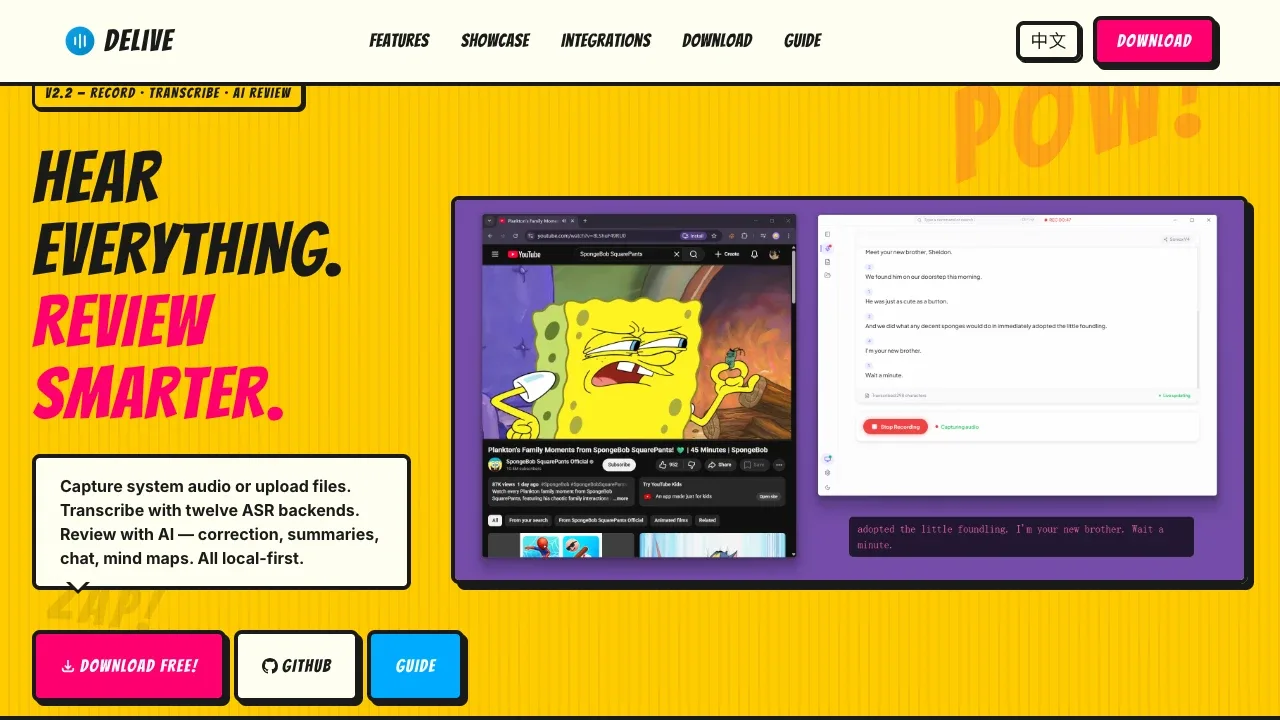
DeLive is a desktop transcription workspace for people who need a written record of meetings, lectures, or other audio playing on their computer. It combines live captions with tools for reviewing and asking questions about transcripts.
- Audio transcription: Capture system playback without a microphone or submit audio and video files to cloud transcription providers. Speech recognition options include Soniox, Deepgram, Groq, and offline whisper.cpp; translation and speaker detection depend on the provider.
- Transcript review: Correct recognition errors, compare proposed edits side by side, and generate summaries, action items, keywords, or chapters through an OpenAI-compatible AI API.
- Chat and mind maps: Ask questions about a transcript in separate conversation threads or generate an interactive Markmap mind map.
- Floating captions: Keep a draggable subtitle window above other apps, with original text, translations, or bilingual captions and adjustable text styling.
- AI tool access: Connect Claude Desktop, Cursor, or other clients to transcription data through MCP, a local REST API, or WebSocket streaming.
DeLive is free and open source under Apache 2.0. It runs on Windows 10+, macOS 13+ (Intel and Apple Silicon), and Linux with PulseAudio loopback support. Transcripts stay in local storage. Offline speech recognition uses whisper.cpp; cloud transcription sends audio to your chosen provider, and AI review uses the API you connect. Optional backups use WebDAV or S3-compatible storage, including Nextcloud and MinIO.
 Logotyper


