
HotClip
A local AI video clipper turns recordings into captioned vertical shorts on Windows, macOS and Linux, with fully offline highlight detection through Ollama.
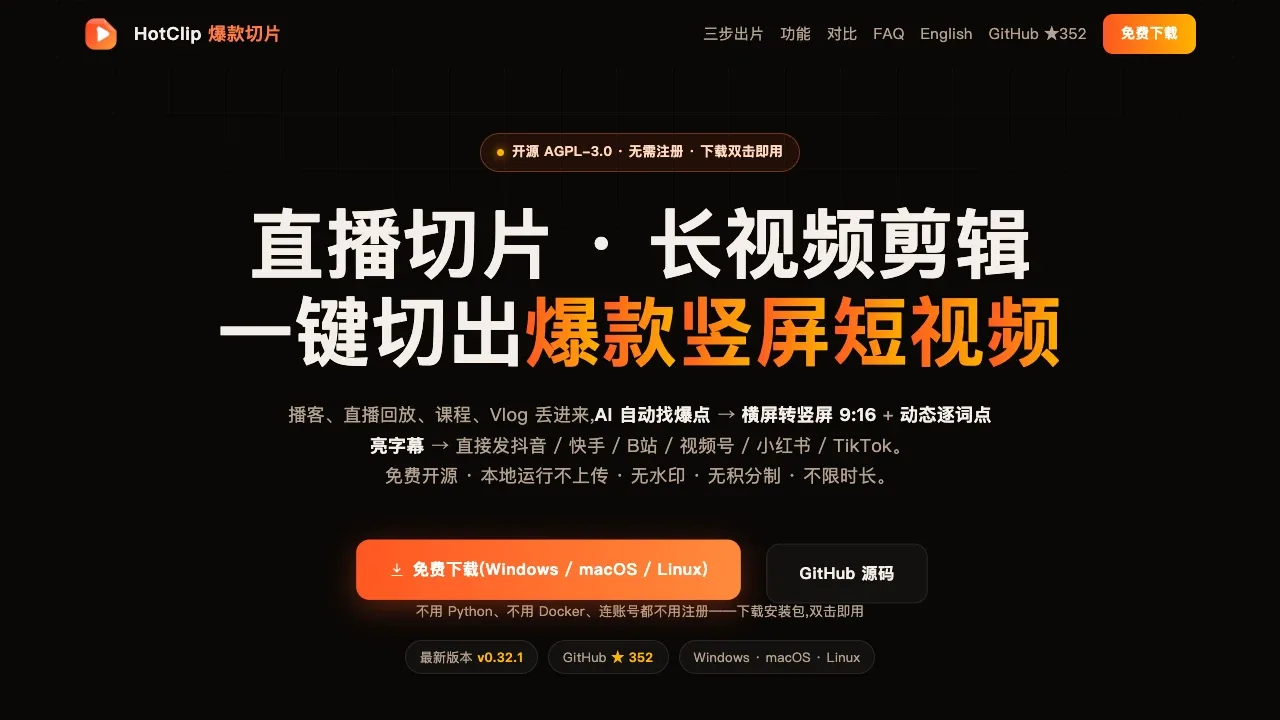
HotClip turns long recordings into short vertical videos for creators editing livestreams, podcasts, courses and spoken presentations. It suggests highlights with reasons and scores, so you can review the selections before exporting.
- Highlight selection: Find candidate clips using speech, scene changes, motion and audience chat activity, then adjust cuts aligned to individual words.
- Vertical videos and captions: Reframe horizontal footage to 9:16 and add animated word-level captions, bilingual subtitles, covers and post copy; audio-only podcasts can use waveform visuals.
- Transcript editing: Search dialogue and scanned on-screen text, listen to matching passages and select complete sentences, or start with an existing SRT or WebVTT file.
- Speech cleanup: Remove pauses and filler words, apply optional local voice denoising and distinguish speakers with caption colors.
- Reusable projects: Keep transcript corrections and manual edits across sessions, undo changes after reopening and resume interrupted transcription.
HotClip is free, open source under AGPL-3.0 and runs on Windows, macOS and Linux without an account or export watermarks. Local transcription works on a CPU without a GPU, using SenseVoice, Paraformer or FireRedASR2, with support for Chinese dialects and mixed Chinese-English speech.
Transcription, captioning, cutting and export run locally. By default, AI highlight selection sends the text transcript to a cloud model using your own API key. A local Ollama model such as qwen3.5:4b lets the entire workflow run offline after the required models have downloaded.
 Logotyper


