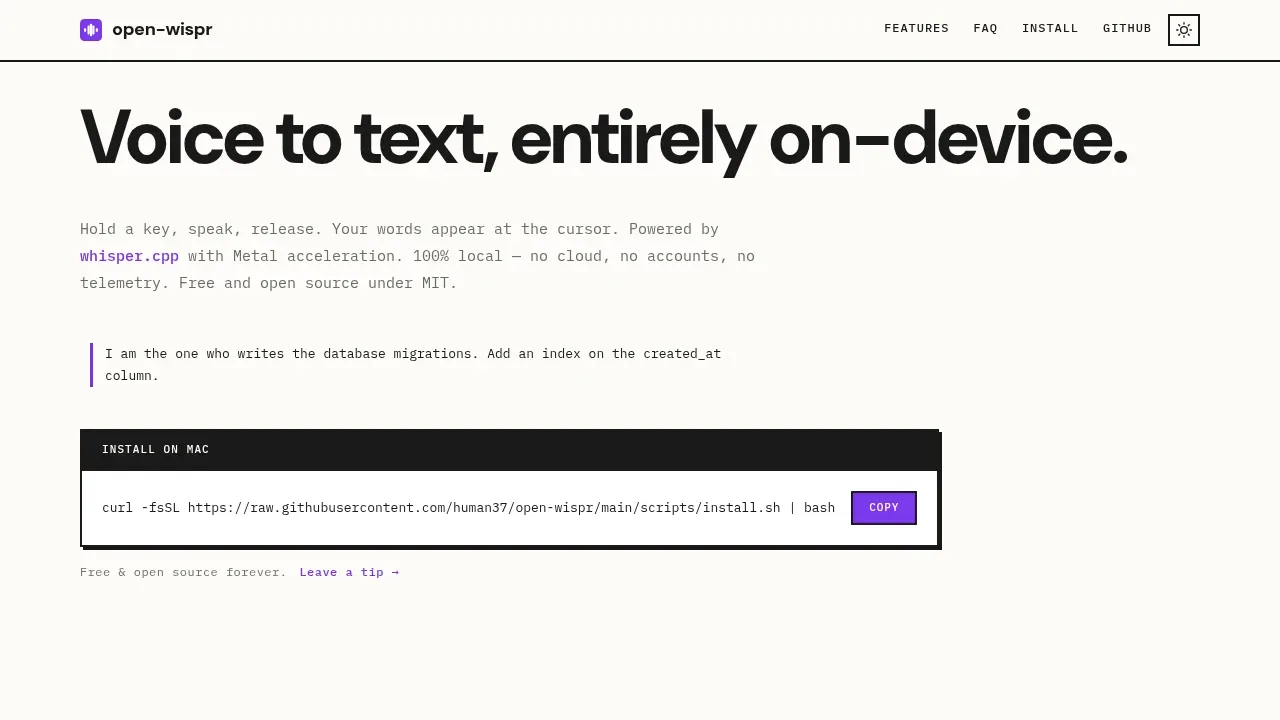
Open Wispr is a free, open source voice dictation tool for people who want to speak into Mac apps without sending recordings to a cloud service. It inserts transcribed speech at your cursor, so you can dictate email, notes, terminal input or coding prompts in the app you're already using. It doesn't require an account.
Transcription runs locally through whisper.cpp with Metal acceleration on Apple Silicon. It works offline after the model download, and neither audio nor text goes to a cloud service for processing. The tool requires an M1 or later Mac running macOS 13 or later; Intel Macs aren't supported.
You can hold a chosen hotkey while speaking or use a toggle to start and stop recording. Whisper adds punctuation automatically, with spoken punctuation available if you prefer to dictate it yourself. English-only and multilingual models let you choose between speed, accuracy and memory use, including base.en, large-v3-turbo and large-v3. Quantized models reduce disk and RAM needs.
Open Wispr stays in the menu bar as a background service. Its focus is speech-to-text rather than AI rewriting or an assistant that edits what you say. It works across editors, browsers, Slack and other apps without plugins, and you can copy the last dictation from the menu bar if it lands in the wrong place.
The MIT license allows you to inspect and modify the code. By default, the tool deletes temporary audio after transcription. You can also retain recordings locally and transcribe them again from the menu bar.
Claim this page with an email at open-wispr.com. Open Wispr gets the verified badge, and you can upgrade the listing to be featured on localhosted. Proud to be listed? Put our badge on your site.
Want more people to find Open Wispr?Promote it
Something wrong or outdated on this page?
3KUpdated 3 weeks agoMIT
macOS#Batch processing#Hugging Face integration#Multilingual
OpenSuperWhisper is a local speech-to-text app for people who want to dictate or transcribe recordings on an Apple Silicon Mac. It supports Whisper and Parakeet, with model downloads available inside the app. The project is open source under the MIT license.
643Updated 1 month agoMIT
Android#Hugging Face integration#Multilingual#Voice activity detection
293Updated 1 day agoApache-2.0
Android#Multilingual#Ollama integration#OpenAI-compatible API
334Updated 5 months ago
Android#Multilingual#Works offline
FUTO Voice Input turns speech into text entirely on your Android device. It's for people who want private dictation while keeping their preferred keyboard. Recognition works offline after any needed model downloads, and the app doesn't store your voice data or send it to a cloud service.
apps.apple.comDictation and Voice Typing
iOS#Multilingual#Works offline
798Updated 6 months agoGPL-3.0
Android#Multilingual#Works offline
WhisperIME turns speech into text on your Android device using OpenAI Whisper. It's for people who want private dictation in their keyboard or a separate app for transcription and translation. Speech recognition runs entirely offline after an initial model download from Hugging Face, so audio stays on your device during recognition.
Dictate Keyboard is an Android keyboard for people who prefer speaking to typing or find typing uncomfortable. It runs on Android 8.0 and later, with offline speech recognition on the phone and optional cloud or self-hosted providers. The app is open source under Apache 2.0 and builds on FlorisBoard.
Google AI Edge Eloquent is an AI dictation app for iPhone and iPad that turns spoken thoughts into edited text using on-device Gemma models. It's for people who prefer speaking to typing but don't want every hesitation or self-correction carried into their notes and drafts.
The GPL-3.0 F-Droid edition of Notely Voice is an Android voice transcription and note-taking app that runs Whisper on your device. It's for people capturing lectures, meetings or interviews who want to turn recordings into notes without uploading audio to a cloud service. Speech recognition works offline once you've downloaded a model.