
Terax
A terminal-first AI coding workspace for macOS, Windows and Linux with local model support, reviewable agent edits and a built-in web preview.


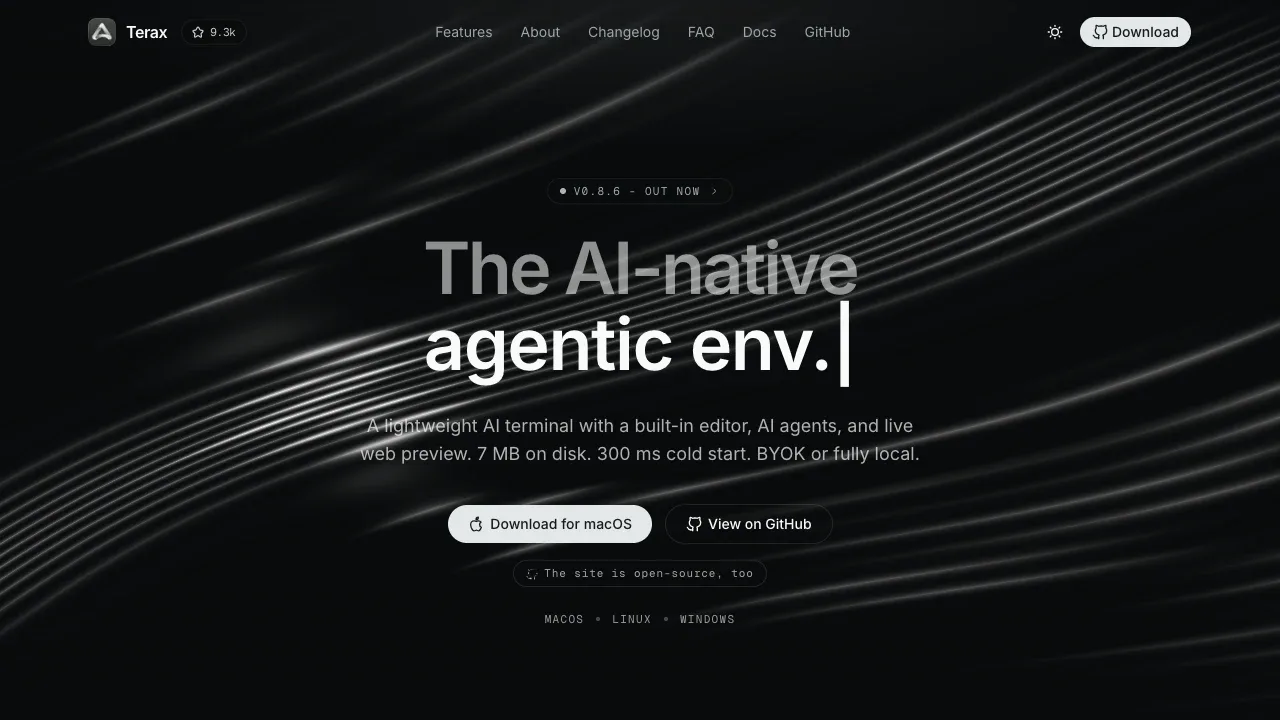
Terax brings a terminal, code editor and AI coding agents into one desktop workspace. It's for developers who want to work with agents alongside their shell, files and running app.
- Coding agents: Agents can read project files, run commands and propose edits for inline review before changes reach disk, with plans, sub-agents and project memory for longer tasks.
- Code editor: Write code with AI autocomplete, Vim mode and hunk-by-hunk acceptance of agent edits; autocomplete also supports local models.
- Terminal workspace: Keep terminals, editors and previews side by side in split panels, search project files and restore tabs and layouts across launches; Windows workspaces can use installed WSL distributions.
- Git tools: Stage individual hunks, commit and push, then inspect branches and merges in a commit graph or search commit history.
- Web preview: View local development servers beside your code, with automatic detection for tools such as Vite, Next and Astro.
Terax runs on macOS, Windows and Linux. It's free and open source under Apache 2.0, requires no Terax account and collects no telemetry. AI can run fully offline through LM Studio, MLX or Ollama, keeping code on your machine. You can also use your own API keys with providers including OpenAI, Anthropic and Google Gemini, or connect an OpenAI-compatible endpoint. Cloud-backed AI sends requests to the selected provider.
 Logotyper


