
Unity MCP
An open-source Unity Editor bridge for local LLMs and MCP clients such as Claude and Codex. Runs on your machine, free under MIT, with no account required.
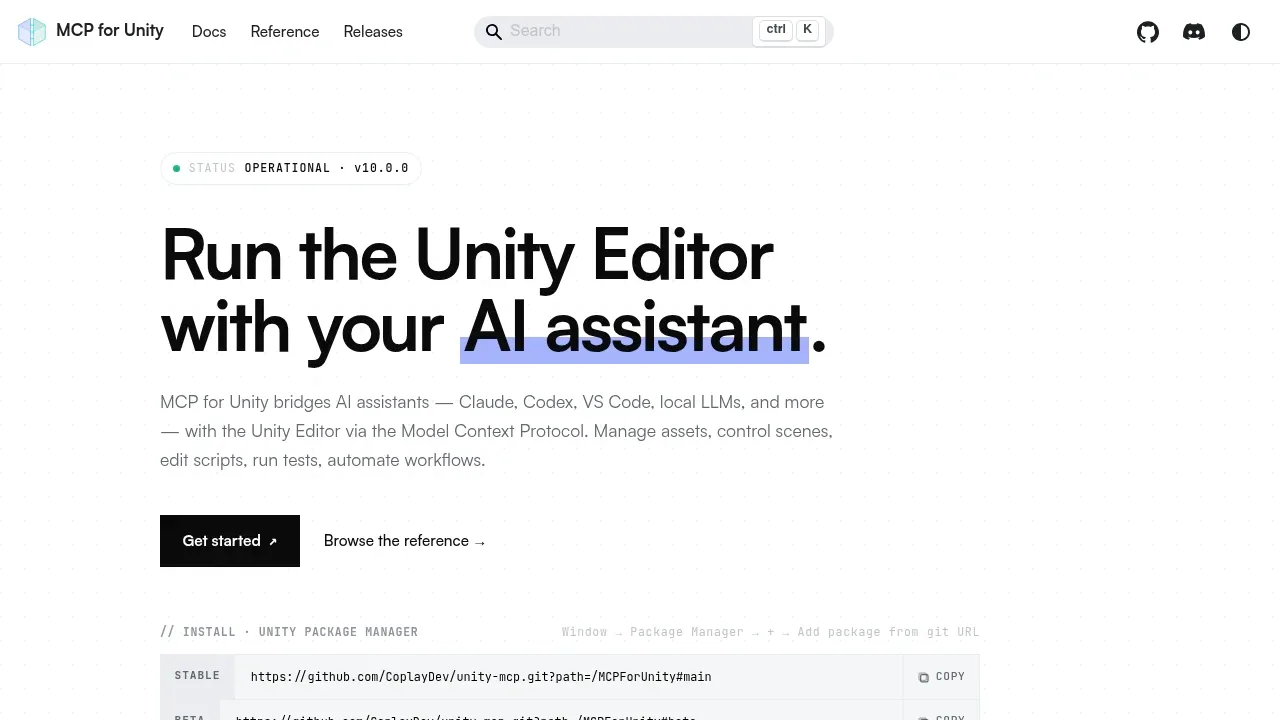
Unity MCP lets game developers give an AI assistant direct access to the Unity Editor through the Model Context Protocol (MCP). It connects local LLMs and clients such as Claude, Codex, Cursor, and VS Code to editing tools, so an assistant can work on a project beyond suggesting code in a chat window. It's free and open source under the MIT license.
The assistant can create scenes and GameObjects, edit C# scripts, manage assets, prefabs, and materials, and run tests. Profiling and builds are also supported. Tool groups cover animation, visual effects, UI, testing, and ProBuilder; you can expose only the groups a session needs rather than give every assistant access to the full tool set.
The bridge uses a Python server and a C# plugin that runs inside the Unity Editor on your machine. It requires no account and has no telemetry by default. The AI model can be local or accessed through an external assistant; the local Editor plugin doesn't make a cloud assistant local. The server also supports remote hosting with authentication for shared workflows.
For developers working across projects, one MCP session can target several open Unity Editors, while separate clients keep their sessions isolated. HTTP supports shared and multi-agent use, and stdio supports single-client connections. Developers can add custom tools scoped to a project or available globally, and MCP clients discover those tools automatically.


