
usecomputer
An open-source desktop automation CLI for AI agents that runs on macOS, Linux and Windows, with window screenshots and mouse and keyboard control.
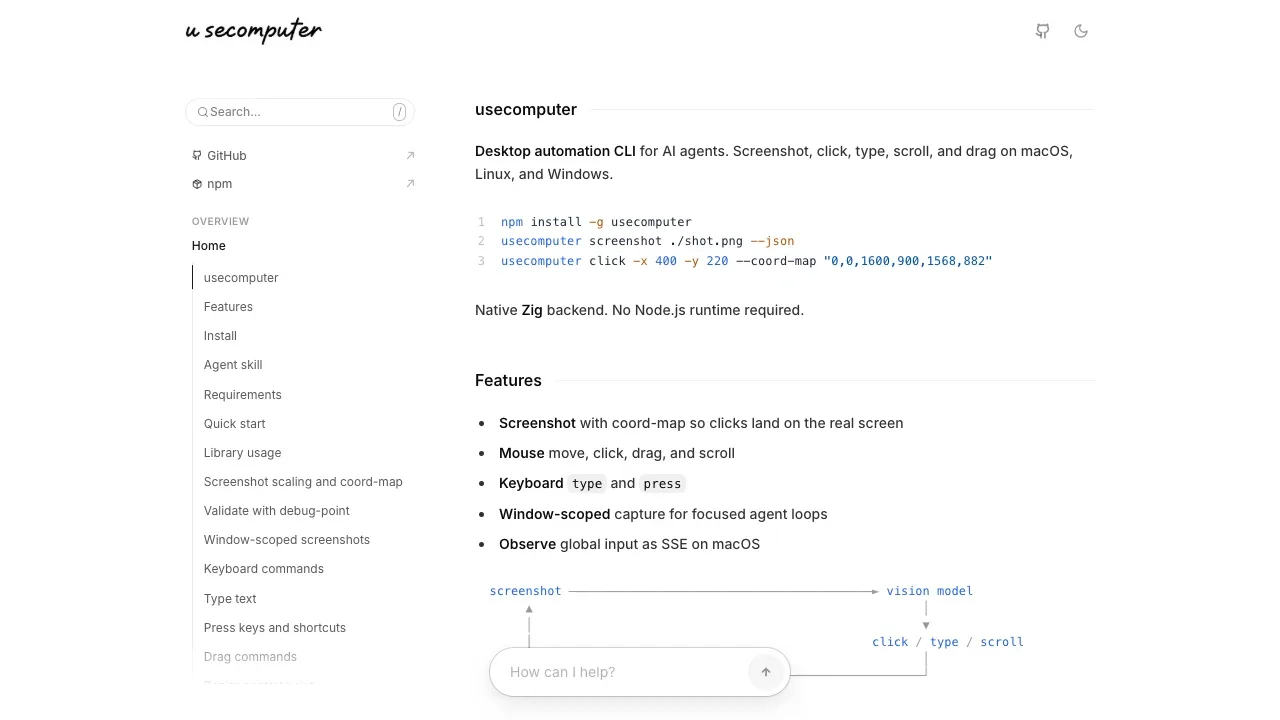
usecomputer lets AI agents interact with desktop applications through screenshots, mouse actions and keyboard input. It's for developers who want computer control in agent workflows, including those built around OpenCode or Claude Code.
- Screenshot targeting: Agents can capture the desktop or a single application window, with coordinate mapping that keeps clicks aligned when screenshots are resized.
- Desktop actions: Agents can click, scroll, enter text, press keyboard shortcuts and drag along straight or curved paths; adjustable typing speed helps with apps that drop fast input.
- Target previews: A visual marker shows where a proposed click would land before the agent acts.
- Agent integration: A JavaScript library exposes desktop controls, and OpenCode's kitty-graphics-agent plugin can put screenshots directly into the model's context.
- Input observation: On macOS, agents can receive a live stream of global mouse and keyboard events.
The tool runs locally on macOS, Linux and Windows and is open source under the MIT license. Its native executable doesn't require a Node.js runtime. Linux needs X11 or XWayland, and Windows needs an unlocked interactive desktop. macOS requires Accessibility permission for desktop control and Input Monitoring permission for global input observation.
 Logotyper


