
cc-haha
An MIT-licensed AI coding workspace for macOS, Windows and Linux, with Ollama and LM Studio support, change review and desktop app control.
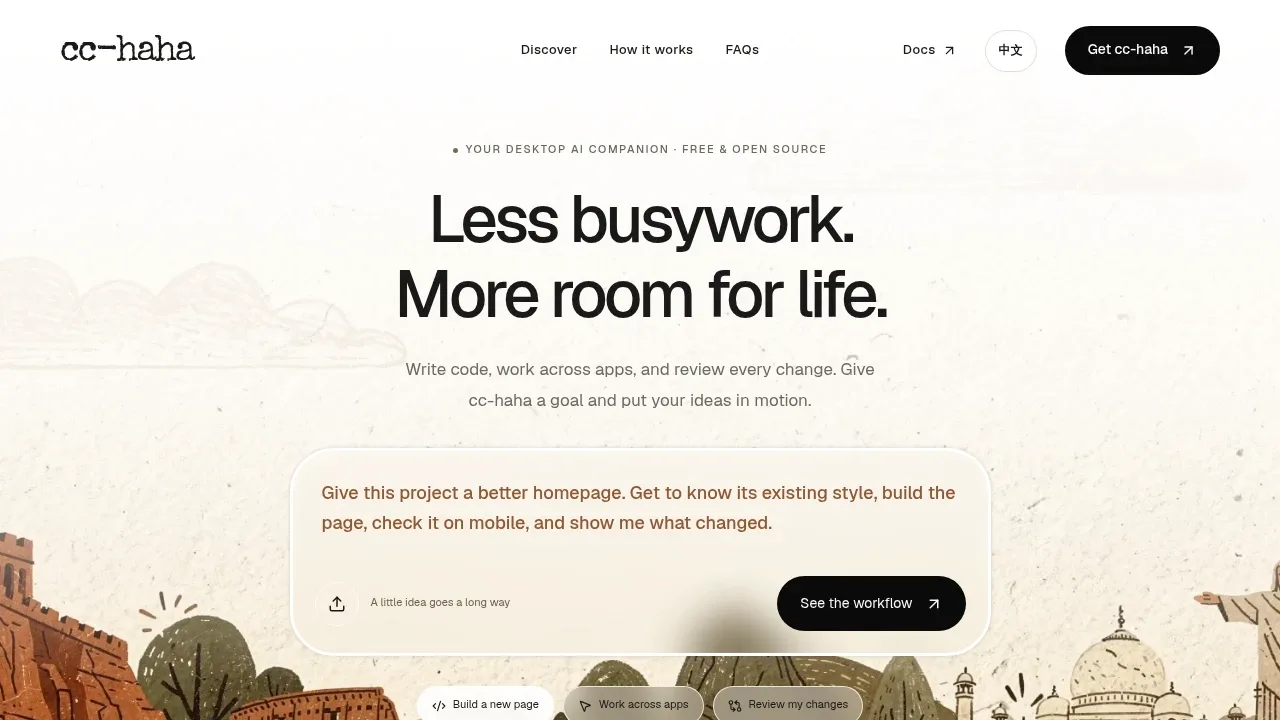
cc-haha is a desktop workspace for Claude Code and AI agents, aimed at developers who want coding tasks, change review and work across apps in one place. It runs on macOS, Windows and Linux, with Intel, AMD and ARM builds. The app is open source under the MIT license.
You can connect a local LLM through Ollama or LM Studio, use a third-party API, or sign in with a Claude, ChatGPT or Grok account. The workspace runs locally; cloud model services process requests through your chosen provider. Agent tasks need a model that supports tool calling.
For project work, cc-haha combines multiple sessions with Git branches and isolated worktrees. Agents can read code, edit files and run commands, while you inspect changes in file-by-file diffs or undo a turn. An embedded browser previews edited pages. The default Ask mode requests approval for file writes and commands that require authorization, and a planning-only mode lets you explore a task before edits begin.
The workspace also includes visual controls for MCP servers and subagents, an Agent Teams view, workflow orchestration and scheduled tasks. A skill marketplace provides extensions, while H5 access and messaging integrations let you continue through WeChat, Feishu, DingTalk, Telegram or WhatsApp.
Computer Use requires separate consent and system permissions. On macOS 14.4 and later, it uses an independent virtual cursor, leaving your physical mouse and keyboard available, though actions can change app focus. On Windows, it moves the physical mouse. Linux has no Computer Use executor.


