
Yap
An offline voice dictation app for Apple Silicon Macs uses Apple's speech models to paste text into other apps and save searchable local transcripts.
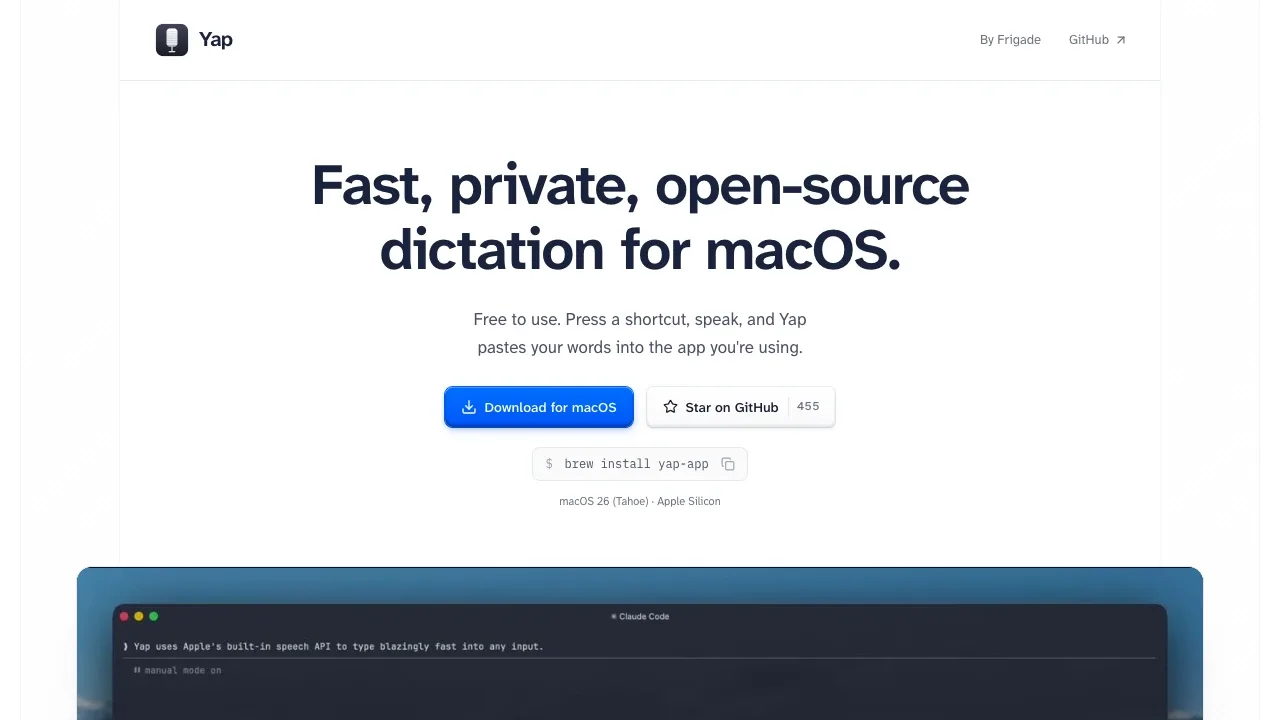
Yap is a voice dictation app for people who prefer speaking to typing emails, messages or prompts on their Mac. It transcribes speech on-device and inserts the result into the text field you're using.
- Dictation across apps: A customizable global shortcut starts and stops recording, with support for a single modifier key as the trigger.
- Live preview: A small window shows a waveform and partial transcript while you speak, and you can discard a recording before inserting its text.
- Transcript history: Local history lets you search previous dictations, copy their text or delete them.
- Clipboard preservation: Yap pastes the transcript into the active app, then restores your previous clipboard contents.
- Microphone switching: The app follows your Mac's default microphone, including changes during a recording.
Yap is free and open source under the MIT license. It's a native Swift app that uses Apple's Speech framework and OS-managed speech models rather than a separate Whisper model or an embedded browser engine. It works offline, makes no network calls and collects no telemetry. Audio and transcripts stay on your Mac; you don't need an account or API key.
It requires macOS 26 or later on Apple Silicon. Intel Macs aren't supported. Dictation depends on Apple's on-device language support: if the speech engine can't handle your language locally, recording stops instead of falling back to server transcription.
 Logotyper


