
Aftershoot
AI photo editing software for Windows and macOS that culls, edits and retouches images offline, with learned editing styles and online client galleries.
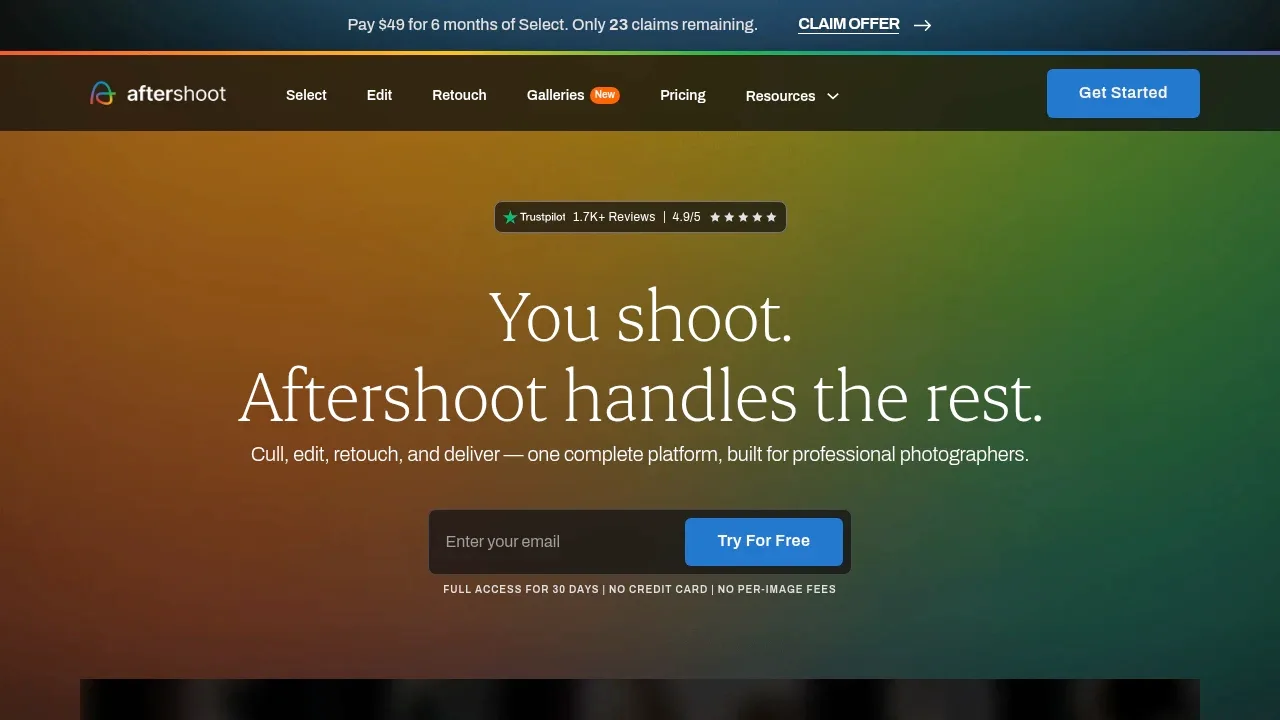
Aftershoot is a photo processing app for professional photographers who need to review and edit whole shoots. Its AI culling, editing and retouching run locally on Windows and macOS, without uploading images for processing.
- Select your keepers: Let AI make a first selection or assist your own review, with duplicate grouping, side-by-side comparisons and ratings you can revise.
- Apply your editing style: Build a profile from your edited photos or a Lightroom preset, or choose a prebuilt photographer style to apply across different lighting, cameras and venues.
- Refine and retouch: Use the built-in RAW editor for manual adjustments, previews and exports, then apply retouching across an album for skin, stray hair, glasses glare, distractions, backdrops and clothing creases.
- Deliver client galleries: Share online galleries where clients can find images through face detection and keyword search, choose favorites, proof photos, download files and order prints.
Aftershoot is paid software and accepts RAW, JPEG and TIFF images. Local image processing works offline and preserves originals. Client gallery sharing is an online service, separate from the offline processing tools.
The minimum hardware is 8GB of RAM and a relatively recent CPU. Preview rendering and retouching may be unreliable with Intel integrated graphics or GPUs with less than 2GB of VRAM.


