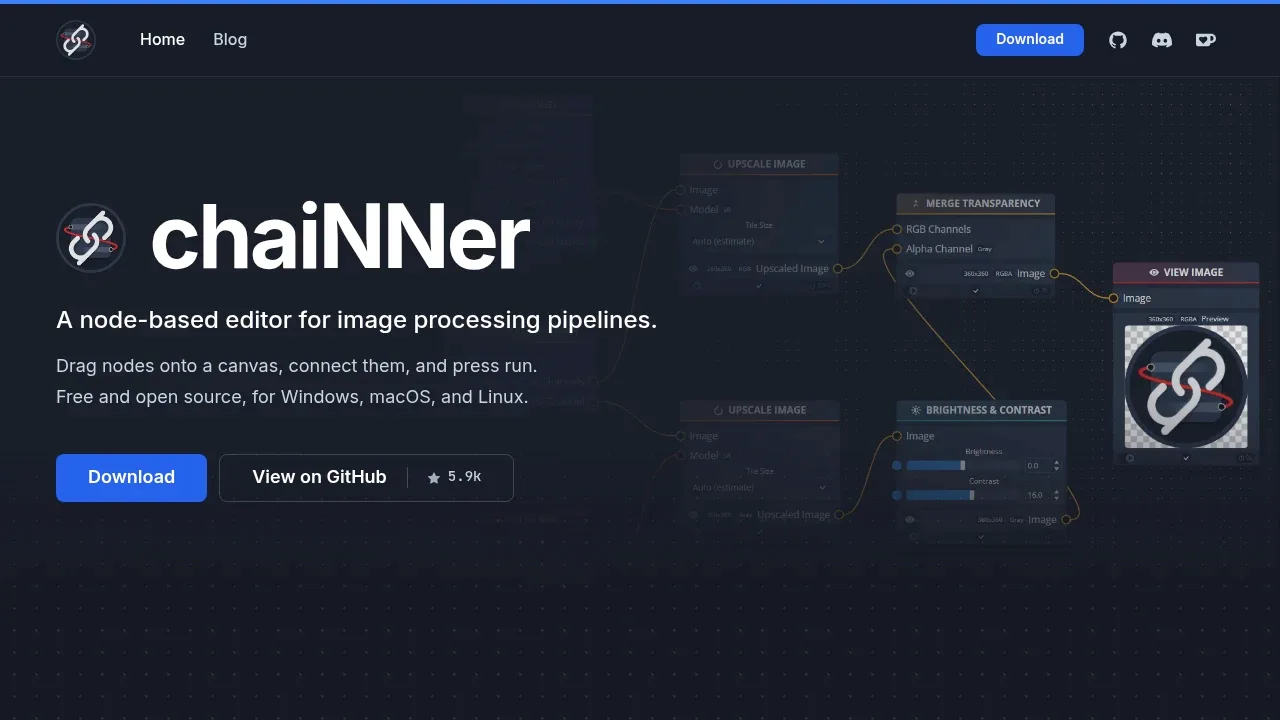
chaiNNer is a desktop image processing editor for people who want AI upscaling and repeatable editing workflows without writing scripts. It runs models locally on Windows, macOS, and Linux. Connected nodes let you combine model processing with ordinary image edits in the same workflow.
Upscaling is its main focus. It supports community models from OpenModelDB, with Spandrel providing support for architectures such as ESRGAN, SPAN, and OmniSR. Face restoration and color correction can address faces and color shifts in an upscale. PyTorch, NCNN, ONNX, and TensorRT provide model execution, with GPU support covering NVIDIA, AMD, Intel, and Apple Silicon depending on the backend. CPU processing is also available.
The editor also handles background removal, color adjustments, blending, resizing, and format conversion. For game artists, it can generate and combine normal maps, convert PBR textures, save DDS files with mipmaps, and split spritesheets for processing before assembling them again. Pixel art tools include non-AI scaling, palette extraction, and dithering.
Batch workflows can process image folders or video frames, compare models, and skip an upscale when an image is already large enough. Outputs can use filenames built from image or model names. The editor checks connections for compatible types and marks errors on the responsible node; saved workflows can also run from the command line.
chaiNNer is open source under GPL-3.0. It downloads its own Python environment on first launch.
Claim this page with an email at chainner.app. chaiNNer gets the verified badge, and you can upgrade the listing to be featured on localhosted. Proud to be listed? Put our badge on your site.
Want more people to find chaiNNer?Promote it
Something wrong or outdated on this page?
135.6KUpdated 48 minutes agoGPL-3.0
macOS · Windows · Linux · Web#ControlNet#Inpainting#LoRA
ComfyUI is a local visual AI workspace for artists and technical teams who want to control how images, video, audio, 3D models and text are made. Its node canvas shows each model and processing step, so users can build and adjust workflows without writing code. It runs on your hardware.
36.9KUpdated 2 years agoBSD-3-Clause
macOS · Windows · Linux#Batch processing
7.3KUpdated 1 week agoApache-2.0
macOS · Windows · Linux · Docker · Web#ControlNet#Image-to-image#Inpainting
30.1KUpdated 1 day ago
macOS · Windows#Image-to-image
FaceFusion is an AI face manipulation tool for photos and videos that processes media on your own machine. It's aimed at content creators, VFX artists, and film studios that want control over their footage and personal data. Local processing keeps that media on your hardware rather than sending it to a cloud service.
606Updated 4 days agoApache-2.0
Windows#ControlNet#GGUF#Inpainting
17.1KUpdated 2 weeks ago
Windows#Batch processing#Works offline
Real-ESRGAN is a local AI upscaler and restoration toolkit for people enlarging images or improving video, with dedicated models for anime illustrations and animation. It builds on ESRGAN and uses models trained entirely on synthetic data to address degraded images. The code is open source under the BSD 3-Clause license.
SD.Next is a self-hosted web interface for artists, researchers and people who want to generate and edit images or videos on their own hardware. It builds on Automatic1111 WebUI's original codebase and supports Stable Diffusion alongside other diffusion models. It's open source under Apache 2.0.
Amuse combines AI generation with media editing in a Windows app that runs models on your own hardware. It's for people who want to create images, video, audio and text locally, then work on the results in the same application. Its editor also accepts existing local video.
Waifu2x-Extension-GUI is a local AI upscaler for Windows users working with anime, photos and video. It combines image enlargement, noise reduction and video frame interpolation in a desktop interface. Media processing stays on your PC; the app doesn't upload your files or collect user data.