Magnific alternatives for AI image upscaling

Compare Topaz Gigapixel, ON1 Resize AI and Upscayl for enlarging images, restoring detail and processing batches.

Magnific now covers image creation, enhancement and video in a broader creative platform. Its upscaling workflow remains a reason to compare other tools: enlarging a small source image can involve both restoring detail and generating new detail that changes its appearance. This page focuses on that image enhancement job.

Topaz Gigapixel offers several enlargement and restoration models, while ON1 Resize AI adds controls for large prints and adjustable face recovery. Upscayl provides a simpler desktop workflow for individual images or batches. For combining enhancement with painting, Krita AI Diffusion lets you upscale and revise selected areas in the same canvas.

An AI image upscaler enlarges and restores photos on macOS and Windows, with local or cloud processing and Photoshop and Lightroom Classic plugins.
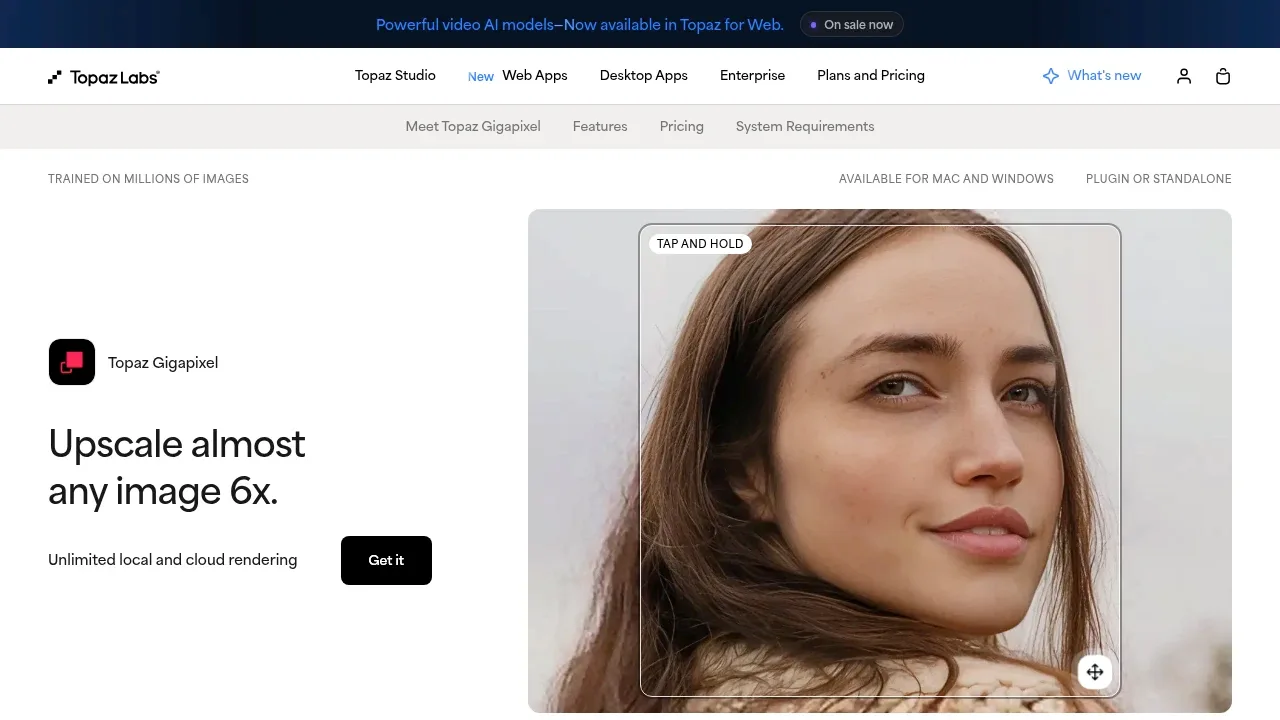
Screenshot of Topaz Gigapixel website

For Magnific-style enlargement and detail restoration, Topaz Gigapixel offers separate models for photographs, lettering and illustrations, plus face recovery. Compare the source and enhanced image before committing to the treatment. Local and cloud rendering are separate choices.

AI photo upscaler for Mac and Windows that enlarges images up to 10x, with adjustable face recovery and tools for canvas and mural prints.
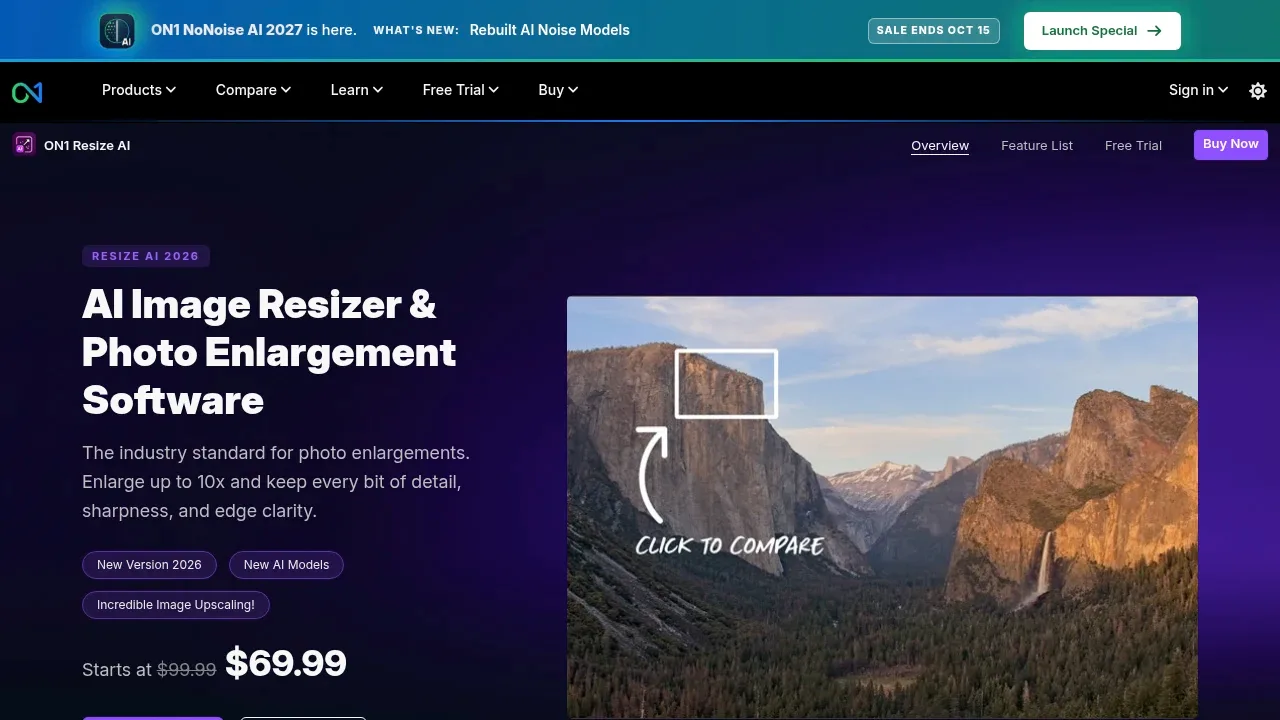
Screenshot of ON1 Resize AI website

ON1 Resize AI suits enlarging Magnific source images for print. Its diffusion model reconstructs detail, face recovery has adjustable strength, and print preparation includes soft proofing, gallery wrap margins and tiled output.

A Krita plugin generates and edits images locally through ComfyUI, with selection-based edits, visual guides and optional online generation.
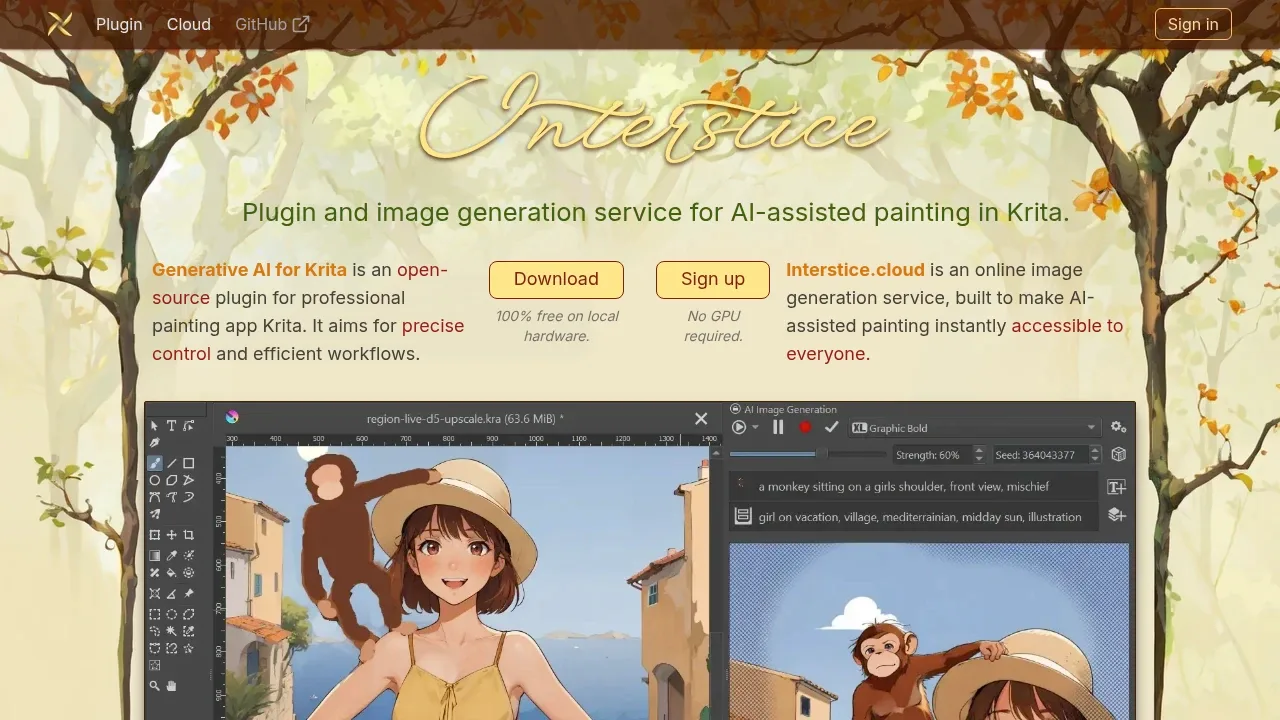
Screenshot of Krita AI Diffusion website

Krita AI Diffusion suits enhancing generated artwork while continuing to paint. Upscale size and detail, then use selections, sketches or written instructions to revise parts of the image rather than treating enlargement as a separate final step.

AI photo enhancement software for Mac and Windows that denoises, sharpens and upscales images with local or cloud processing.
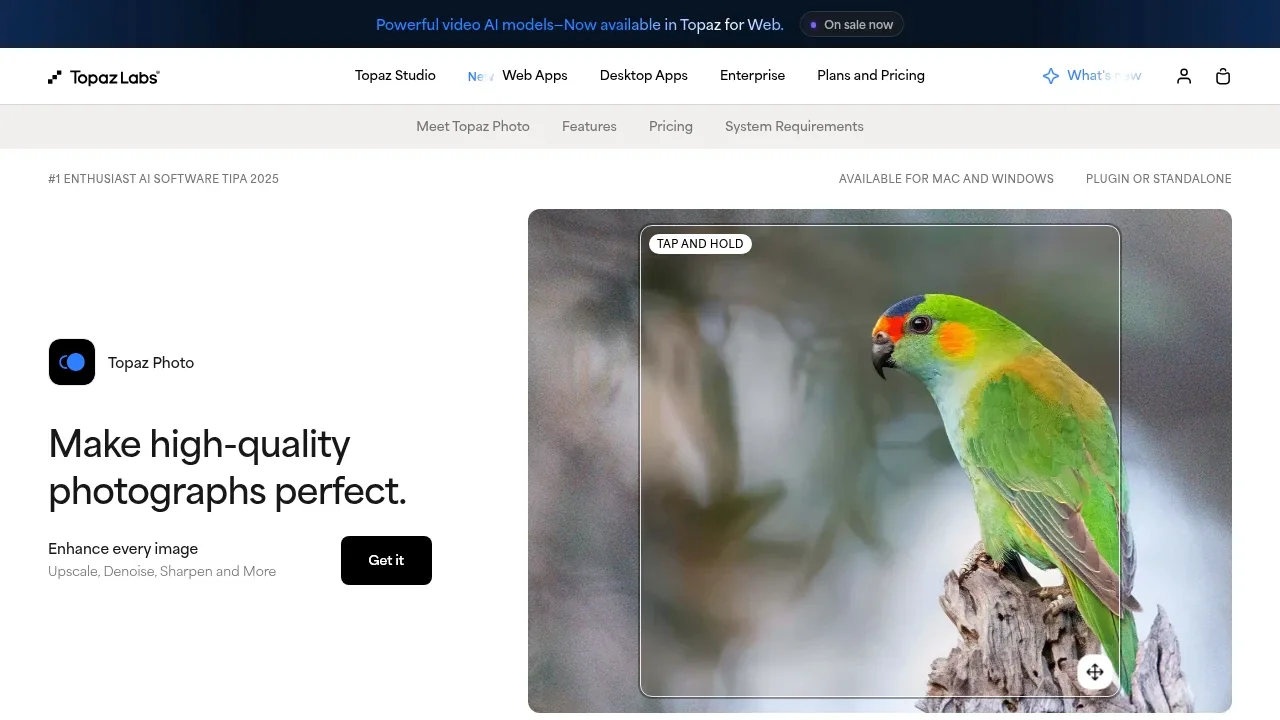
Screenshot of Topaz Photo website

Topaz Photo suits photographers enlarging images while repairing noise, blur or old-photo damage. Autopilot suggests a starting point, and you can adjust individual corrections or continue work in a connected photo editor.

AI photo enhancer for Windows and macOS with batch restoration, upscaling and RAW support. Its Photoshop plugin processes images in the cloud.
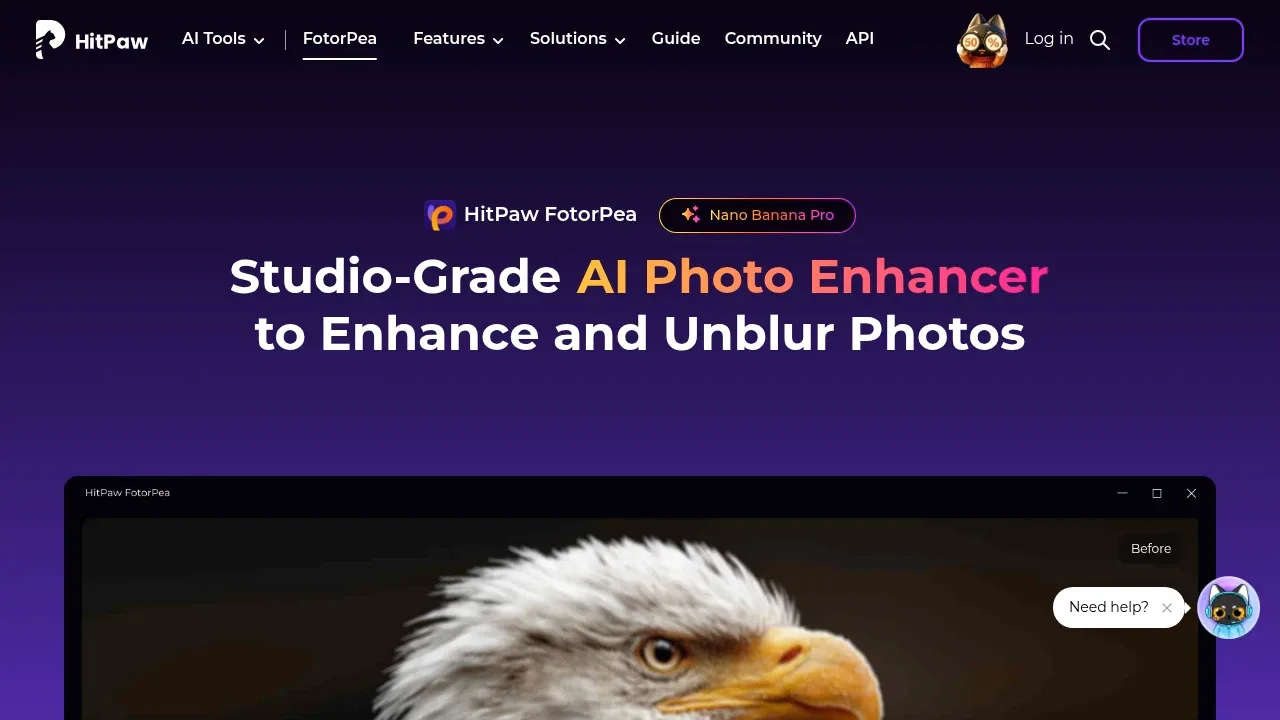
Screenshot of HitPaw FotorPea website

HitPaw FotorPea combines photo enlargement with portrait and old-photo restoration. Repair scratches, sharpen blurred images or process several photos together; generative restoration can reconstruct plausible details rather than recover the original ones exactly.

An open source local AI workflow editor generates images, video, audio and 3D on Windows, macOS and Linux, with an offline core and optional cloud services.
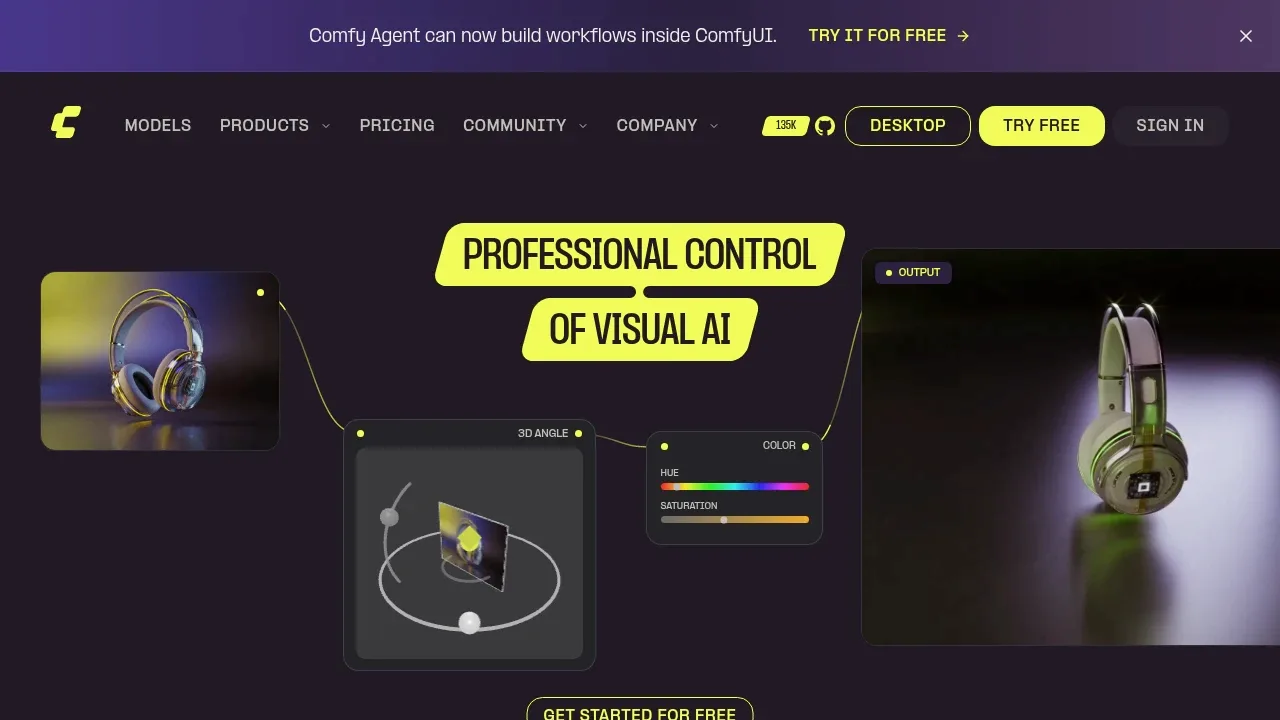
Screenshot of ComfyUI website

ComfyUI covers Magnific enhancement as a configurable workflow. Connect generation or editing to masks and upscaling, save the processing graph and reuse it with different images. You choose the models and workflow rather than reproducing Magnific output.

A local AI image processing editor builds visual workflows for upscaling and batch editing on Windows, macOS, and Linux.
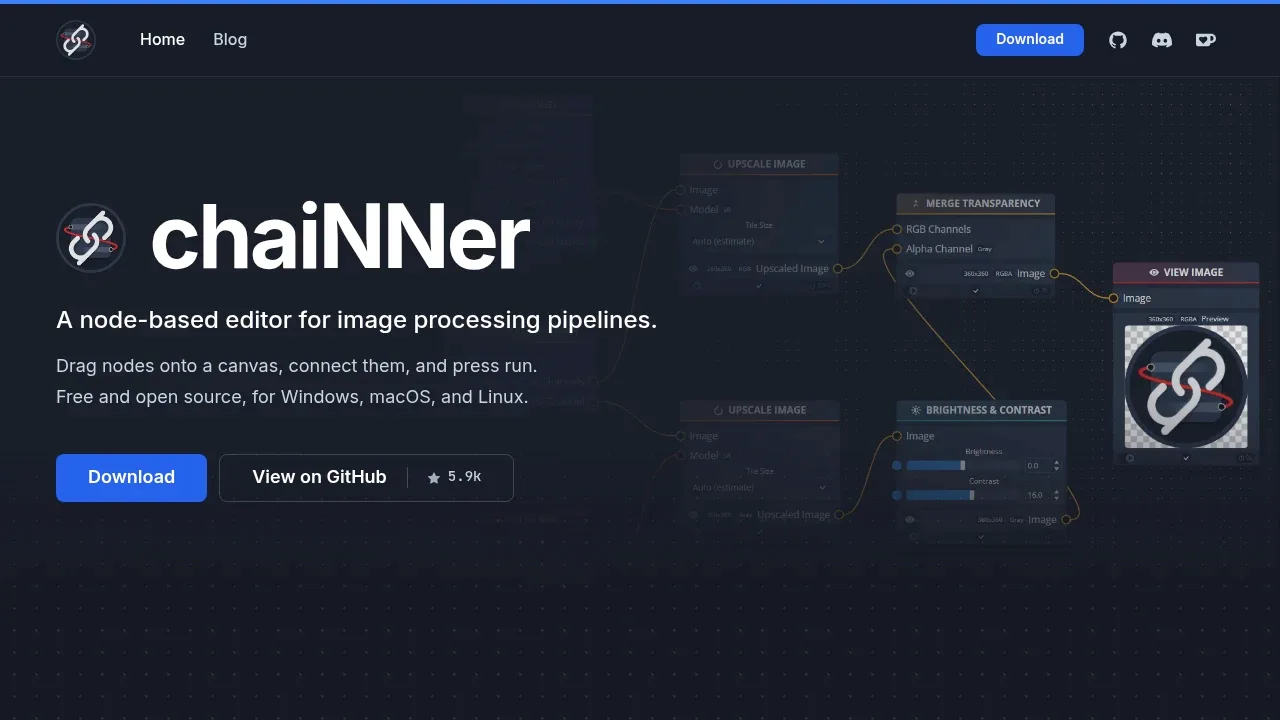
Screenshot of chaiNNer website

chaiNNer suits repeatable Magnific enhancement jobs across folders. Connect an upscaling model with sharpening, color corrections or face restoration, compare treatments and reuse the chain for later images.

Paid desktop AI photo editor for Windows and macOS with GPU acceleration, photo restoration, upscaling and text-prompt object replacement.

Screenshot of AVCLabs PhotoPro AI website

AVCLabs PhotoPro AI suits enlarging photos and restoring damaged or blurry details. Masks let you apply corrections selectively, with facial repair and text-prompt edits in the same editor. Its focus is photo repair rather than inventing extra detail.

AI photo editor for Mac, iPhone, iPad, and Vision Pro with nondestructive RAW editing, object removal, and batch processing.
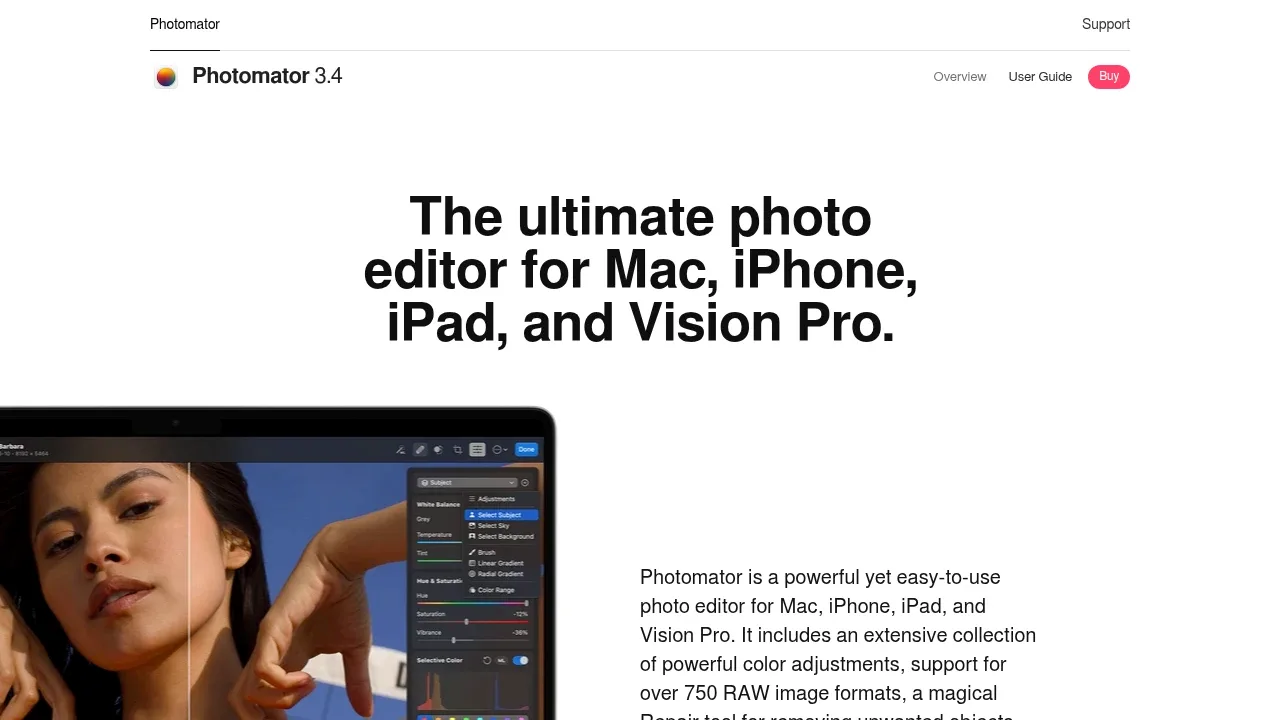
Screenshot of Photomator website

Photomator combines photo resolution increases with denoise and nondestructive RAW editing. It suits photographers refining individual shots or applying batch adjustments within their Apple photo workflow.

A free, open-source AI image upscaler that runs locally on Linux, macOS and Windows, with batch processing and a Vulkan-compatible GPU requirement.
Screenshot of Upscayl website

Upscayl covers straightforward image enlargement when you mainly use Magnific to make small pictures larger. Choose an upscaling model and process one image or a batch; its desktop app does not include the separate Upscayl Cloud generation tools.

AI photo editor for Windows and macOS with batch enhancement, background removal and upscaling. Internet access is required for activation.

Screenshot of Leawo PhotoIns website

Leawo PhotoIns enlarges images with controls for noise, clarity and image effects. Batch processing suits a collection that needs consistent enlargement and cleanup rather than editing each picture separately.

For Magnific, start with Topaz Gigapixel. Other alternatives include ON1 Resize AI, Krita AI Diffusion, Topaz Photo and HitPaw FotorPea.

Most are Photo Editing and Upscaling; others include Plugins for Creative Apps.

People also replace

See all