Krea alternatives for image creation and upscaling
Compare Krita AI Diffusion, ComfyUI and InvokeAI for live canvas work, reusable generation graphs and image refinement.
Krea combines image creation, editing, upscaling and video generation in a creative workspace. Its live image tools suit developing an idea while changing the visual input, while node workflows offer another way to arrange processing steps. The comparisons here focus on image creation and refinement, with video available in some of the broader tools.
Krita AI Diffusion interprets the canvas as you paint and supports selected edits. ComfyUI exposes generation and finishing as reusable nodes, while InvokeAI combines a layered canvas with a gallery and visual workflows. Wan2GP is a separate choice when video and other media matter more than direct painting.

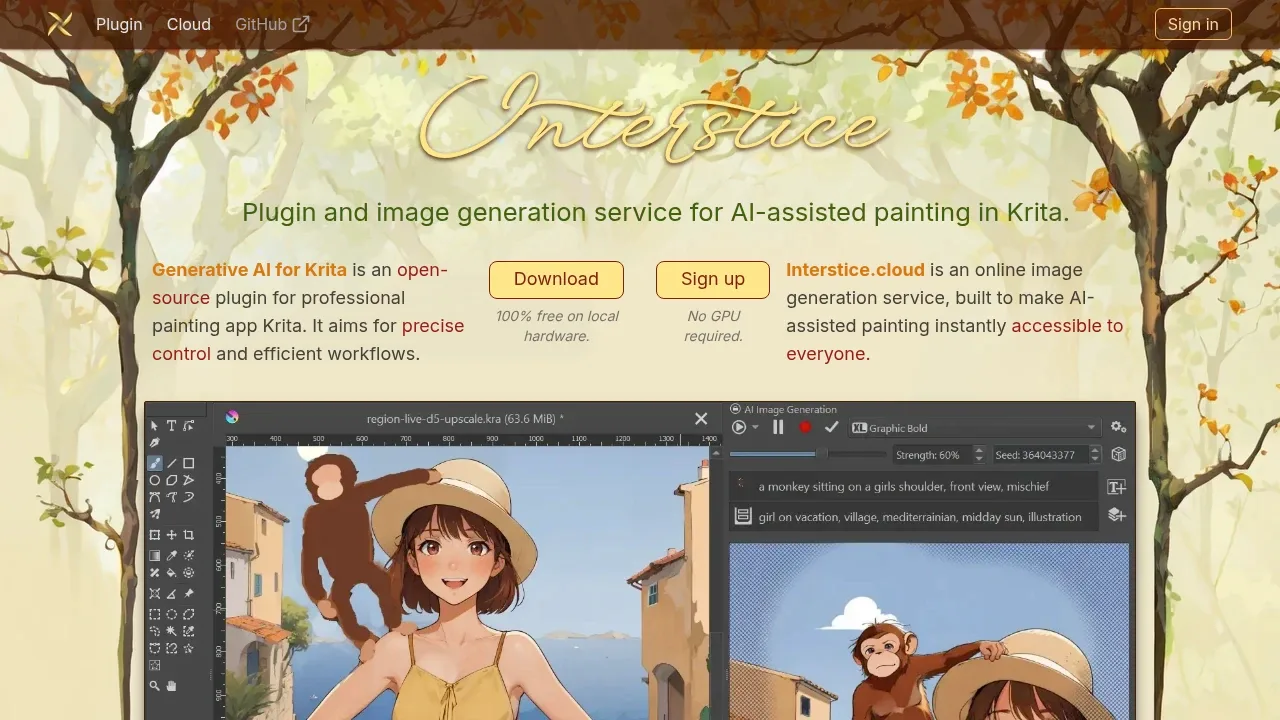
A Krita plugin generates and edits images locally through ComfyUI, with selection-based edits, visual guides and optional online generation.

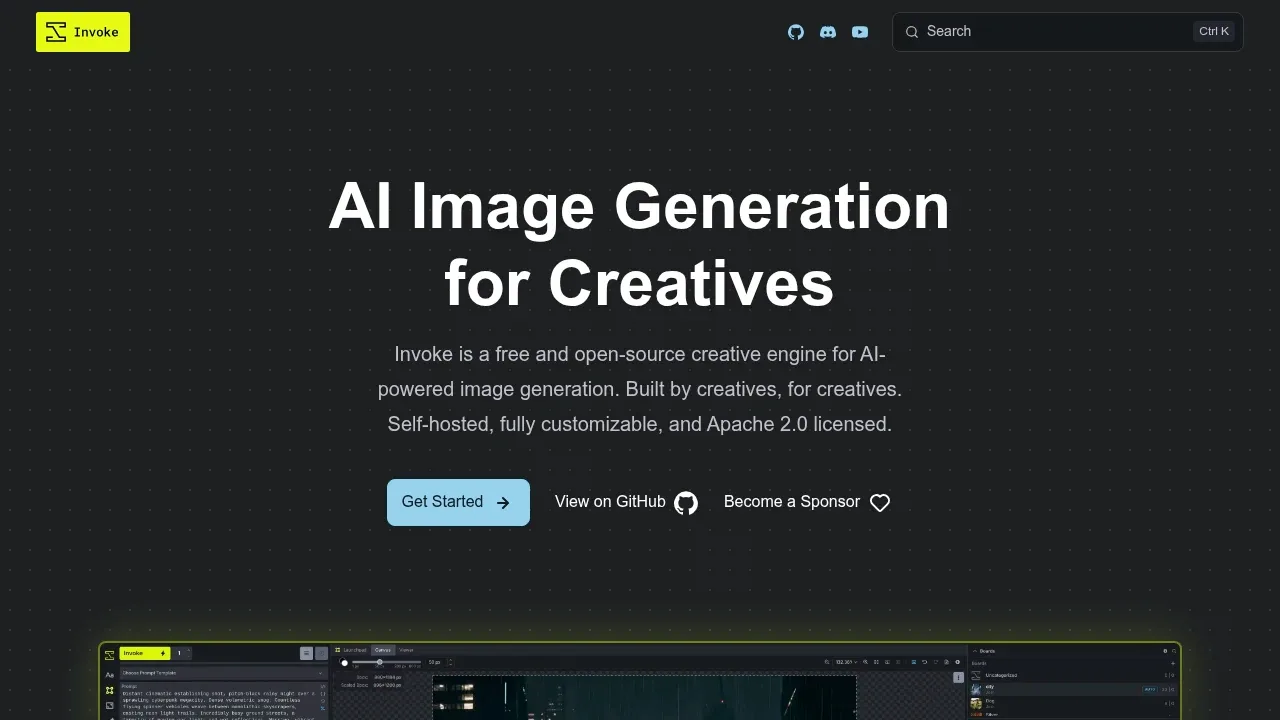
A self-hosted AI image generator with layer-based canvas editing, visual workflows and local Flux and Stable Diffusion models, licensed under Apache 2.0.

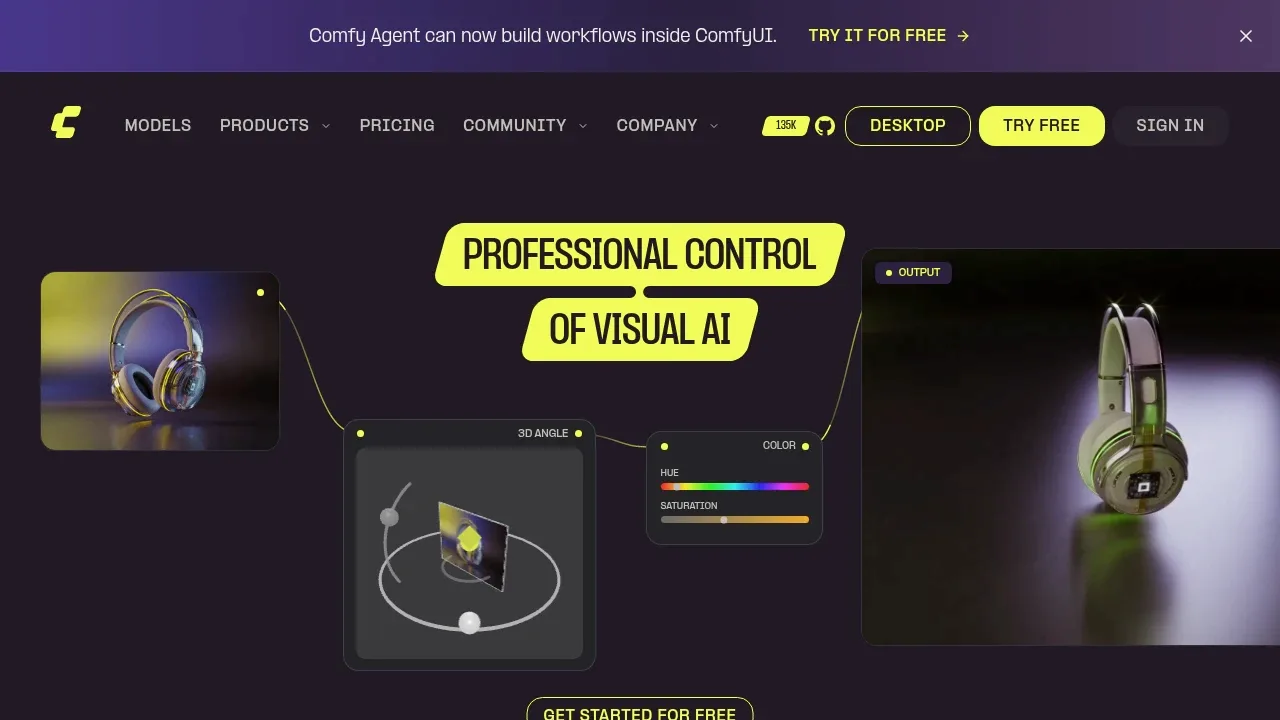
An open source local AI workflow editor generates images, video, audio and 3D on Windows, macOS and Linux, with an offline core and optional cloud services.

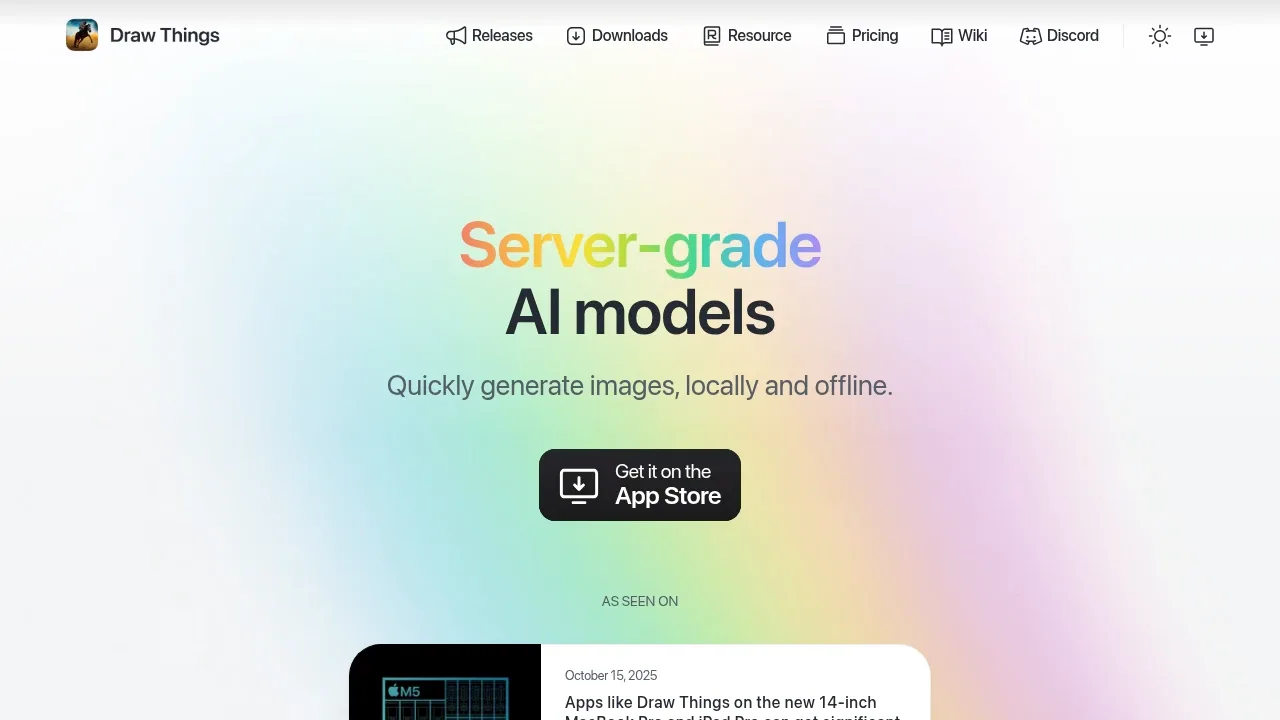
An AI image generator runs offline on iPhone, iPad and Mac, with local LoRA training and optional self-hosted or managed cloud compute.

A local AI media generator with a browser interface for video, images, music and speech, including select models that need just 6 GB of VRAM.

A Blender add-on generates textures and concept art with Stable Diffusion locally on CUDA or Apple Silicon GPUs, with optional DreamStudio cloud processing.
Dream Textures suits artists creating image assets and textures inside Blender. Depth-guided projection connects generated textures to a scene, while render-pass restyling and nodes extend the workflow into animation effects.

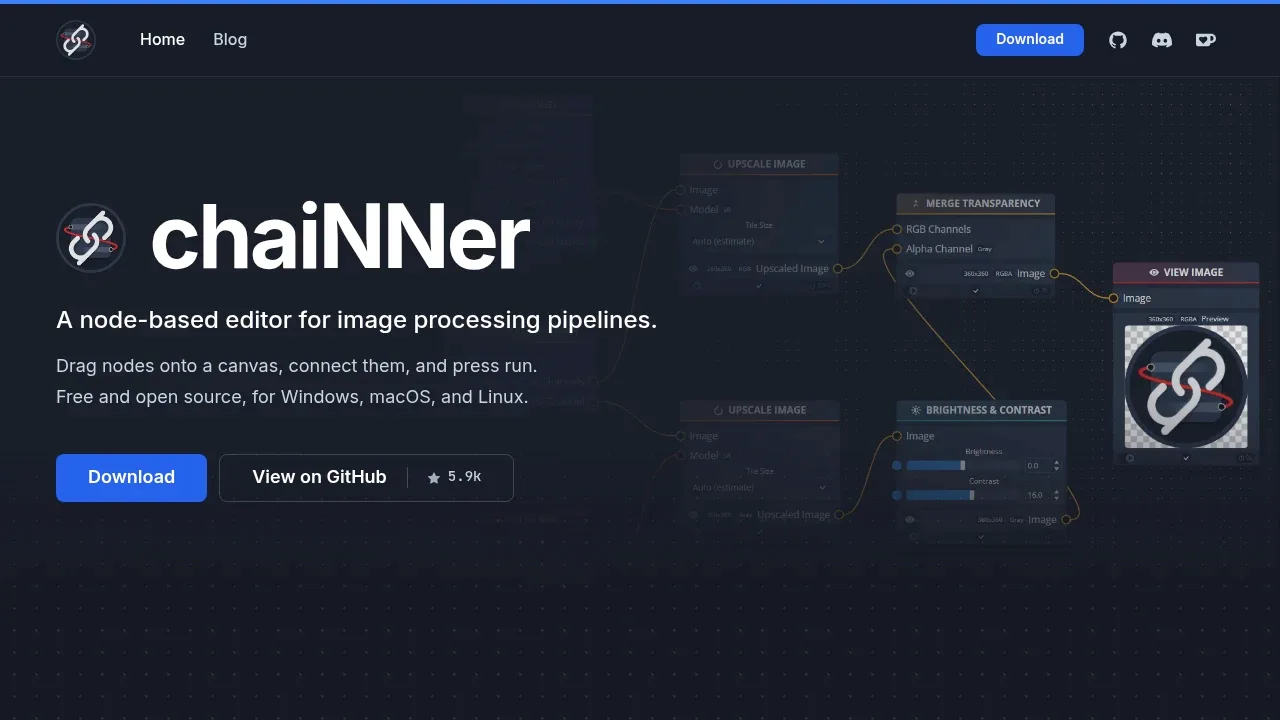
A local AI image processing editor builds visual workflows for upscaling and batch editing on Windows, macOS, and Linux.
For Krea, start with Krita AI Diffusion. Other alternatives include InvokeAI, ComfyUI, Draw Things and Wan2GP.
Most are Photo Editing and Upscaling; others include Image Generator Apps.
People also replace
See all
Adobe Firefly alternatives

Midjourney alternatives


Leonardo.Ai alternatives