Topaz Labs alternatives for photo and video enhancement
Compare ON1 Resize AI, chaiNNer and Upscayl for photo enlargement, plus Video2X and QualityScaler for improving existing footage.
Topaz Labs offers separate tools for photo and video enhancement, including enlargement, denoising, sharpening and restoration. It is useful when an existing file needs repair or a larger output, rather than when you want to generate a new scene. A replacement shortlist needs to distinguish still-image work from processing footage.
ON1 Resize AI emphasizes photo enlargement and print preparation. chaiNNer combines upscaling with repeatable corrections, while Upscayl provides a simpler image workflow. Video2X handles video enlargement and frame interpolation; QualityScaler processes both photos and footage. Flowframes is the narrower choice when smoother motion is the main goal.

A paid AI video enhancer for Windows and macOS that processes footage offline, upscales to 4K or 8K, and restores noisy or blurry clips.


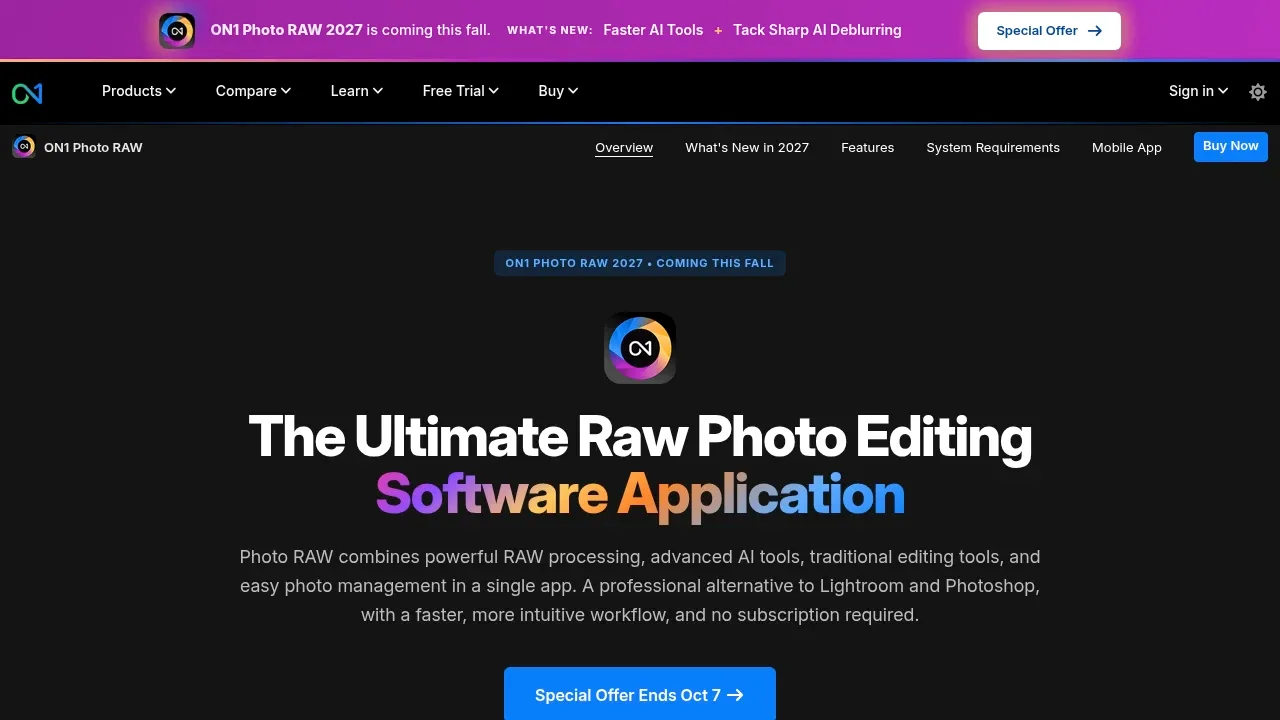
A desktop RAW photo editor for Mac and Windows that combines AI denoising and masking with photo organization and reversible layered editing.

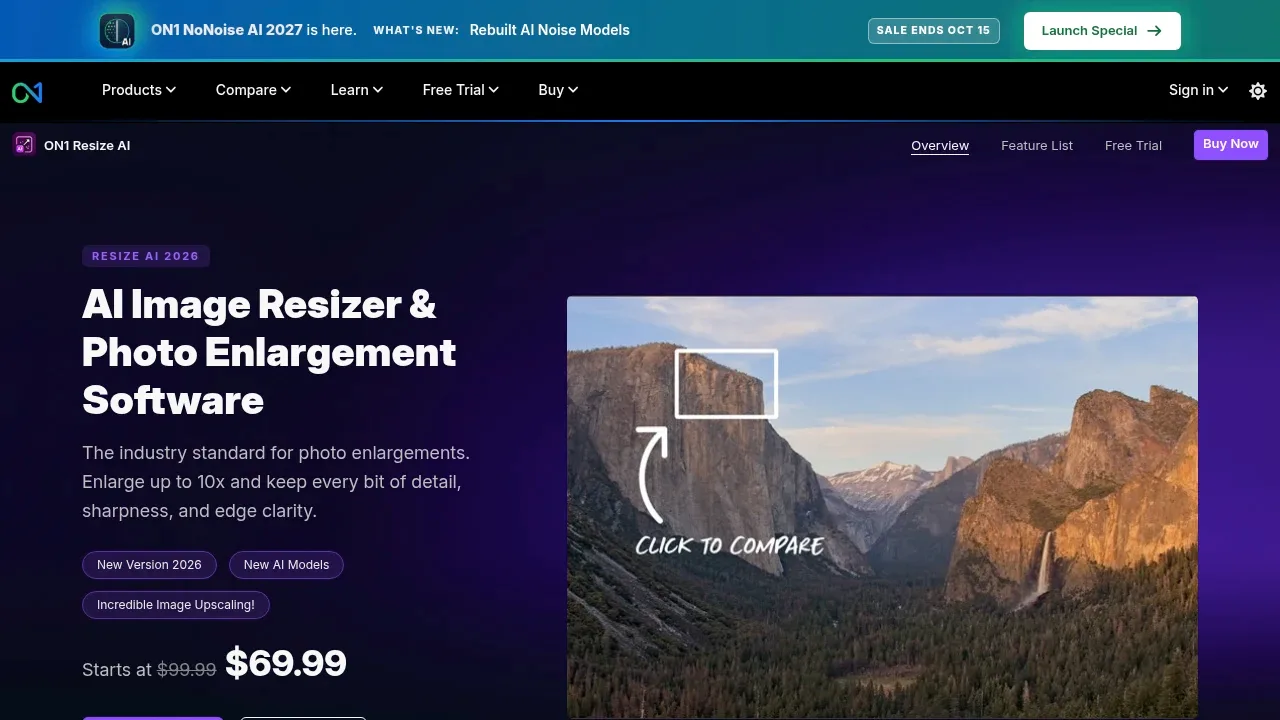
AI photo upscaler for Mac and Windows that enlarges images up to 10x, with adjustable face recovery and tools for canvas and mural prints.

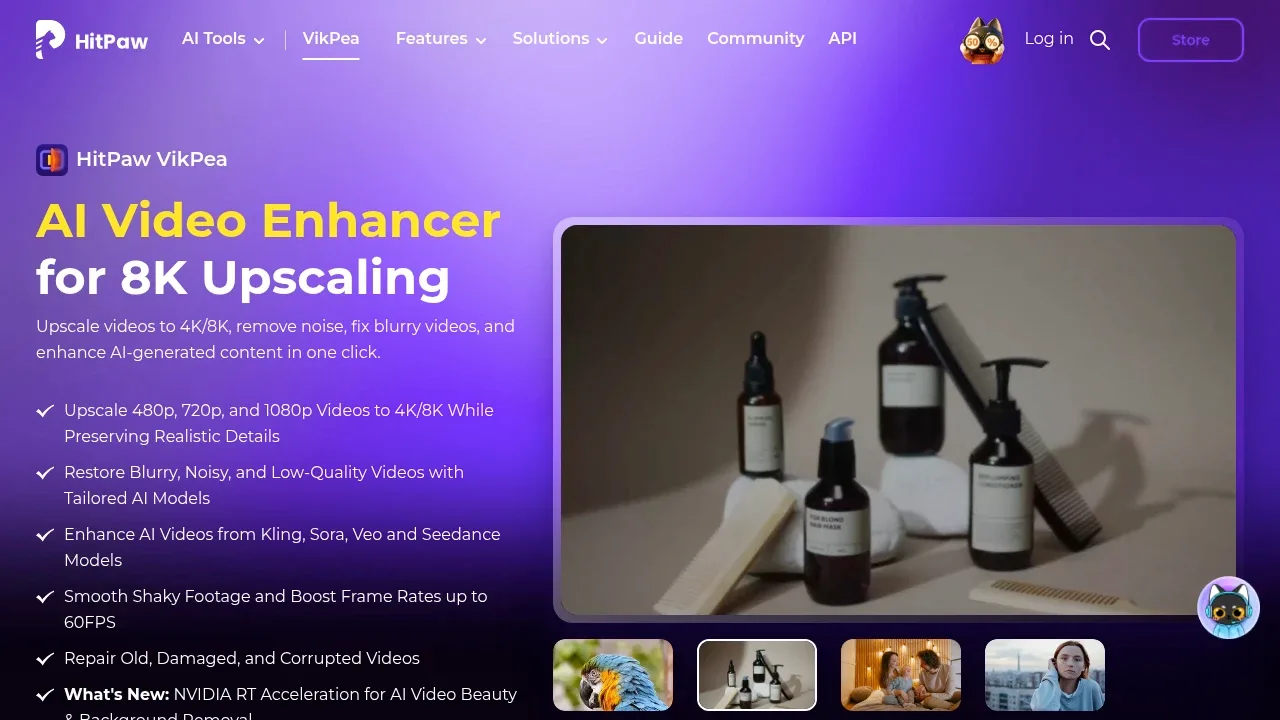
AI video enhancer for Windows and macOS that upscales to 4K or 8K, restores damaged footage, and offers cloud rendering alongside desktop processing.

Local AI video enhancer for Windows and macOS that processes files on your computer, with GPU acceleration, photo restoration and offline conversion.


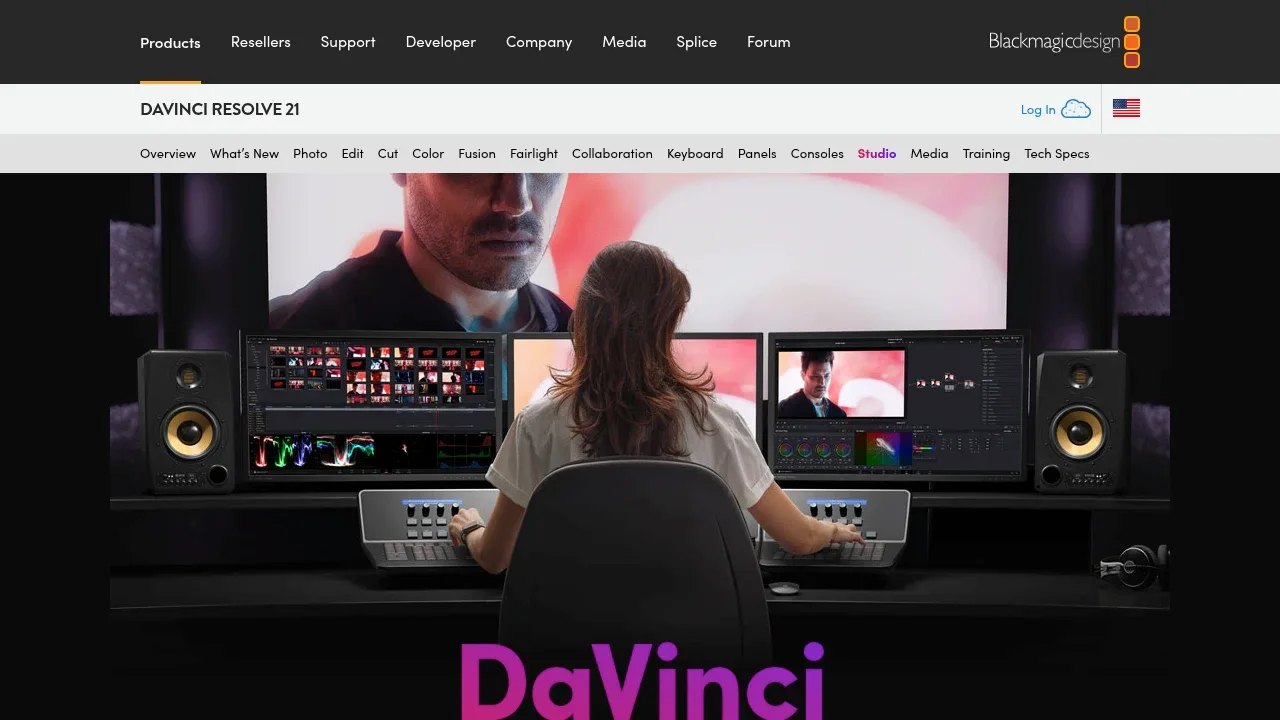
Desktop video editing software for macOS, Windows and Linux, with AI object tracking, upscaling and voice isolation plus GPU acceleration.

AI photo enhancer for Windows and macOS with batch restoration, upscaling and RAW support. Its Photoshop plugin processes images in the cloud.
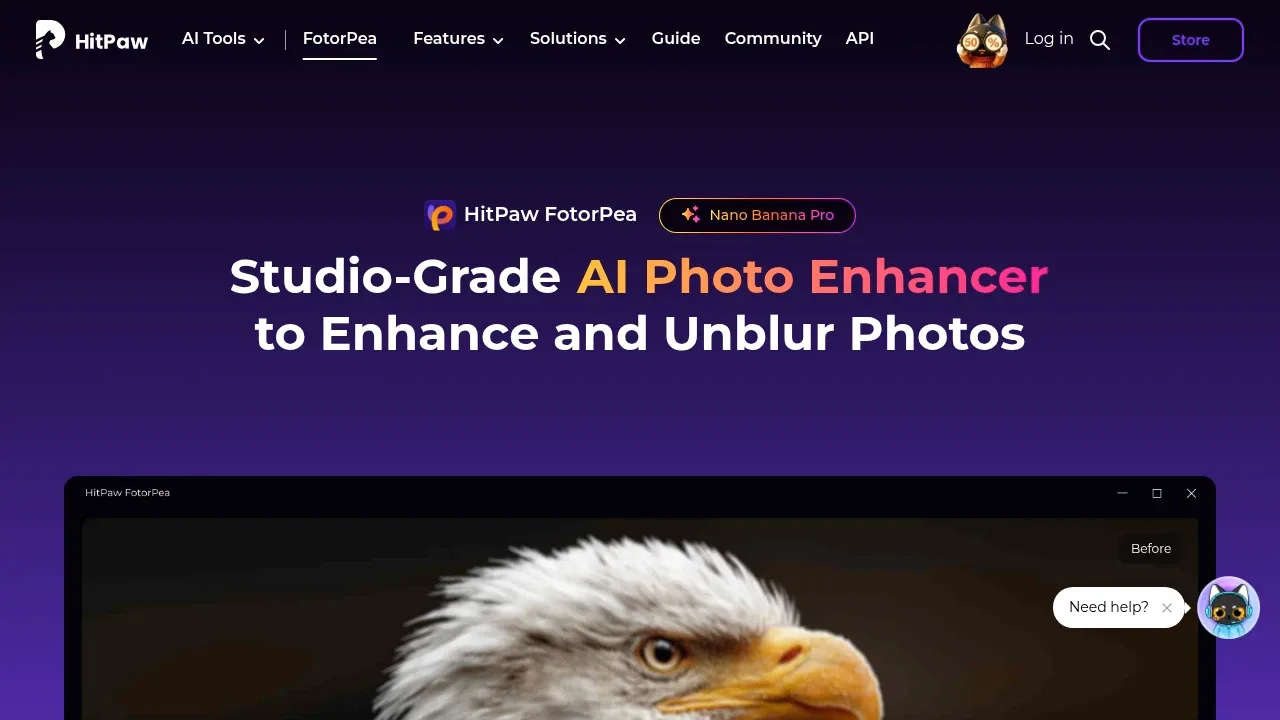

AI photo enhancer for Windows and macOS that processes images locally, with batch upscaling, noise reduction, colorization and background removal.


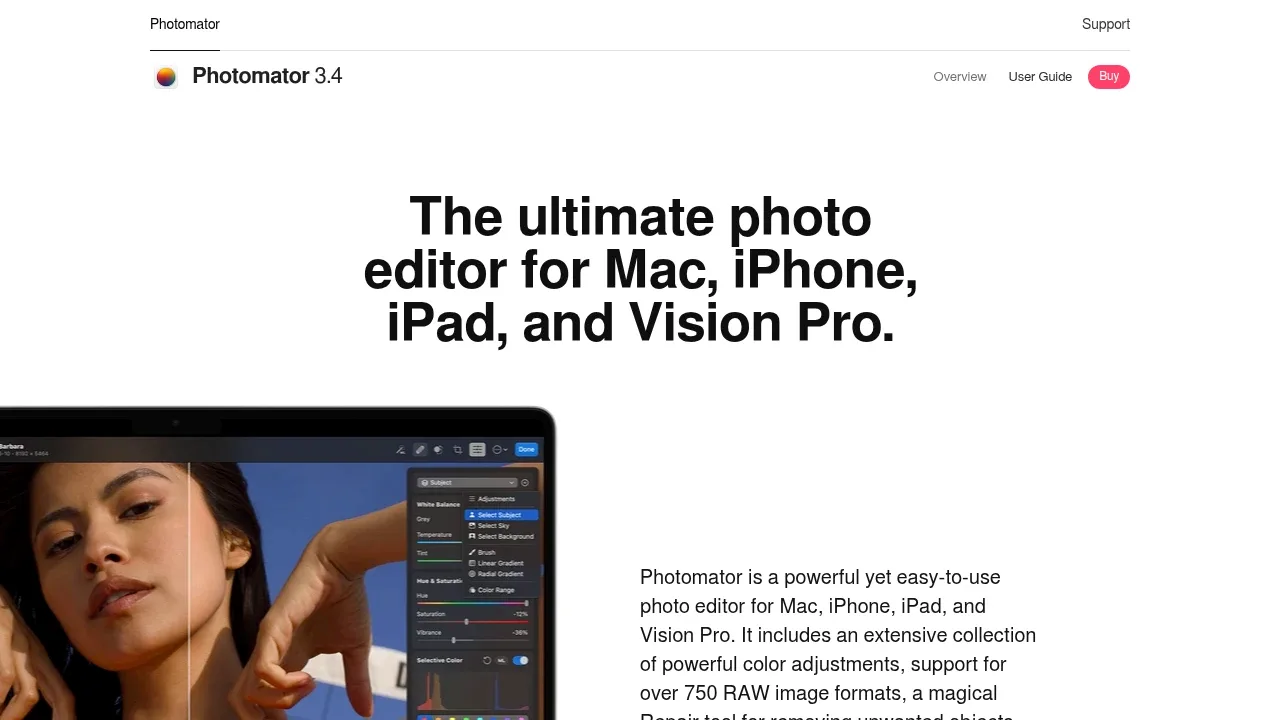
AI photo editor for Mac, iPhone, iPad, and Vision Pro with nondestructive RAW editing, object removal, and batch processing.

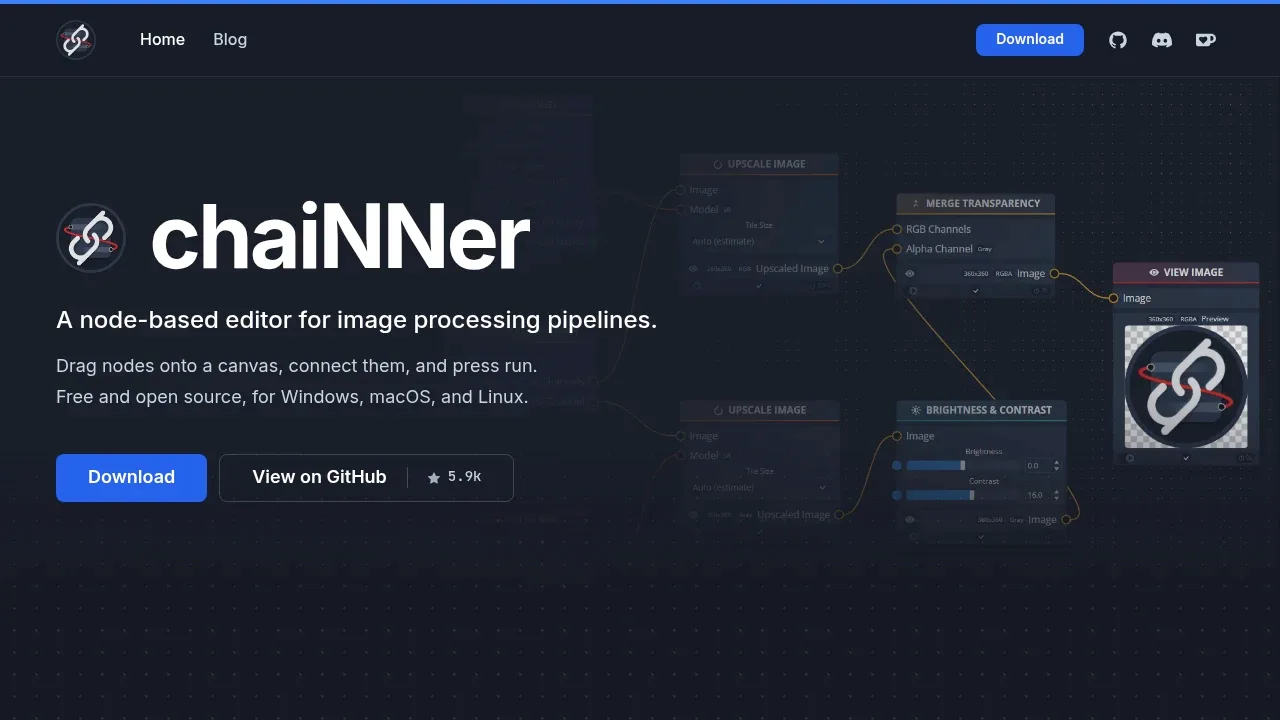
A local AI image processing editor builds visual workflows for upscaling and batch editing on Windows, macOS, and Linux.

A free, open-source AI image upscaler that runs locally on Linux, macOS and Windows, with batch processing and a Vulkan-compatible GPU requirement.


A local AI upscaler for Windows that enlarges images, animations and video, adds intermediate video frames, and supports AMD, NVIDIA and Intel GPUs.
Waifu2x-Extension-GUI suits Topaz enhancement across photos, drawn artwork, animations and video. Choose among several upscaling engines and add frame interpolation, with presets for repeated processing jobs.

A local AI video upscaler increases resolution and interpolates frames on Windows and Linux using a Vulkan-capable GPU.


An open source AI image and video upscaler for Windows that works offline, reduces noise, and supports AMD, Intel and NVIDIA GPUs.
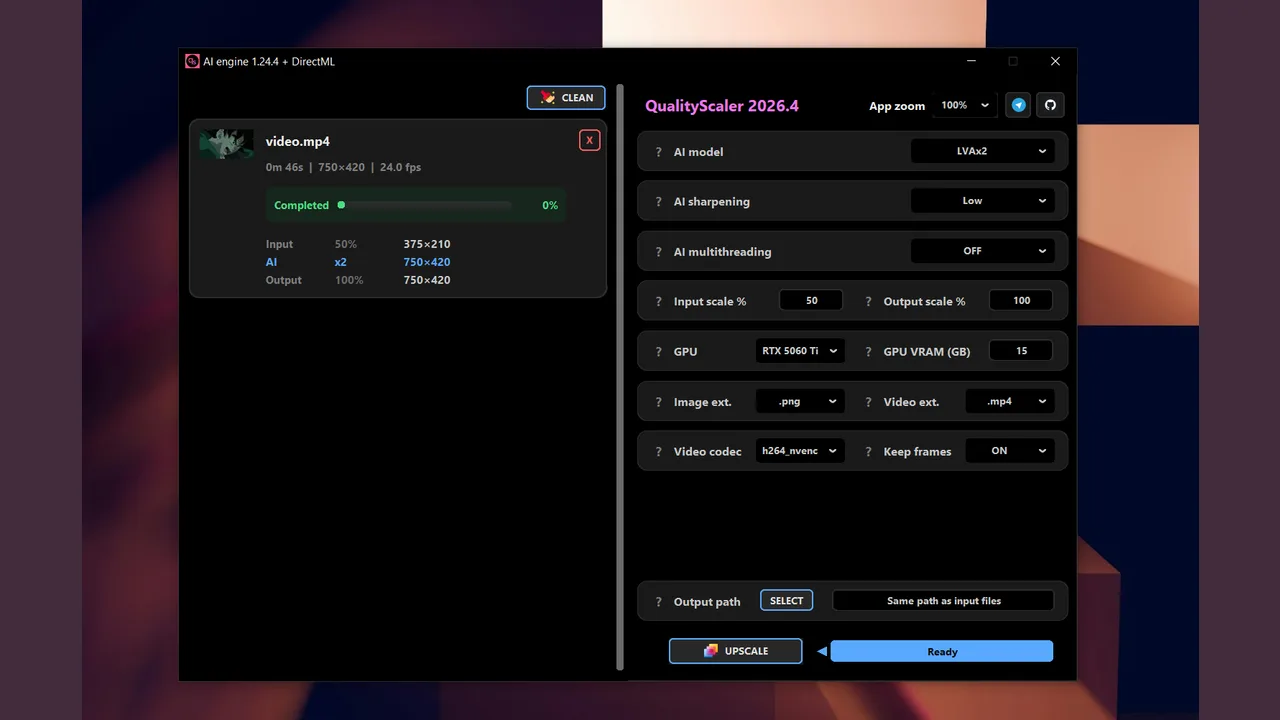
QualityScaler suits Topaz users processing both photographs and videos in a Windows app. Enlarge media, reduce noise, blend the processed result with the original and resume interrupted video jobs.

AI photo editor for Windows and macOS with batch enhancement, background removal and upscaling. Internet access is required for activation.


A local AI video interpolation app for Windows that supports RIFE, DAIN and FLAVR, with processing on Vulkan-capable AMD and NVIDIA GPUs.
Flowframes covers the motion-interpolation part of Topaz Video. Add intermediate frames through a graphical app, preserve accompanying audio and subtitles, or process transparent animation. It is not a general sharpening or restoration suite.
For Topaz Labs, start with AVCLabs Video Enhancer AI. Other alternatives include ON1 Photo RAW, ON1 Resize AI, HitPaw VikPea and VideoProc Converter AI.
Most are Photo Editing and Upscaling; others include Video Upscaling and Frame Interpolation.
People also replace
See all
Magnific alternatives



Photoroom alternatives



Runway alternatives


