
VideoProc Converter AI
Local AI video enhancer for Windows and macOS that processes files on your computer, with GPU acceleration, photo restoration and offline conversion.
Alternative to:

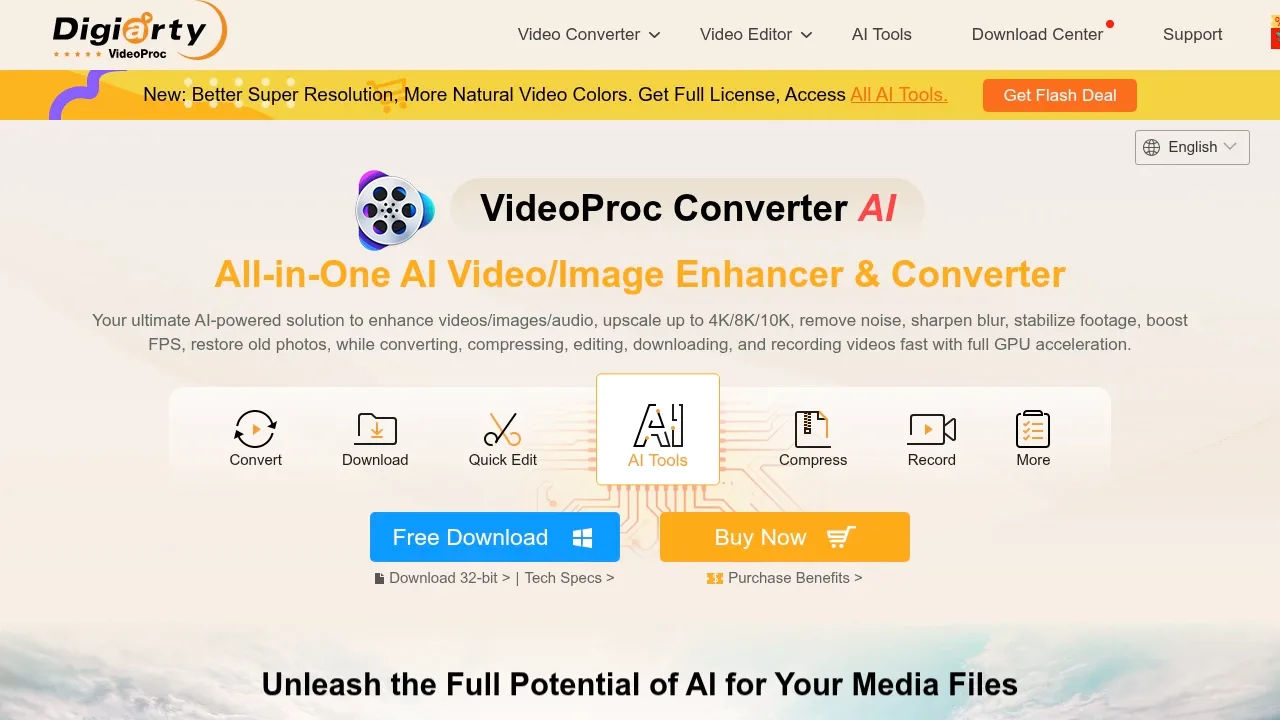
VideoProc Converter AI is a proprietary desktop app for Windows and macOS that combines local AI media enhancement with conversion and compression. It's for creators working with camera footage, people restoring old photos and videos, and anyone preparing large media files for playback or sharing. It processes files on your computer, and batch conversion works offline.
Its video tools upscale low-resolution footage, reduce blur and noise, and remove compression artifacts. Frame interpolation adds frames for smoother motion or slow-motion playback. Stabilization corrects shaky camera and phone footage, though this feature is Windows-only. Image tools enlarge photos and AI artwork, restore faces, and colorize black-and-white pictures. Audio tools suppress background noise and separate vocals from instrumentals.
The same app handles routine media work, so you can enhance a clip, trim it and convert it without moving between separate programs. It supports formats such as MP4, HEVC, MKV, AV1 and ProRes, extracts audio from video, and converts DVDs or copies them to ISO images. Batch compression reduces large files for storage and sharing; basic editing includes cropping, merging, subtitles and fisheye correction.
Hardware acceleration uses NVIDIA, AMD and Intel GPUs, plus Apple Silicon. The app also downloads online media and records screens or webcams, with system audio, microphone input, picture-in-picture and green screen modes.
AI processing uses the local computer hardware, but initial registration and periodic online licence verification require internet access. It is not intended to remain permanently disconnected.


