remove.bg alternatives for image background removal
Compare Pixelmator Pro, rembg and Image Toolbox for photo cutouts, transparent edges and batch background removal.
remove.bg removes a picture's background so the subject can be reused in another image or layout. It is a focused service for cutouts, including workflows that submit images through an API. Choosing a replacement depends on whether you want an editor for individual pictures or processing that fits into an existing pipeline.
Pixelmator Pro combines automatic background removal with subject masks and layered editing. rembg exposes model choices and edge refinement through command-line and server interfaces. Image Toolbox handles cutouts alongside other edits on Android. chaiNNer is useful when background removal belongs in a repeatable chain of resizing, corrections and exports.
A local AI background removal tool using ONNX models, with CPU, NVIDIA and AMD GPU support and a self-hosted HTTP server.
rembg is the direct remove.bg replacement for scripted cutouts or an image-processing API. Its command line, Python library and HTTP server use local background-removal models, with alpha matting and color decontamination for difficult edges. Model weights have separate usage terms.

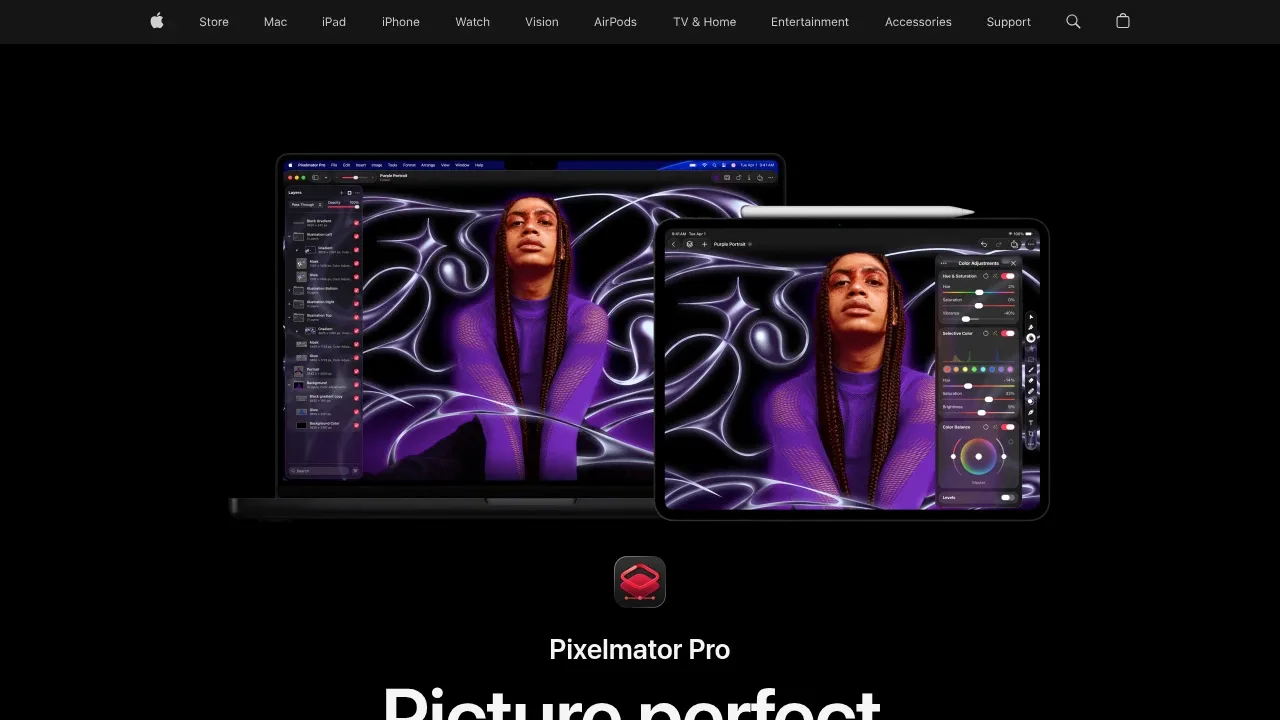
AI image editor for Mac and iPad with nondestructive layers, RAW editing, vector tools and Apple Pencil support. Paid, with some features requiring internet.

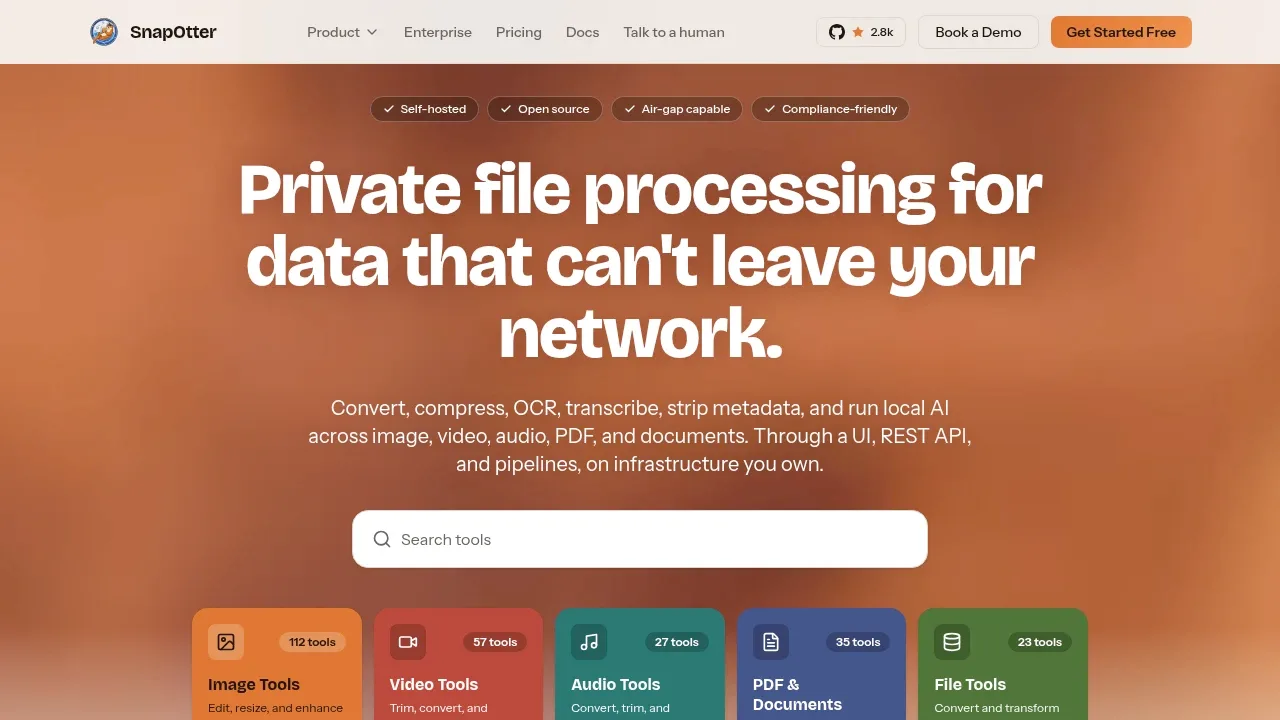
Self-hosted file-processing software converts media and documents, runs AI offline, and supports batch workflows on your own infrastructure.

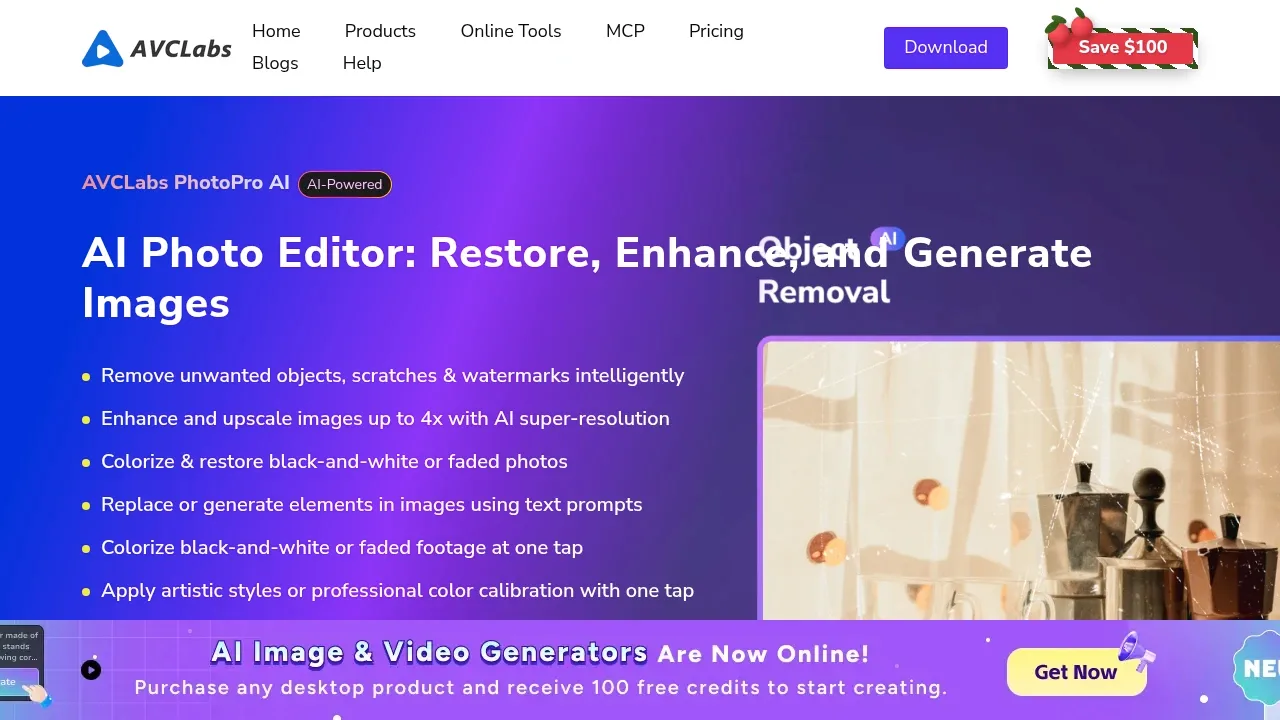
Paid desktop AI photo editor for Windows and macOS with GPU acceleration, photo restoration, upscaling and text-prompt object replacement.

An open source Android photo editor combines AI image enhancement, background removal and batch editing, with an Apache 2.0 license.
Image Toolbox suits remove.bg users making cutouts on Android. Automatic background removal sits beside photo edits and batch processing, so you can prepare several images in one app.

AI photo editor for Windows and macOS with batch enhancement, background removal and upscaling. Internet access is required for activation.


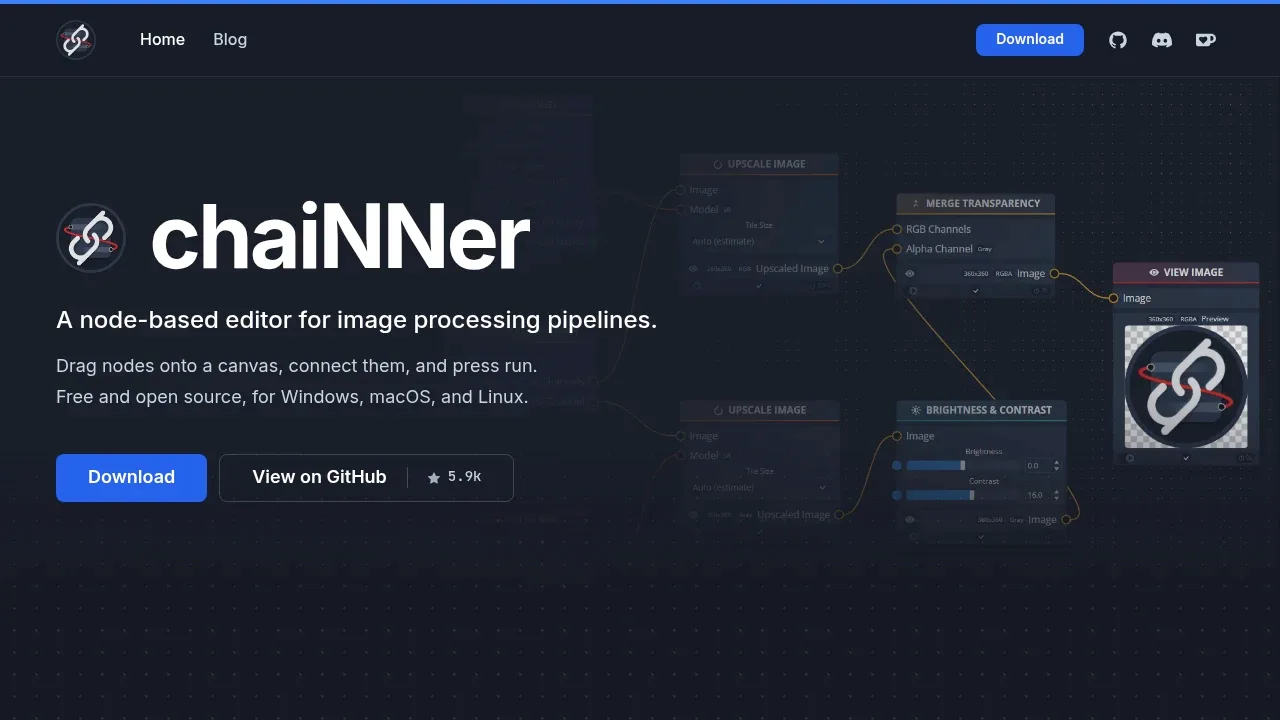
A local AI image processing editor builds visual workflows for upscaling and batch editing on Windows, macOS, and Linux.

AI photo enhancer for Windows and macOS that processes images locally, with batch upscaling, noise reduction, colorization and background removal.

For remove.bg, start with rembg. Other alternatives include Pixelmator Pro, SnapOtter, AVCLabs PhotoPro AI and Image Toolbox.
Most are Photo Editing and Upscaling; others include AI Workflow Automation.
People also replace
See all
Photoroom alternatives

Magnific alternatives


Topaz Labs alternatives

