
Humla
A local AI meeting notes app for Mac records calls without a bot, transcribes offline, and answers questions about past meetings with citations.
Alternative to:

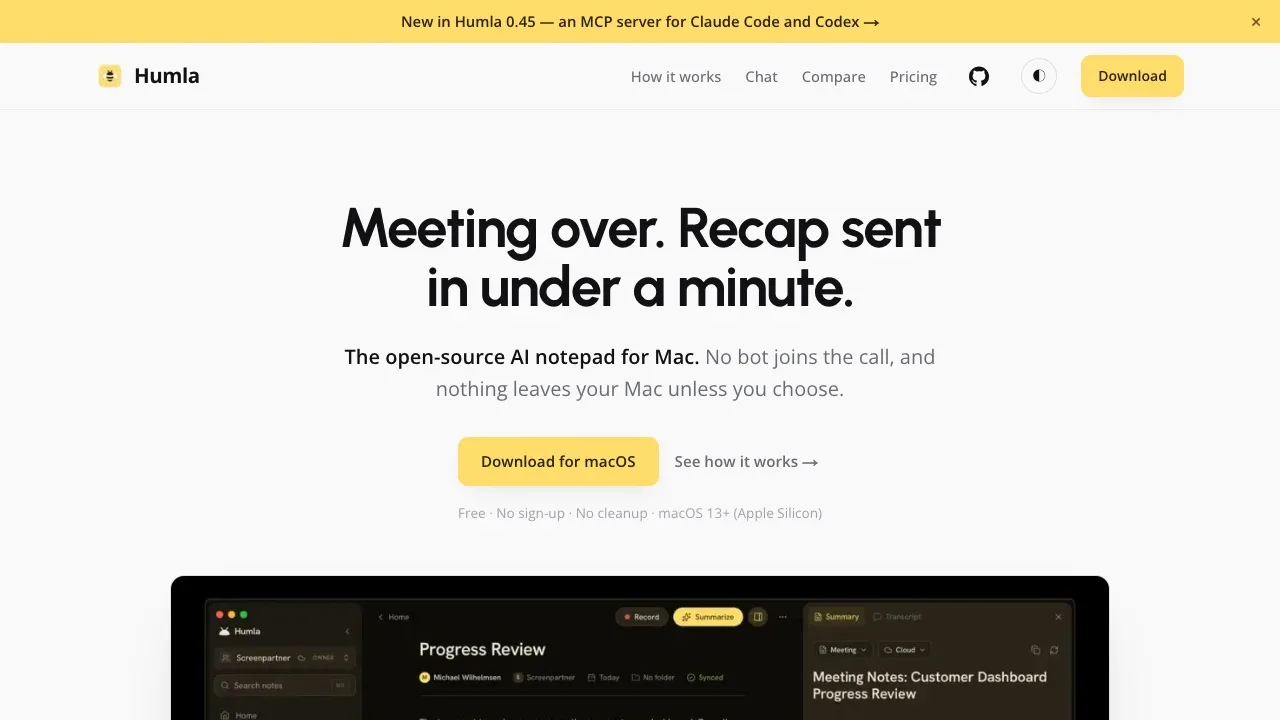
Humla is a meeting notes app for people who want recordings turned into useful recaps without a bot joining their calls. It combines your typed notes with the spoken transcript to write summaries you can share.
- Recording and transcription: Capture your microphone and Mac audio together, with local Whisper transcription, automatic language detection, custom vocabulary, and editable transcripts.
- Recaps and action items: Turn the same meeting into a client email or an internal task list using saved presets or your own prompts. Local summaries work with Ollama, LM Studio, llama.cpp, and vLLM through OpenAI-compatible servers.
- Questions across meetings: Ask about one note, a folder, or your full history and get answers with links to the notes used. Chat works offline through Ollama or through your own OpenAI account.
- Speaker labels: Identify speakers on-device and rename or merge labels in the transcript. Labels are most reliable in smaller meetings; larger calls can misidentify voices.
- Access from AI assistants: An optional, read-only MCP integration lets Claude Code, Codex, and other MCP clients search and read notes and transcripts without access to recordings.
Humla is free, open source under the MIT license, and runs on Apple Silicon Macs with macOS 13 or later. Local use needs no account, and recording, transcription, speaker identification, summaries, and chat can all stay on your Mac. Cloud transcription through OpenAI, Deepgram, or Groq requires your own key and sends audio to that provider.
Optional paid Humla Cloud syncs notes and shared workspaces; you can also self-host sync with PocketBase. Sync doesn't handle transcription or summaries, and API keys stay in the macOS Keychain.
 Logotyper


