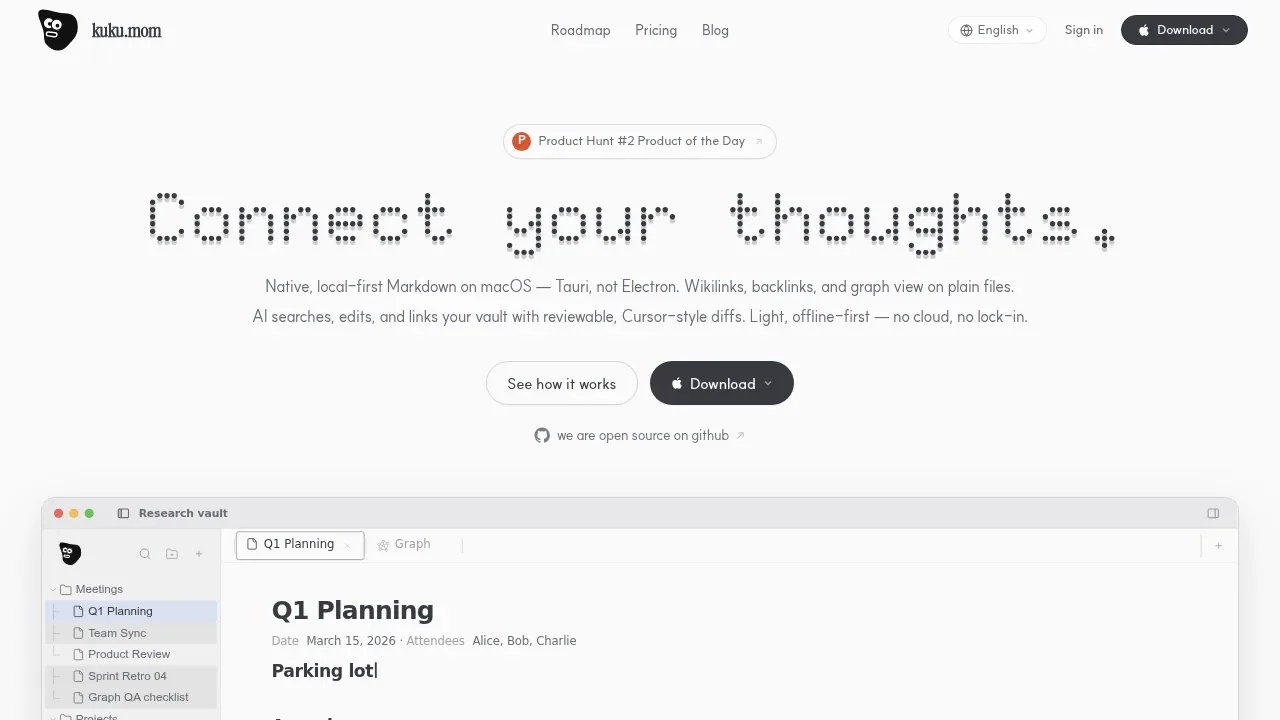
Kuku is a local-first Markdown workspace for macOS, aimed at people who want a personal wiki with AI assistance while keeping their notes as ordinary files. It stores notes in a local folder, so they remain usable in Obsidian, vim, git, and other Markdown tools. The editor works offline; cloud services are optional.
Wikilinks and backlinks connect related notes, while search and 2D or 3D graph views help you find material and see its connections. Alongside everyday notes, the workspace keeps memory, wiki pages, AI proposals, and decision documents in Markdown.
AI can read and search your notes, work with attached files or selected text, and suggest edits. You review the proposed changes as diffs before applying them. Decision documents let you accept, reject, or revise proposals and carry that context into future AI conversations, giving you a record of how the knowledge in your vault develops.
For use across devices, encrypted sync keeps plaintext notes hidden from the sync server. You can use the app locally, sign in for a managed service, or self-host the stack. The project includes a web app and server infrastructure alongside the macOS client, rather than requiring a closed hosted service for sync.
Kuku is open source under the MIT license. Its published code includes the Go server, Rust AI and indexing components, and Docker infrastructure for self-hosting.
Claim this page with an email at kuku.mom. Kuku gets the verified badge, and you can upgrade the listing to be featured on localhosted. Proud to be listed? Put our badge on your site.
Want more people to find Kuku?Promote it
Something wrong or outdated on this page?
545Updated 1 month agoGPL-3.0
macOS · Windows · Android · Docker · Web#Knowledge graphs#Multi-user access#Multilingual
Nowen Note is a self-hosted note app and private knowledge base for individuals and teams who want their documents on a server or NAS they control. It combines writing, knowledge search and task management, with access through a browser, Windows and macOS desktop clients, or Android. It's open source under GPL-3.0.
12.9KUpdated 1 day agoGPL-3.0
macOS · Windows · Linux · iOS · Android · Docker#Agent Skills#Hybrid search#MCP
14Updated 1 day agoMIT
Windows · Linux · Docker · Web#Human approval#LM Studio integration#Multilingual
77KUpdated 3 months agoAGPL-3.0
macOS · Windows · Linux · iOS · Android · Web#MCP#Multi-user access#RAG
918Updated 4 months agoApache-2.0
macOS · Windows · Linux · iOS · Android#Agent Skills#Human approval#Knowledge graphs
46Updated 7 days agoAGPL-3.0
macOS · Windows · Linux · Browser Extension#Code execution#GGUF#llama.cpp backend
NoteGen is an AI note-taking app for people who collect meeting fragments, research material, and ideas before deciding how to organize them. It stores notes as ordinary Markdown files and keeps attachments locally. Capturing, browsing, and writing work offline, and the app doesn't require an account. It's open source under GPL-3.0, with Windows, macOS and Linux installers. Android and iOS builds are in early testing; iOS uses TestFlight.
ScribeDog is a Markdown editor for writers and note-takers who want AI assistance while keeping their documents on their own hardware. It displays formatted text, tables and images instead of Markdown syntax, but saves ordinary .md files that work with Git and other editors. It has a native desktop app and a self-hosted Server Edition available through Docker.
AppFlowy is a self-hosted Notion alternative for teams that want project management, shared documents, and AI in an environment they control. Its self-hosted enterprise offering can run on premises, in your own cloud, or in an air-gapped environment. Self-hosted LLMs and embedding models let you keep AI processing and workspace data inside your infrastructure, with no vendor access to your instance.
Lumina Note is a local Markdown note-taking app for people who want AI to work across their note collection. Its built-in agent can draft pages, reorganize folders and connect related notes with your permission. Notes stay as plain files in a folder you control, so you can read, edit and back them up outside the app.
Vyact is an open source desktop workspace for people who want to use a local LLM with their documents, email and code. It runs on Apple Silicon Macs, Windows and Linux x64 under the AGPL-3.0 license. Intel Macs aren't supported.