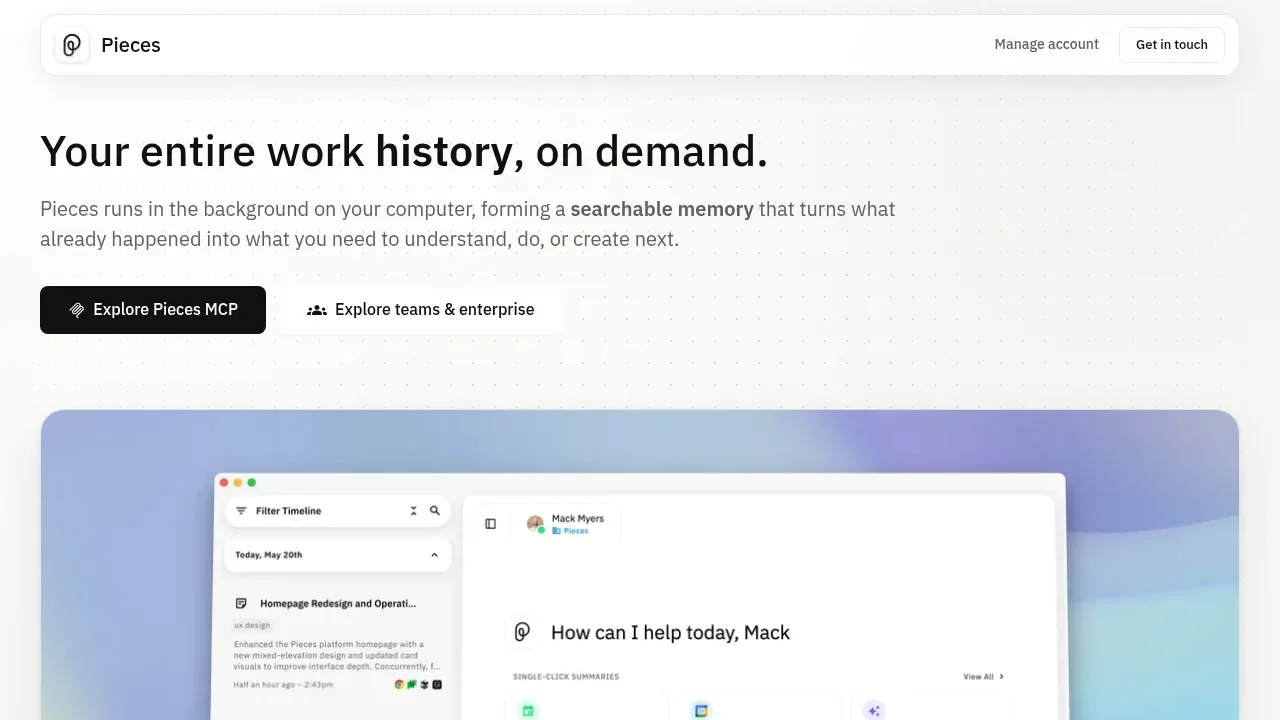
Pieces runs in the background on your computer and builds a searchable history of your work across apps. It's for people who need to recover a decision, find earlier research or resume a task after switching between tools. Memories stay on your machine by default.
It captures what you see in the focused application and what you copy and paste. Audio capture for meetings and conversations is opt-in. The chronological timeline brings together context from email, browser research, documents, chats and development tools, including Gmail, Slack, Notion, Figma and VS Code. You can search past activity or ask questions scoped to a time, source or topic.
That history also provides material for standup updates, meeting preparation, morning briefs and day recaps. Pieces can collect research on a topic into a summary or trace the work that led to a decision, so you don't have to reconstruct it across tabs and conversations.
Its MCP server makes remembered work available to Claude, Cursor, Codex, Antigravity and other MCP-compatible assistants. Memory storage is local by default; the MCP connection supplies work context to the assistant you use.
You control the capture. You can pause it, exclude particular apps or websites, and delete memories by time, source or capture method.
Capture, indexing and storage happen on-device. Current LLM features use cloud models and send the context selected for each request; the remainder of the stored history stays local.
Claim this page with an email at pieces.app. Pieces gets the verified badge, and you can upgrade the listing to be featured on localhosted. Proud to be listed? Put our badge on your site.
Want more people to find Pieces?Promote it
Something wrong or outdated on this page?
31.2KUpdated 21 hours agoApache-2.0
Docker · Web#Knowledge graphs#MCP#Multi-user access
Cognee gives AI agents persistent memory across sessions, connecting documents, code, and conversations in a searchable knowledge graph. It's for developers who want agents to retain project context and teams whose knowledge sits across tickets, discussions, and repositories. The Python package is open source under Apache 2.0.
perfectmemory.aiAI Notes and Knowledge Bases
macOS · Windows#LM Studio integration#MCP#Ollama integration
21.8KUpdated 20 hours ago
macOS · Windows · Linux#MCP#Multimodal input#Ollama integration
Screenpipe records screen activity and audio as searchable local history that AI agents can use as context. It's for people who want to recall past work and teams that want agents to draft follow-ups or update work records using what actually happened. Raw history stays on your device by default.
1.1KUpdated 7 hours agoMIT
macOS · Windows · Linux#Agent Skills#MCP#Persistent memory
269.7KUpdated 20 hours agoMIT
Windows#Guardrails#MCP#Multi-agent workflows
922Updated 5 months agoMIT
macOS · Windows · Linux · Docker · Web#llama.cpp backend#LM Studio integration#MLX
Perfect Memory AI keeps a searchable record of what you've seen on your screen and heard in meetings on Mac and Windows. It's for people who need to find a page, presentation or conversation again without remembering which app held it. Recordings stay on your device, and search returns material you've actually seen or heard.
deja-vu gives coding assistants a shared memory of work already recorded on your machine. It searches sessions from before you installed it, so developers can recover an old fix or carry context between Claude Code, Codex CLI, Cursor and opencode without starting a separate collection of notes.
ECC is a free, MIT-licensed open source toolkit that adds repeatable engineering workflows to coding assistants. It runs alongside your chosen agent and works with self-hosted models or cloud providers through that agent's supported endpoints. It's for developers who want planning, testing and review to follow a consistent process across coding sessions.
Eclaire is a self-hosted AI assistant for notes, documents, photos, bookmarks and tasks. You can ask questions about saved material, inspect the sources behind an answer and ask the assistant to create notes or update tasks. Scheduled automations handle recurring requests such as a weekly task summary.