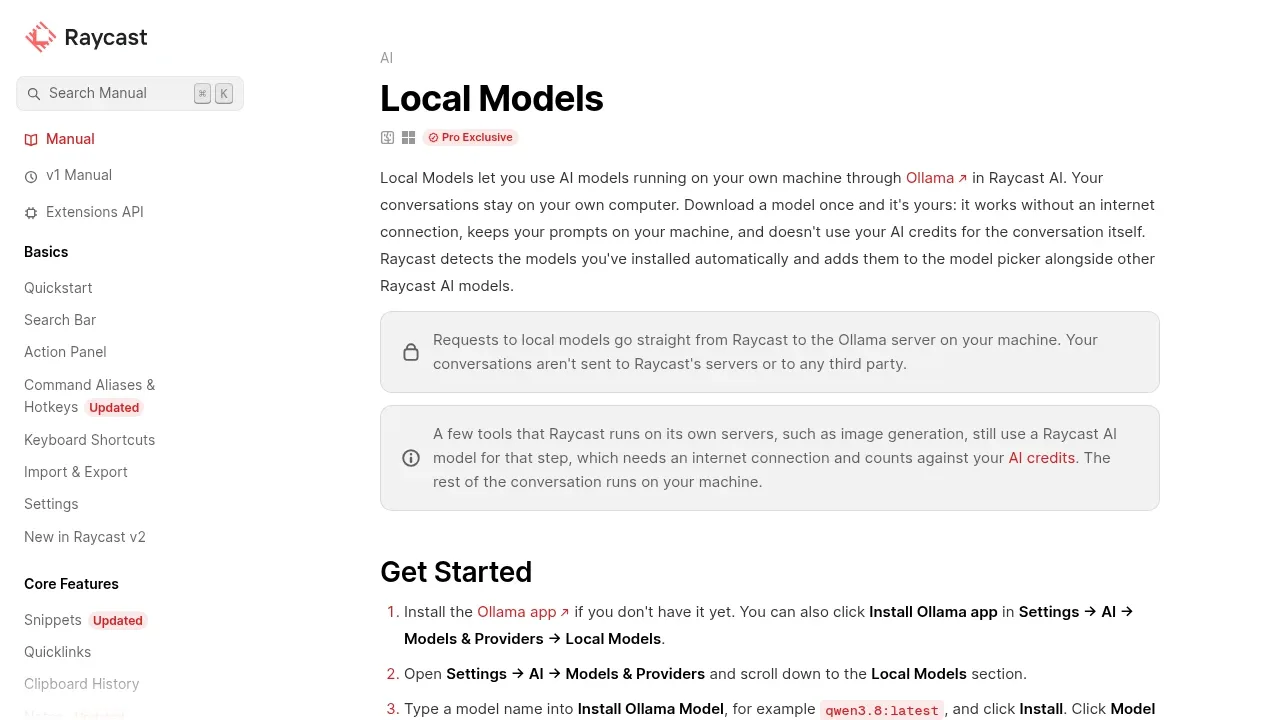
Raycast is a proprietary desktop launcher that lets you use models running through Ollama within its AI assistant. It's for people who want private, offline conversations while keeping access to Raycast's chat and AI commands. Local model requests go directly to Ollama on your computer, without sending your conversations to Raycast or third parties. Local model access is paid.
Downloaded models work without an internet connection. Raycast detects models you've installed in Ollama and puts them in the same picker as its other AI models. You can use them in Quick AI, AI Chat, and AI Commands, so local inference fits into several parts of the app rather than a separate chat window.
What you can do depends on the model. Vision models accept image attachments, models with tool support can use AI Extensions, and thinking models can display their reasoning. Response speed and memory use depend on your hardware and model size. Smaller models respond faster; larger ones trade speed and memory for better answers.
Raycast can also connect to Ollama on another machine, such as a home server with a larger GPU. In that case, requests go to that server rather than staying on the computer running Raycast.
Some features still use cloud AI. Server-side tools such as image generation send that step to a Raycast AI model and require internet access, while the rest of a local conversation stays on your machine. The Extension AI API and Emoji Search also continue to use Raycast AI rather than local models.
Claim this page with an email at manual.raycast.com. Raycast gets the verified badge, and you can upgrade the listing to be featured on localhosted. Proud to be listed? Put our badge on your site.
Want more people to find Raycast?Promote it
Something wrong or outdated on this page?
1.6KUpdated 2 months agoGPL-3.0
Linux#Code execution#Multimodal input#Ollama integration
Alpaca is an open source AI chat client for people who want to run models on their own device. It uses Ollama to download and manage local models, then lets you chat without an internet connection. Conversations stay on your device in SQLite files, and local models have no direct internet access.
41.2KUpdated 1 day agoAGPL-3.0
macOS · Docker · Web#Code execution#Hybrid search#LM Studio integration
AstrBot brings AI assistants into messaging apps such as Telegram, Discord, Slack, QQ and WeCom. It's an open source platform under AGPL-3.0 for people building personal companions, customer support bots or team automation. You can run it on your own computer or server, including through Docker, or use its desktop app for browser-style chat.
boltai.comChat With Your Documents
macOS#Code execution#Human approval#LM Studio integration
BoltAI is a native Mac app for people who want local LLMs and cloud AI services in the same workspace. It runs on Intel and Apple Silicon Macs and suits coding, writing, research and document analysis. The interface uses SwiftUI and AppKit.
nurgo-software.comAI Workflow Automation
Windows#Code execution#Multi-agent workflows#Multimodal input
BrainSoup is a proprietary native Windows app for people who want custom AI agents to handle work on their desktop. You can give agents distinct roles and access to different data, then have them collaborate in shared chat rooms. Natural-language conversations guide their tasks and automations.
41.9KUpdated 6 days agoGPL-3.0
macOS · Windows · Linux · iOS · Android · Web#MCP#Multimodal input#Ollama integration
Chatbox is an AI chat client for people who want local models and cloud providers in the same app. It connects to Ollama for local LLM use and supports GPT, Claude, Gemini, Grok and DeepSeek with your own API keys. Chatbox also offers its own hosted model service.
52.3KUpdated 54 minutes agoAGPL-3.0
macOS · Windows · Linux#LM Studio integration#MCP#Multilingual
Cherry Studio is a free, open source desktop app for people who use several AI models and want their conversations in one place. It runs on Windows, macOS and Linux. Chats, settings and knowledge base files are stored on your device.