invideo AI alternatives for making finished videos
Compare MoneyPrinterTurbo, OpenMontage and Toonflow for narrated videos, scene planning and editable AI production workflows.
invideo AI brings generative media and timeline editing into a video creation platform. It suits starting with an idea and assembling a finished video, where the script, visuals and narration need to work together. Replacing only its clip generator leaves much of that production job to another editor.
MoneyPrinterTurbo assembles scripts, footage, narration and captions into short videos. OpenMontage lets an agent plan and produce mixed-media videos while keeping editable project files. Toonflow emphasizes scripts, characters and storyboards for narrative work. Short Video Factory takes supplied footage through batch assembly, while OpenChatCut offers more direct control over an editable timeline.
A self-hosted AI video generator creates narrated, captioned shorts on Windows, macOS and Linux using Ollama or cloud models, with an optional GPU.
MoneyPrinterTurbo is the closest fit for invideo AI topic-to-finished-short production. Generate or supply a script, choose stock or your own footage, add narration and captions, and produce several aspect ratios. Online footage and hosted AI integrations still use their providers.

An open-source AI video production engine with local composition and rendering, offline Piper narration, and optional cloud media providers.
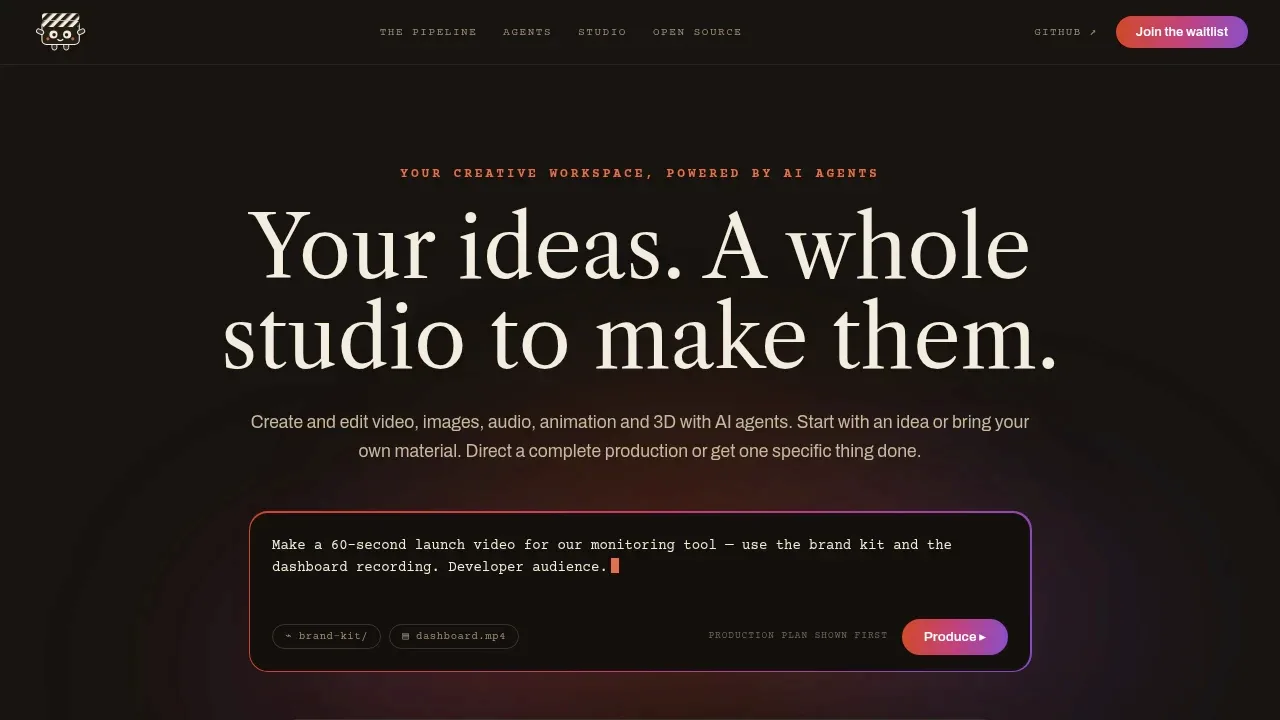
OpenMontage suits invideo AI users who want to review a script and scene plan before generating assets. An AI coding assistant directs mixed-media production, local composition and rendering, with editable files and separate provider accounts for cloud media.

A self-hosted AI video creation platform with scripts, storyboards and an infinite canvas, supporting local ComfyUI and LLMs under the MIT license.
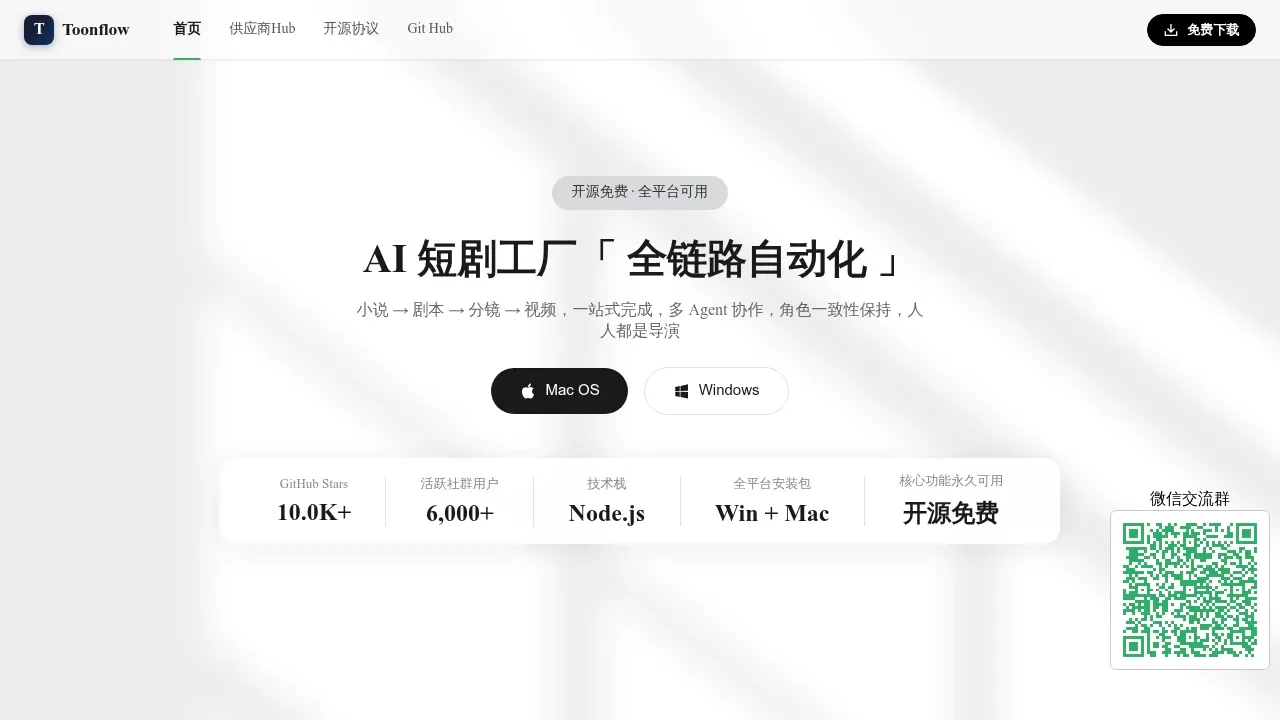
Toonflow suits replacing invideo AI for short dramas or animated stories. Organize scripts, characters, scenes and clips on a shared canvas, maintain character references and produce videos with voices and subtitles. It can connect local ComfyUI or external model services.

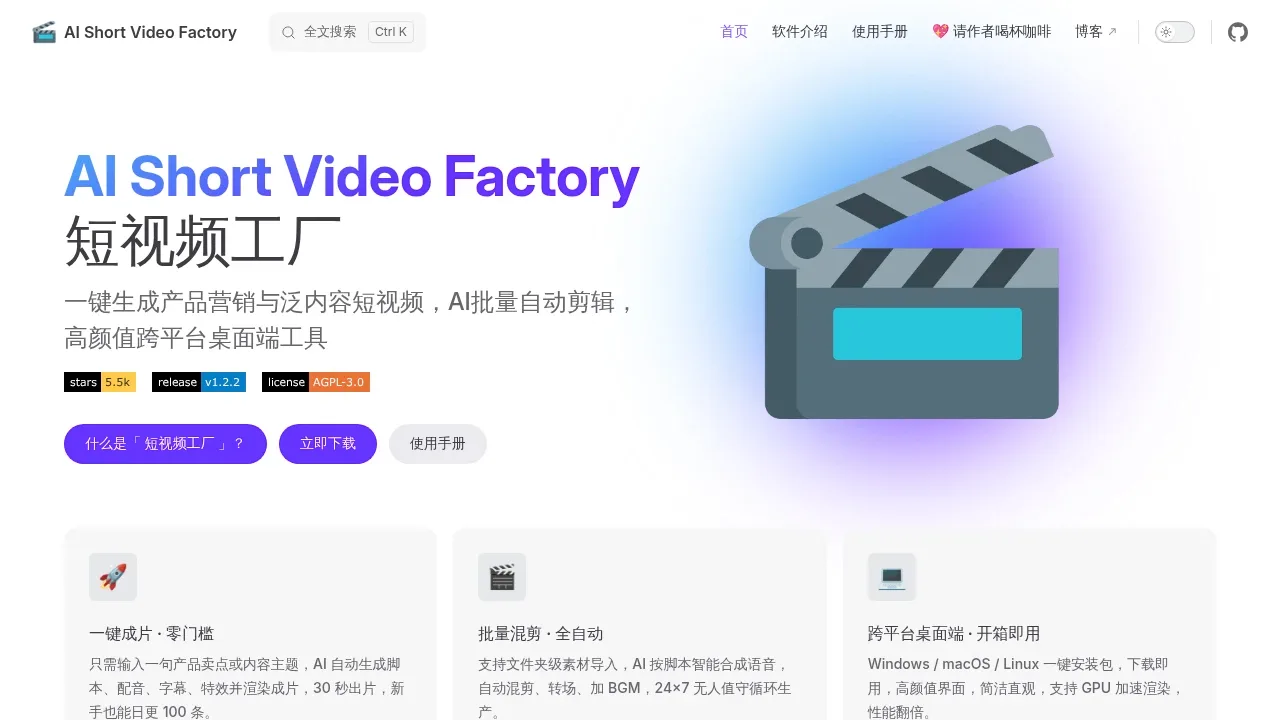
A local desktop AI video maker for Windows, macOS and Linux, with batch editing, OpenAI-compatible script APIs and EdgeTTS narration.

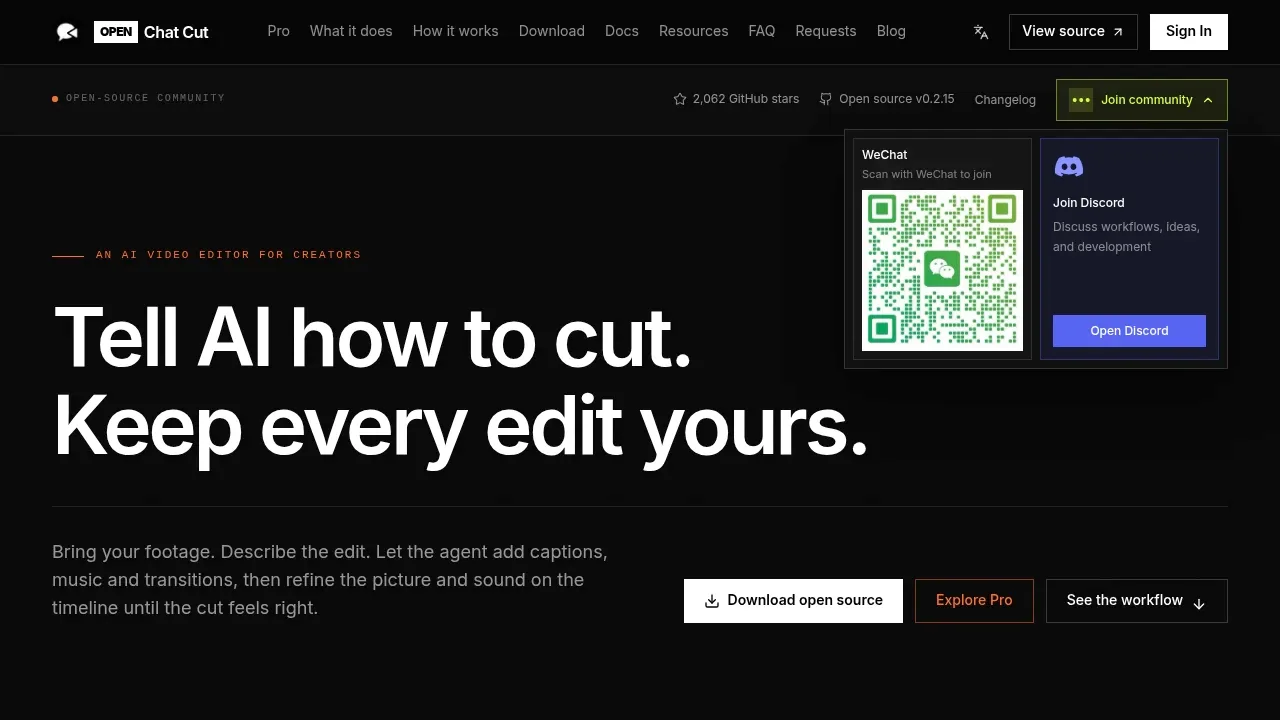
A local-first AI video editor combines chat and an editable multitrack timeline, with a free AGPL-3.0 desktop edition for macOS, Windows and Linux.
A local AI movie studio generates video, images and audio inside Blender, with optional ComfyUI and cloud backends.
For invideo AI, start with MoneyPrinterTurbo. Other alternatives include OpenMontage, Toonflow, Short Video Factory and OpenChatCut.
Most are AI Video Generators; others include Subtitles and Dubbing.
People also replace
See all
OpusClip alternatives


Runway alternatives



VEED alternatives

