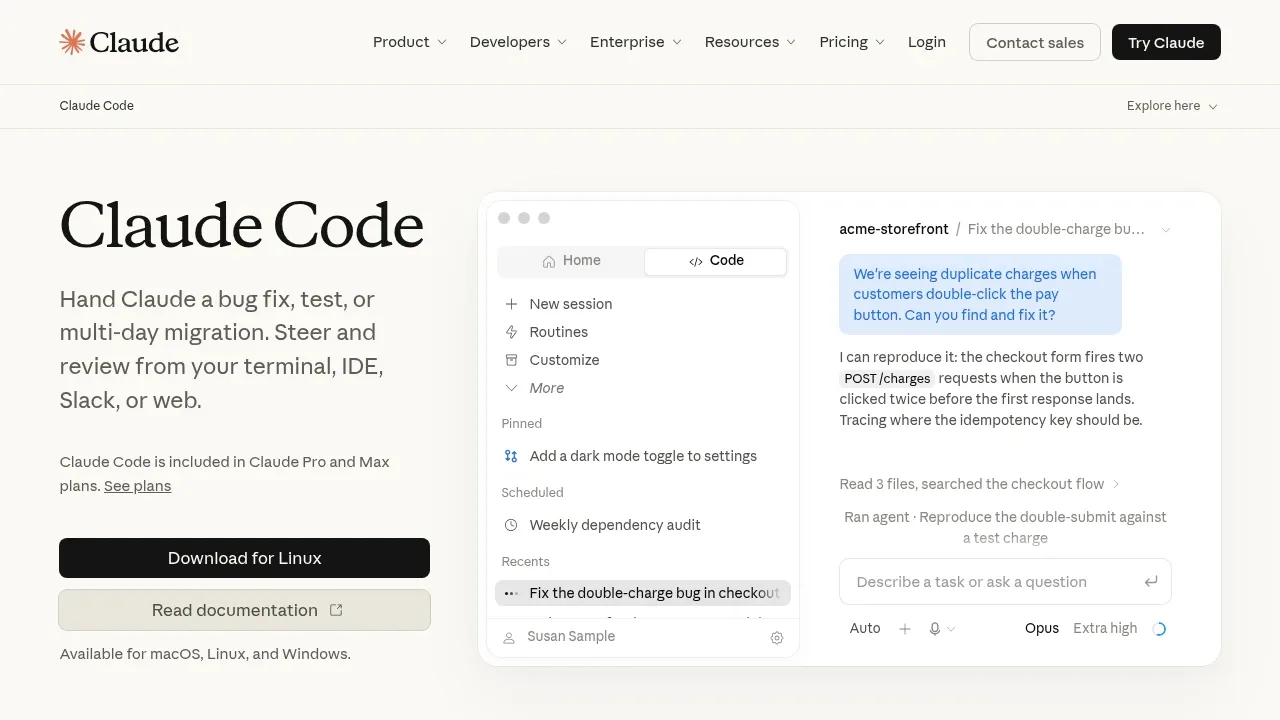
Claude Code is an AI coding agent for developers who want to delegate work across a repository, from bug fixes to longer refactors and migrations. It runs locally on macOS, Linux, and Windows, but sends requests to cloud model APIs. It is proprietary software and requires authentication to a supported model service.
The agent searches the codebase to find relevant files and understand dependencies, so you don't have to assemble the context yourself. It can explain unfamiliar code, plan changes, edit files, and run commands and tests. For larger tasks, it follows imports across the repository and continues working when tests expose problems, while surfacing decisions that need your input.
Claude Code works in the terminal alongside existing command line tools, with editor extensions for VS Code and JetBrains. GitHub and GitLab connections let it read issues and open pull requests. MCP servers and plugins extend its capabilities with additional tools, custom commands, and agents. You can also access coding tasks through the browser, Claude desktop and mobile apps, or Slack, and work on several tasks at once.
The local terminal client talks directly to model APIs without a separate backend server or remote code index. Local execution doesn't mean offline inference: the models run in the cloud. Anthropic also collects usage feedback and associated conversation data.
Claim this page with an email at claude.com. Claude Code gets the verified badge, and you can upgrade the listing to be featured on localhosted. Proud to be listed? Put our badge on your site.
Want more people to find Claude Code?Promote it
Something wrong or outdated on this page?
127.4KUpdated 13 hours agoApache-2.0
macOS · Windows · Linux#Code execution#Git integration#Human approval
Codex CLI is an open source coding assistant that runs on your computer and works with local repositories. It's for developers who want to explore code, make changes, and use their existing development tools from the terminal. It runs on macOS, Windows, and Linux under the Apache 2.0 license.
211.2KUpdated 15 hours agoMIT
macOS · Windows · Linux#Code execution#Human approval#Multi-agent workflows
41.7KUpdated 17 hours agoApache-2.0
macOS · Windows · Linux#Code execution#Multi-agent workflows
391.1KUpdated 7 hours ago
macOS · Windows · Linux · iOS · Android · Docker#Multi-user access#Persistent memory#Tool calling
28.3KUpdated 11 hours agoApache-2.0
macOS · Windows · Linux · Web · VS Code · JetBrains#Code execution#Git integration#MCP
69.6KUpdated 13 hours agoApache-2.0
macOS · Windows · VS Code · JetBrains#Code execution#Git integration#Human approval
OpenCode is a free, MIT-licensed AI coding agent for developers working in a terminal, IDE, or desktop app. The desktop app runs on macOS, Windows, and Linux, with support for both Apple Silicon and Intel Macs. It can use local models, giving developers a way to run the model on their own hardware.
Herdr keeps coding agents in persistent terminals on your laptop, desktop or rented server. It's for developers managing several agents or projects who want to disconnect and return to the same work later. A background server holds the terminals independently of the client, so closing the client or losing an SSH connection doesn't stop the work on the host.
OpenClaw is a self-hosted AI assistant that connects your own computer to the messaging services you already use. It's for people who want a personal assistant on their laptop, or teams that want to run a shared assistant on their own hardware. The project is open source under the MIT license.
Qwen Code is an Apache 2.0 licensed AI coding agent for developers who want help working through a codebase, changing code and checking the result. It runs on macOS, Windows and Linux, with a terminal interface and a desktop app. It builds on Google Gemini CLI and has developed into an agent that can use Qwen models alongside other model providers.
Cline is an AI coding agent for developers who want help understanding a codebase and changing it. Its shared agent core is open source under Apache 2.0. You can use it in VS Code, JetBrains IDEs, or a terminal. A native desktop app runs on macOS and Windows. No editor is required for desktop sessions. The JetBrains plugin itself is not open source.