
Kimi Code CLI
A local AI coding agent for macOS, Linux and Windows that uses Kimi's cloud API by default, supports other providers, and connects to Zed and JetBrains.
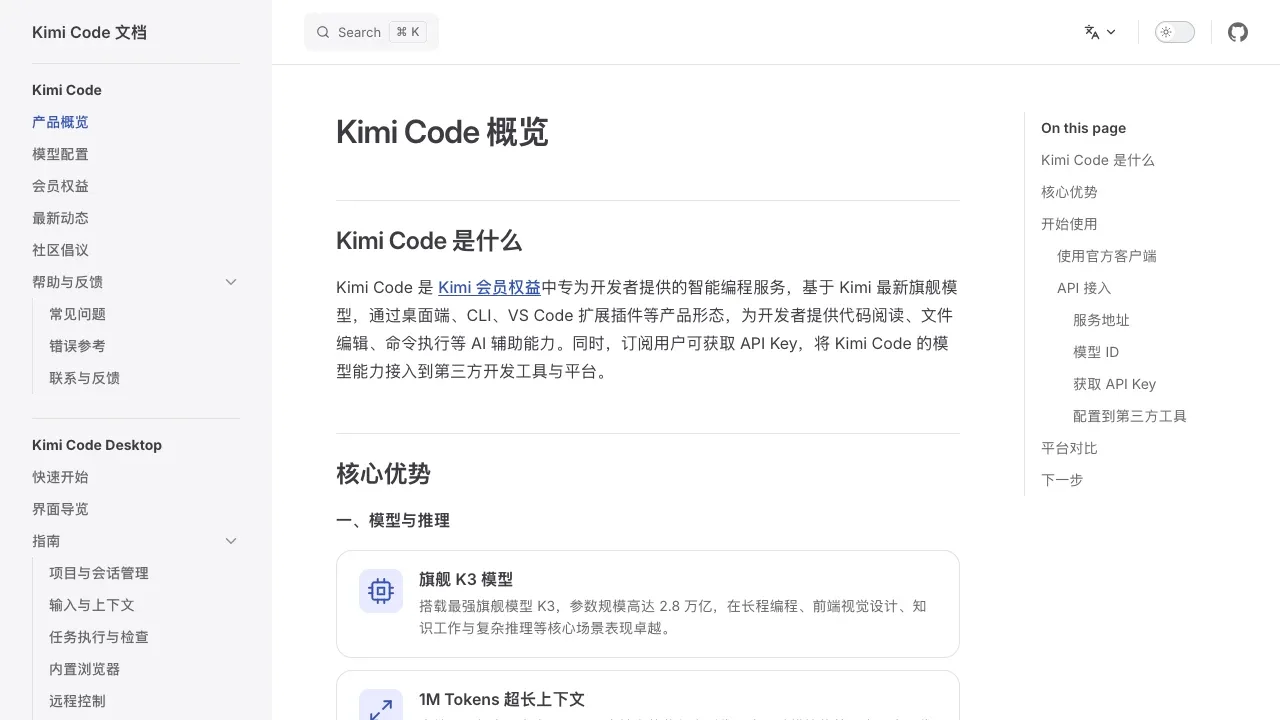
Kimi Code CLI is a locally installed AI coding agent for developers who want an agent to work directly on their projects. File edits and shell commands run on your computer; its default Kimi connection sends model requests to Moonshot AI's hosted API. That connection needs internet access and Kimi Code OAuth or an API key.
The agent can inspect and change code, search project files, execute commands and retrieve web pages. It uses the results to decide what to do next, so a task can involve several rounds of investigation and changes rather than a single generated answer.
Video input lets developers supply screen recordings or demo clips as references for interface behavior. Separate coding, exploration and planning subagents can work in parallel with their own contexts. Zed, JetBrains and other editors that support Agent Client Protocol can use the same agent through their editor interface.
Skills, MCP servers and data sources extend the available tools. Plugins can come from a marketplace or GitHub repositories, and the app displays their trust levels before installation. Local hooks can gate tool calls, record decisions and connect sessions to desktop notifications or other automation.
The client is open source under MIT and runs on macOS, Linux and Windows. Beyond Kimi, it supports Claude through Anthropic, Gemini through Google, and OpenAI-compatible services. Requests go to the configured provider; the standalone application doesn't require Node.js.


