
Orca
A coding agent workspace runs CLI agents in separate Git worktrees on macOS, Windows and Linux, with diff review and remote access over SSH.
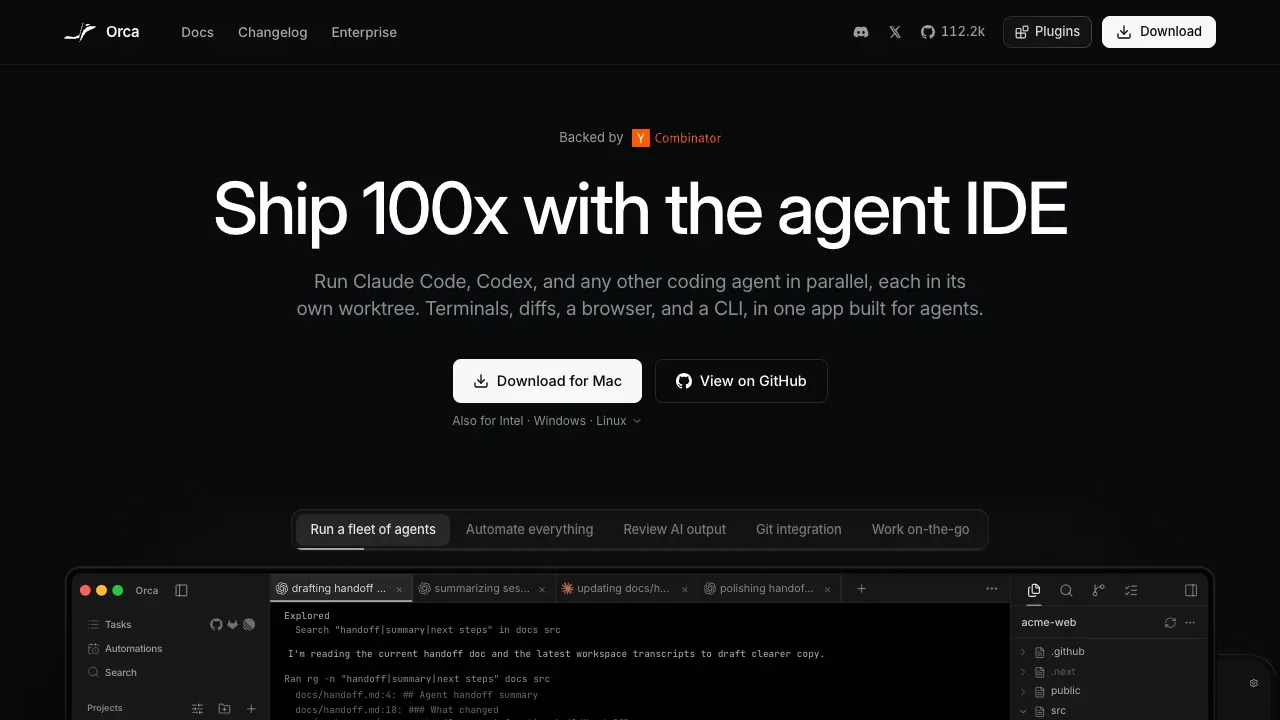
Orca is a desktop workspace for developers managing several AI coding agents on the same project. It keeps each task in a separate Git worktree so agents can edit independently while you compare their results.
- Parallel agents: Run Claude Code, Codex, OpenCode, Gemini or other CLI agents side by side, including sending the same prompt to several agents and choosing which result to merge.
- Code review: Comment on individual diff lines and send feedback to an agent, resolve conflicts, inspect CI results and open pull requests within the app.
- Browser context: Select an element in an embedded Chromium browser to give an agent its HTML, CSS and a cropped screenshot.
- Connected development tools: Arrange terminals, files, browsers and diffs in split panes, and use GitHub and Linear issues or project boards to start work in a worktree.
- Remote work: Run agents on your own remote machine over SSH, or pair the iOS or Android companion with your desktop to watch agent status, receive completion notifications and send follow-up prompts.
Orca is free and open source under the MIT license. The desktop app runs on macOS, Windows and Linux, with Apple Silicon and Intel builds for Mac. You bring your own coding agents and any subscriptions they require. Desktop workspaces run on your machine; SSH workspaces run on the remote host you choose. Mobile pairing uses a relay whose code is included in the repository.
 Logotyper


