Grok alternatives for self-hosted chat and search
Compare Open WebUI, Jan and Morphic for chat and web research. Choose desktop conversations, self-hosted search or an AI companion.
Grok combines AI chat with live web and X search, alongside image generation and voice conversations. That makes a replacement depend on what brings you back: a quick conversation, an answer with sources or a character to talk to.
For Grok alternatives focused on everyday chat, start with Open WebUI or Jan. Morphic searches the web and cites its sources, while Scira also searches places such as X and Reddit. SillyTavern and AIRI take the companion route. You can run local models with several of these tools, though live search still contacts online services and the model determines how the conversation sounds.

A self-hosted AI chat interface that works offline with local models and connects to Ollama, OpenAI-compatible APIs and cloud providers.
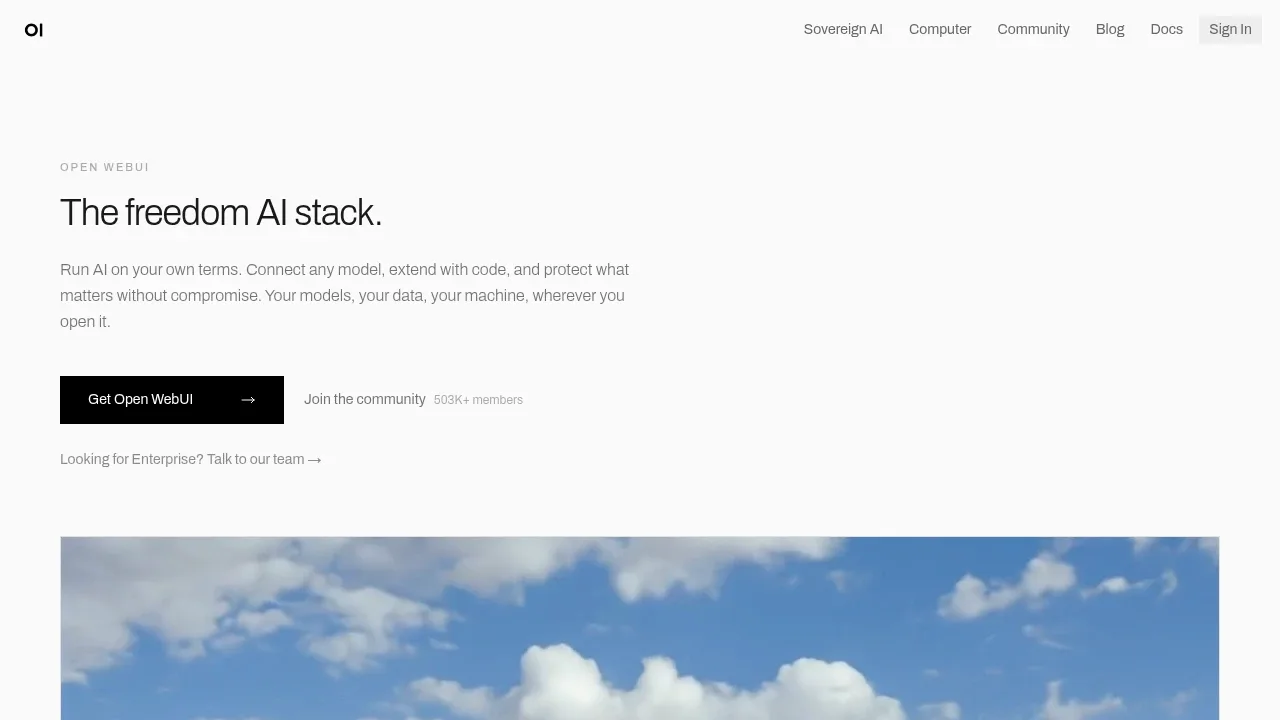
Open WebUI is the broadest replacement for an all-in-one assistant: a self-hosted chat interface with web search, voice and image features, running local models through Ollama or hosted APIs. Install it with Docker on your computer or a home server and open it from any browser.
Web search still needs an internet connection. With a local model, the answers themselves are generated on your own hardware.

A self-hosted AI search engine with cited answers and recurring research agents, licensed under AGPL-3.0 and reliant on external services.
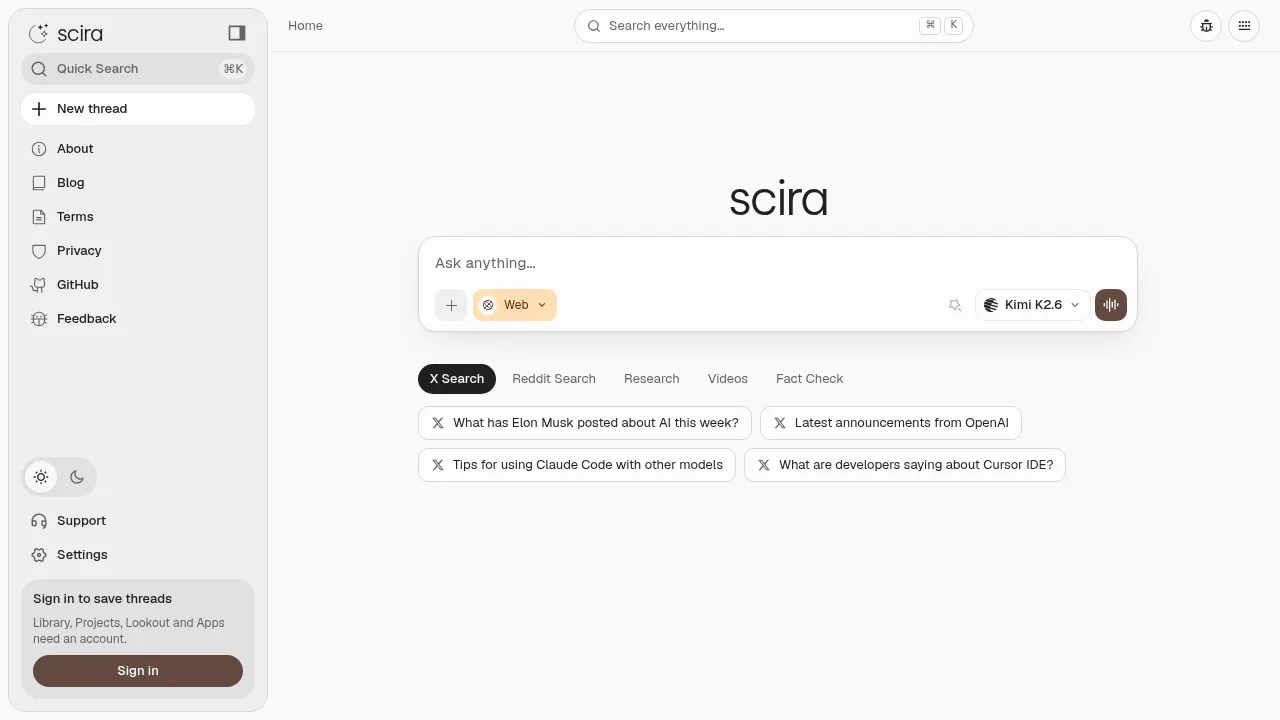
Scira is the closest match if you followed X posts through Grok. Its search modes cover X posts, Reddit, academic papers, GitHub and YouTube, with clickable citations in every answer.
You can self-host the open-source app and bring your own models. Live search depends on internet access and external services, so self-hosting gives you control of the app, not offline research.

A self-hosted AI search engine that cites sources, answers questions about uploaded files, and supports local LLMs through Ollama or cloud providers.

A self-hosted AI search engine generates cited web answers, supports multi-step research and Ollama, and runs with Docker.
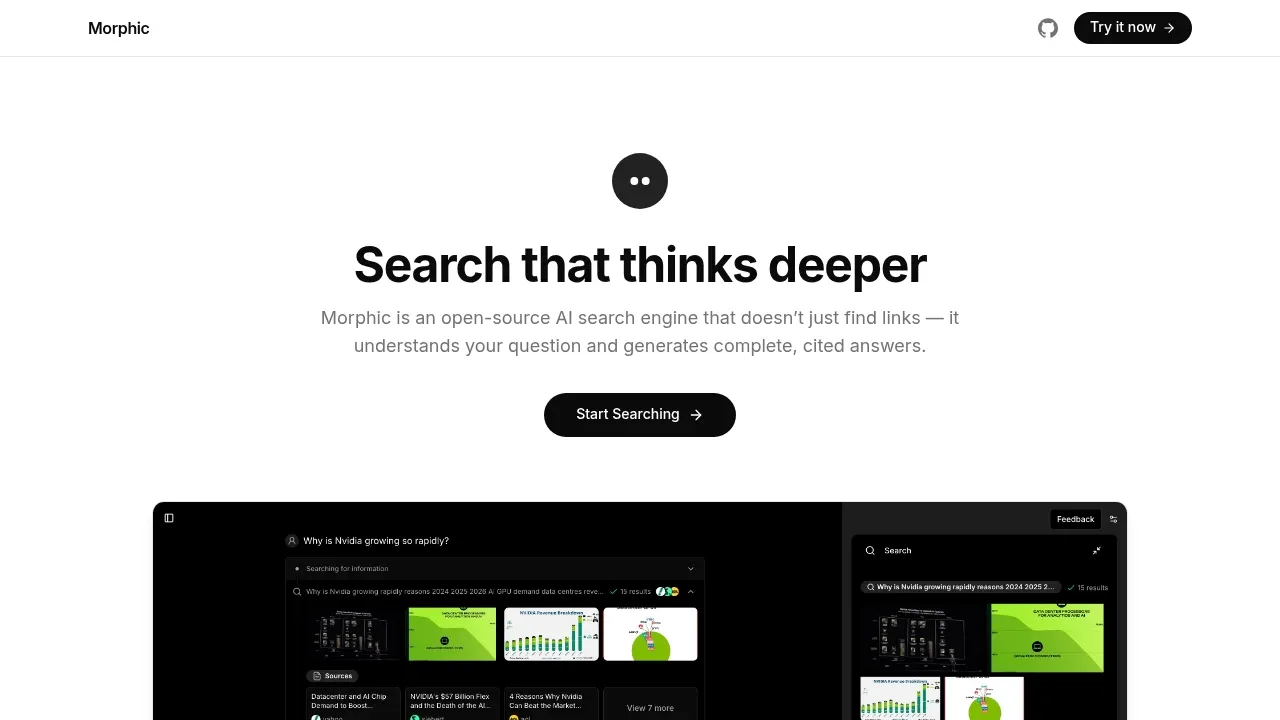
Morphic suits people who used Grok to look things up. It searches the web, reads the pages and answers with the sources cited, in a quick mode for fast lookups or an adaptive mode for multi-step research.
Self-host it with Docker, run the answers on a local model through Ollama, and use SearXNG as the search backend. The searches themselves still go out to the web.

An open-source desktop AI chat app for Windows, macOS and Linux that connects to local models through Ollama or LM Studio and to cloud providers.
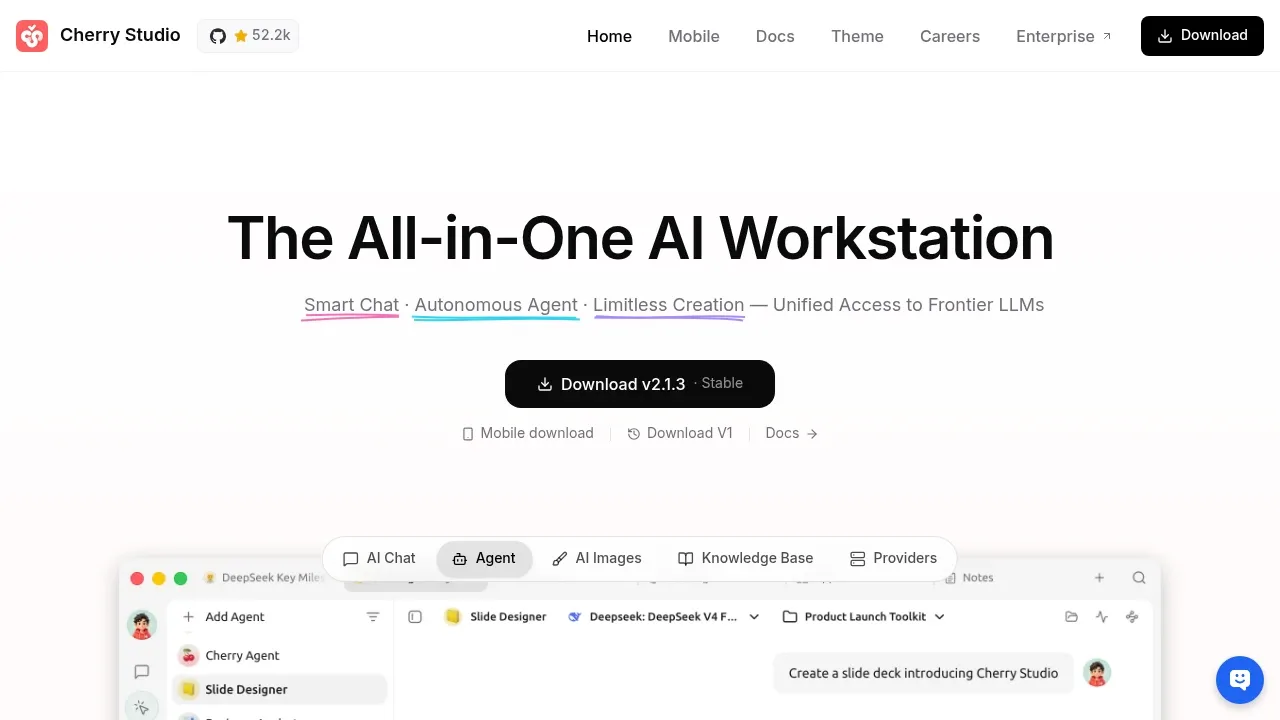
Cherry Studio suits the conversational part of Grok when you want several models in a desktop app. Hold simultaneous conversations, use reusable assistants and ask about files. It connects local backends or hosted providers; live X research is better served by the search-focused picks here.

A free desktop ChatGPT alternative runs local models offline on Windows, macOS and Linux, or connects to cloud models such as GPT and Claude.

A local LLM frontend that connects to local backends and cloud APIs, with lorebooks, image generation and text-to-speech.
SillyTavern is for people who want an AI character to talk to rather than an assistant. It is a locally installed frontend for character chats, with lorebooks for background, detailed prompt controls, and image generation and voice through integrations.
Connect it to a local backend such as KoboldCpp or to a cloud API.

A self-hosted AI companion with live voice chat and game integrations, available in browsers, macOS and Windows with local or cloud model connections.
For Grok, start with Open WebUI. Other alternatives include Scira, Vane (formerly Perplexica), Morphic and Cherry Studio.
People also replace
See all
Gemini alternatives



ChatGPT alternatives

DeepSeek alternatives
